

Back up new Notion database items to Google Sheets
Each item added to a Notion database is copied into a new Google Sheets row, giving you a spreadsheet record of the database that you can share, filter or keep as a backup.
 Notion
 Google Sheets
2 steps Setup ~5 min Used on 1.4k sites Data Ops Free to import
What this workflow does
A Notion database is easy to change, and that cuts both ways: an item edited or deleted by mistake is gone from view. Some people also need the data in a spreadsheet, for formulas, charts or a colleague without a Notion seat. This workflow keeps a running copy of new items in Google Sheets.
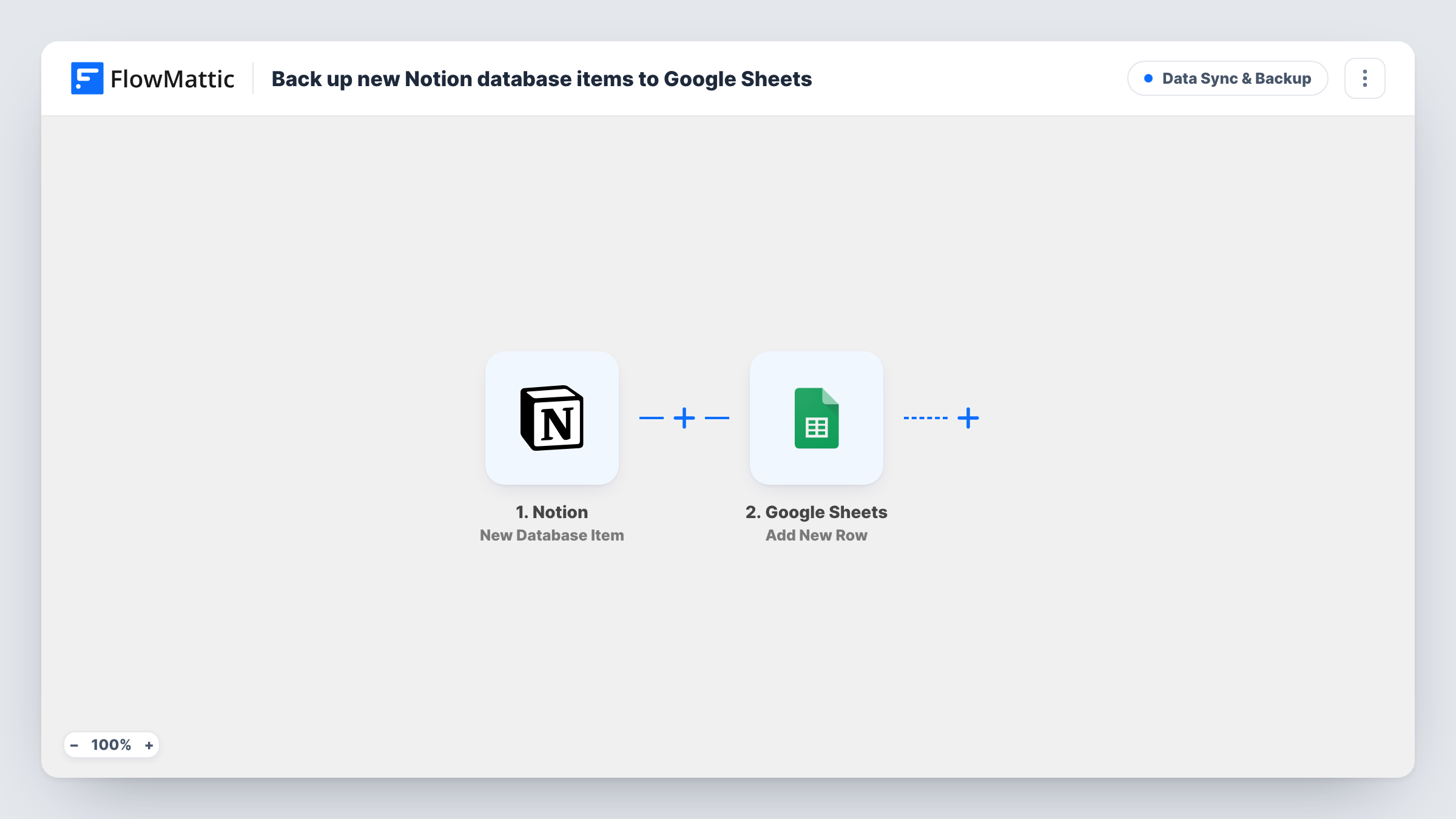
The Notion trigger watches a database and fires when a new item is added. FlowMattic passes the item's properties to Google Sheets, which adds a new row. After import you connect both accounts and map the Notion properties you want to keep into the row.
The row is a snapshot of the item as it was when it was added. Later edits in Notion don't update the sheet, and deleting the item in Notion leaves its row in place, which is what makes the sheet useful as a backup. Items created before you turned the workflow on are not copied.
Content calendar kept in Notion
Every new article idea in your Notion content database lands in a sheet, where you can count ideas per month or share the list with a freelancer.
Client requests logged in Notion
Your team records client requests as Notion items. The sheet keeps a dated copy of each request in case an item is later edited or removed.
Inventory or asset lists
Equipment added to a Notion asset database is copied to a sheet your finance team uses for totals and depreciation formulas.
How this workflow runs
What happens at each step once the workflow is on, and what you need before you import it.
 Notion New Database Item
Fires when a new item is added to the Notion database you connect. The item's properties are passed to the Google Sheets step for mapping.
- Google Sheets Add New Row
Adds a new row to a Google Sheets spreadsheet with the Notion item's details. Connect your Google account and map each property you want to keep into the row.
What you need
- FlowMatticCore
- Notion AccountAccount
- Google Sheets AccountAccount
After importing, map your own data. To keep the template universal, not every step is pre-filled. Open each step in the builder and connect your accounts and fields (channels, lists, sheets, recipients) before you switch the workflow on.
Make it yours
Changes worth making after you import it.
- Add a Filter after the trigger on a Notion status or select property if only some items should reach the sheet, for example only items marked Approved.
- Map the item's Notion URL into the row if the trigger returns it. The sheet then links back to each original item.
- Run a test after import by adding one item to the database, so FlowMattic captures its properties before you map them into the sheet.
Questions about this workflow
Does editing a Notion item update its row in Google Sheets?
No. The workflow only fires for new items, and it adds a row each time. Edits made in Notion afterwards are not copied.
Can I back up more than one Notion database to Google Sheets?
The trigger watches one database. Import the workflow again for each database you want to copy, and point each one at its own sheet or tab.
Will items already in the Notion database be copied?
No. Only items added after the workflow is turned on reach the sheet. Export the existing items from Notion once if you need them too.
More Data Sync & Backup workflows
Other ready-to-import templates from the same category.





Import this workflow into your WordPress site
Download the JSON, import it from the Workflows screen and connect your accounts. Every run stays on your server, with no per-task fees.
30-day money-back guarantee Unlimited workflows and runs Self-hosted