

Create a new board in Monday.com for every lead from Facebook Lead Ads
Give every lead from your Facebook lead ad forms a dedicated Monday.com board, so a team that runs one board per client has it ready the moment the enquiry lands.
 Facebook Lead Ads
 Monday.com
2 steps 3 downloads Setup ~5 min Used on 1.6k sites Free to import
What this workflow does
A board per client is a common way to run work in Monday.com, and many of those clients first reach you through a Facebook lead form. Setting up the board by hand after each enquiry adds a chore to every new lead. This workflow does that setup for you.
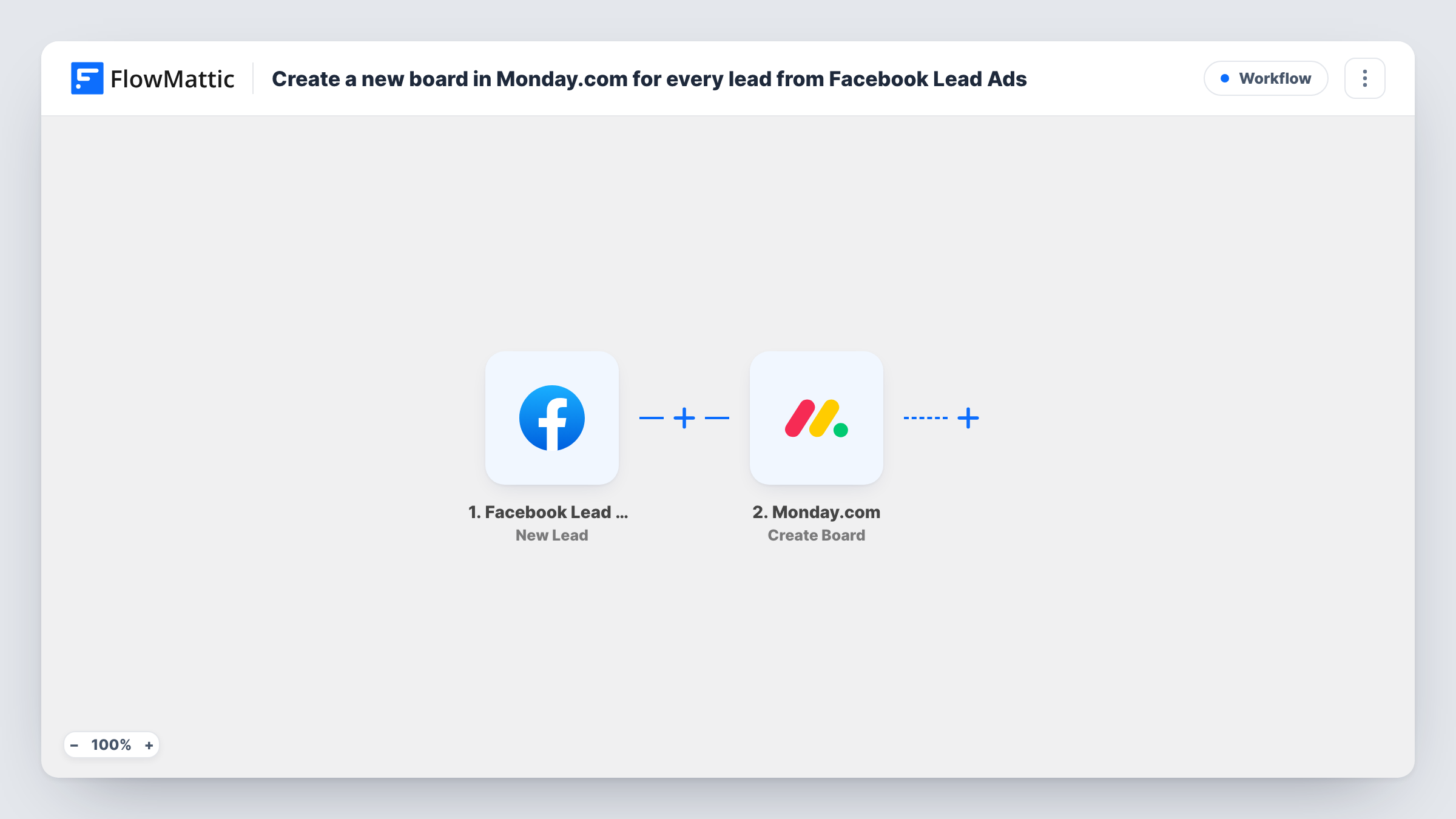
The Facebook Lead Ads trigger listens for new leads from your forms and hands the submitted answers to FlowMattic. Next, the Monday.com step runs Create Board. You map the lead's answers, such as their name or company, into the step so the board is easy to find later.
A board is the largest unit of work in Monday.com, holding its own groups, items and columns. That suits leads that turn into real projects, such as a renovation, a build or a retained client. For a steady stream of small enquiries, one item per lead on a shared board is lighter. You can trace each board back to the lead that created it in Task History.
Interior design firms opening a project per enquiry
A homeowner fills in a lead form about a kitchen redesign. A board for the project is waiting in Monday.com for the brief, measurements and supplier orders.
Marketing agencies onboarding new accounts
Each business that responds to an agency's lead ad gets a board, where the account manager plans the discovery call, the audit and the first campaign.
Event companies quoting custom events
Corporate event enquiries from Facebook each start a board, so venue options, catering and budget items for that client stay out of everyone else's work.
How this workflow runs
What happens at each step once the workflow is on, and what you need before you import it.
 Facebook Lead Ads New Lead
Runs for each new lead on your Facebook lead ad forms. The answers the person gave are passed on for use in the Monday.com step.
- Monday.com Create Board
Creates a new board in Monday.com for the lead. Connect your Monday.com account and map lead answers such as full name or company into the step.
What you need
- FlowMatticCore
- Facebook Lead Ads AccountAccount
- Monday.com AccountAccount
After importing, map your own data. To keep the template universal, not every step is pre-filled. Open each step in the builder and connect your accounts and fields (channels, lists, sheets, recipients) before you switch the workflow on.
Make it yours
Changes worth making after you import it.
- Add a Monday.com Create Item step after the board to store the lead's contact details as its first item, and confirm with a test lead that the item lands on the new board.
- Only some leads deserve a whole board. Put a Filter after the trigger that continues when an answer, such as project size, meets your threshold.
- Map the lead's company or town into the Create Board step as well, so boards for people with common names stay easy to tell apart.
Questions about this workflow
Does the new board copy one of my templates?
The template uses Monday.com's Create Board action and does not mention board templates. Check the options in the Monday.com step after import, and add groups or items with further steps if you need them.
Is a board per lead too much?
It depends on volume. For a few high-value leads a week it keeps each client tidy. For many leads a day, an item-based template is easier to manage.
Will the lead's details be stored on the board?
Only the answers you map into the Create Board step. Add a Create Item step if you want the email, phone and other answers saved on the board.
What do I connect when importing?
Your Facebook account with access to the lead ads, and a Monday.com account allowed to create boards in your workspace.
More Project Management workflows
Other ready-to-import templates from the same category.




Import this workflow into your WordPress site
Download the JSON, import it from the Workflows screen and connect your accounts. Every run stays on your server, with no per-task fees.
30-day money-back guarantee Unlimited workflows and runs Self-hosted