

Create a ClickUp task when a new vPlan card is created
Whenever someone creates a card in vPlan, this workflow creates a matching task in ClickUp, so work planned in vPlan also shows up where the team tracks its day-to-day tasks.
 vPlan
vPlan
 ClickUp
2 steps Setup ~5 min Used on 1.4k sites Productivity Free to import
What this workflow does
Some teams plan capacity and schedules in vPlan while the people doing the work live in ClickUp. When a new card is planned, someone has to copy it into ClickUp, and copies made by hand drift or get forgotten. This workflow makes the ClickUp task for you.
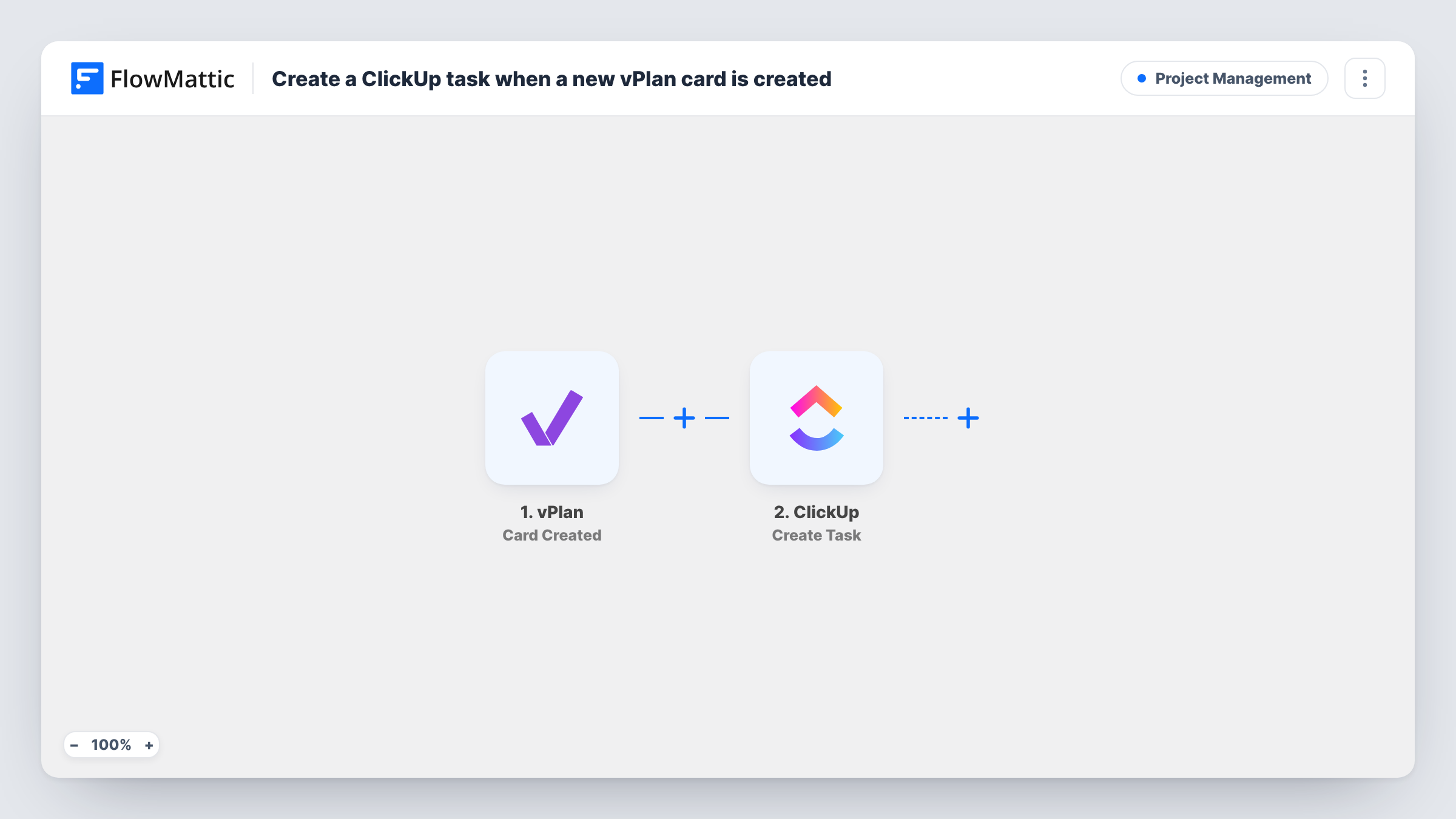
The vPlan Card Created trigger fires when a card is created in your vPlan account. FlowMattic passes the card's data to ClickUp, where the Create Task action adds a new task to the list you choose. You map card values into the task, such as the card's name as the task name and its description as the task description.
Data moves from vPlan to ClickUp once, at the moment the card appears. Later edits to the card in vPlan don't change the ClickUp task, and work done in ClickUp doesn't flow back to vPlan. Each run is listed in Task History with what was sent to ClickUp.
Production planning to shop-floor tasks
A planner schedules a new job as a vPlan card, and the crew sees it as a ClickUp task in the list they work from each morning.
Agency resourcing to delivery
An operations lead books a project slot in vPlan, and the delivery team gets a ClickUp task to start preparing for it.
Keeping one task list for freelancers
Freelancers who only have ClickUp access see every newly planned vPlan card as a task, without a vPlan login.
How this workflow runs
What happens at each step once the workflow is on, and what you need before you import it.
 vPlan Card Created
Fires when a card is created in vPlan. The card's details, such as its name and description, are passed on for mapping into the ClickUp task.
- ClickUp Create Task
Creates a task in ClickUp from the vPlan card. Choose where the task goes, map the card name and other values into it, and connect your ClickUp account on import.
What you need
- FlowMatticCore
- vPlan AccountAccount
- ClickUp AccountAccount
After importing, map your own data. To keep the template universal, not every step is pre-filled. Open each step in the builder and connect your accounts and fields (channels, lists, sheets, recipients) before you switch the workflow on.
Make it yours
Changes worth making after you import it.
- Create a test card in vPlan after import so FlowMattic captures its fields, then map them into the ClickUp task before you turn the workflow on.
- Put a link or the vPlan card ID in the ClickUp task description, so anyone working the task can find the original card.
- Add a Filter after the trigger if only some cards belong in ClickUp, for example cards whose name or collection matches one team's work.
Questions about this workflow
Does editing a vPlan card update the ClickUp task?
No. This workflow uses vPlan's Card Created trigger, so it runs once when the card is made. vPlan also has a Card Updated trigger you could build a second workflow around.
Will vPlan cards created before import become ClickUp tasks?
No. Runs begin with the first vPlan card made after you switch the workflow on. Older cards stay in vPlan unless you add them to ClickUp yourself.
Can the ClickUp task close when the vPlan card is deleted?
Not in this workflow. It only reacts to new cards. vPlan has a Card Deleted trigger, but a second workflow built on it would also need to know which ClickUp task belongs to each card, such as a task ID you stored when it was created.
What do I need on the ClickUp side for vPlan cards?
A ClickUp account connected to FlowMattic and a list where the new tasks should go. You pick the destination when you set up the Create Task step.
More Project Management workflows
Other ready-to-import templates from the same category.





Import this workflow into your WordPress site
Download the JSON, import it from the Workflows screen and connect your accounts. Every run stays on your server, with no per-task fees.
30-day money-back guarantee Unlimited workflows and runs Self-hosted