

Aggregate items from multiple RSS feeds into a single RSS feed
Watch several RSS feeds at once and copy each new item into one RSS feed powered by FlowMattic, so readers and tools can follow every source from a single feed address.
 RSS Feed
2 steps 11 downloads Setup ~5 min Used on 370 sites Data Ops Free to import
What this workflow does
Following a topic often means following many sources: industry blogs, news sites, a competitor's changelog. Subscribing to each one separately works for one person, but a team, a newsletter tool or a dashboard usually wants one feed. This workflow combines the sources into a feed you publish from your own WordPress site.
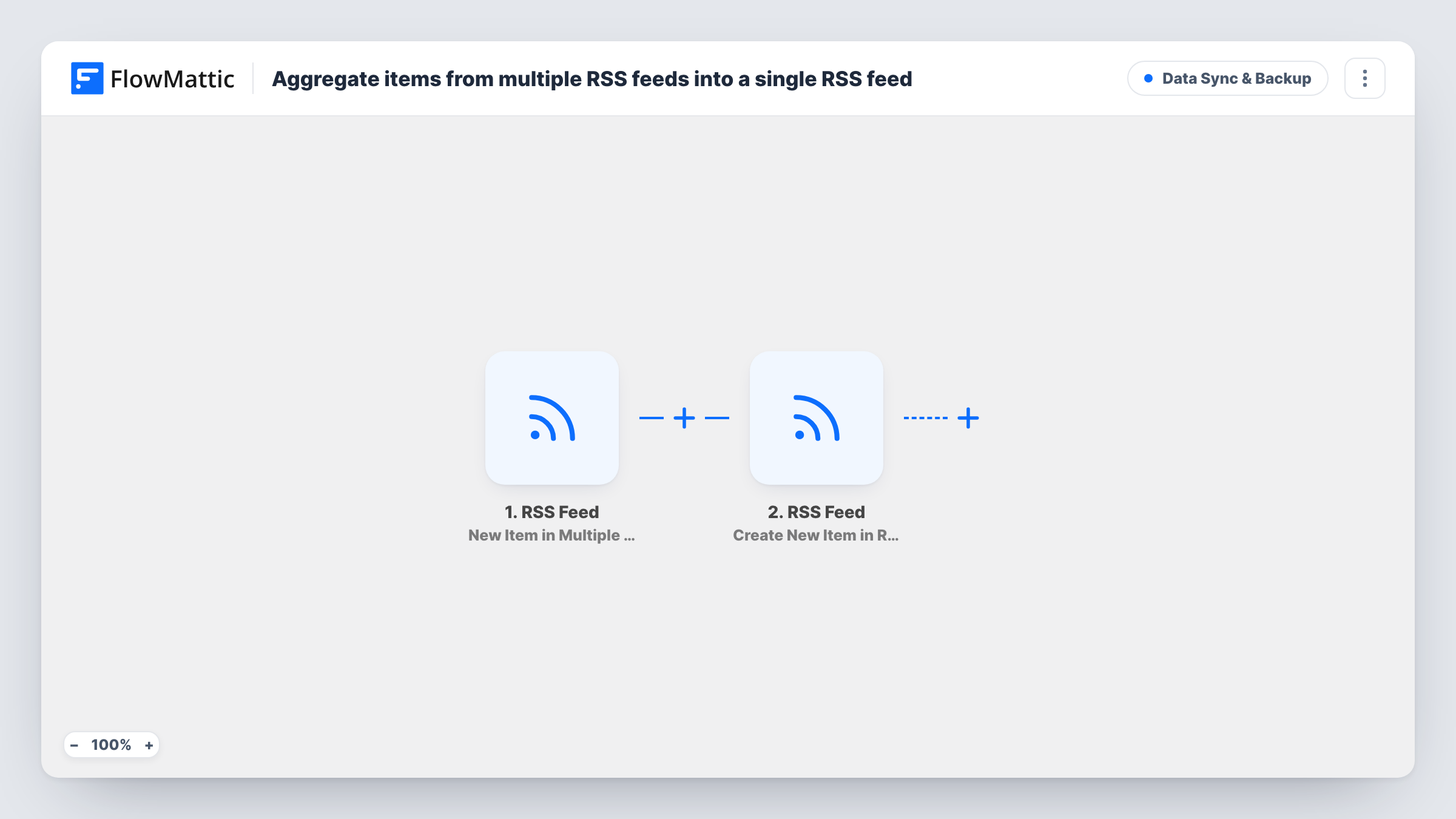
The first step uses the RSS Feed trigger New Item in Multiple RSS Feeds. You give it the feed addresses to watch, and each new item from any of them starts a run with that item's details, such as its title, link and summary.
The second step, Create New Item in RSS Feed, adds an entry to a custom RSS feed that FlowMattic serves. Both steps ship unconfigured. After import, add your source feeds to the trigger, then map the item's title, link and description into the new entry. Run a test and open your feed to check the result.
Items are copied as they appear, one entry each. The workflow does not filter by keyword or remove duplicates, so a story published in two of your sources appears twice. Task History lists each item copied.
One industry news feed for the team
A marketing team combines five trade blogs into a single feed that everyone adds to their reader, instead of each person managing the same subscriptions.
Source feed for an email digest
A newsletter editor points an RSS-to-email tool at the combined feed, so one address supplies posts from several partner sites.
Brand blogs under one feed
A company with separate blogs for each product publishes one feed that collects new posts from all of them for its press page.
How this workflow runs
What happens at each step once the workflow is on, and what you need before you import it.
 RSS Feed New Item in Multiple RSS Feeds
Checks the RSS feeds you list and starts a run for each new item found in any of them. The item's details become available to map. Add the feed URLs you want to follow after import.
- RSS Feed Create New Item in RSS Feed
Adds an entry to the custom RSS feed FlowMattic powers on your site. The step ships unmapped: map the source item's title, link and description, then open the feed to confirm the entry appears.
What you need
- FlowMatticCore
After importing, map your own data. To keep the template universal, not every step is pre-filled. Open each step in the builder and connect your accounts and fields (channels, lists, sheets, recipients) before you switch the workflow on.
Make it yours
Changes worth making after you import it.
- Put the source site's name at the start of each entry title, so readers of the combined feed can tell where an item came from.
- Add a Filter between the RSS Feed trigger and the Create New Item step that continues only when the title contains a keyword you care about. The keyword is yours to choose.
- Map the original item link into the entry, so readers of your feed click through to the source article rather than to your site.
Questions about this workflow
How many RSS feeds can the trigger watch?
The trigger is built for a list of feeds rather than just one. Add each source you want in the trigger settings after import and run a test to confirm it picks up items from all of them.
Will older posts from my RSS sources be copied into the new feed?
The workflow is built around new items, so expect entries for posts that appear after it is running. Check your feed after the first runs to see what it collected.
Does the combined feed remove duplicate stories?
No. Every new item from every source becomes its own entry. If two sources publish the same story, both copies appear in the combined feed.
More Data Sync & Backup workflows
Other ready-to-import templates from the same category.






Import this workflow into your WordPress site
Download the JSON, import it from the Workflows screen and connect your accounts. Every run stays on your server, with no per-task fees.
30-day money-back guarantee Unlimited workflows and runs Self-hosted