

When the multi-currency account is credited in Wise, add the data to Google Spreadsheet
Every time money is credited to your Wise multi-currency account, this workflow writes the credit to a new Google Sheets row, building a running record of incoming funds you can sort, share and reconcile.
 Wise
 Google Sheets
2 steps Setup ~5 min Used on 1.8k sites Free to import
What this workflow does
Wise holds balances in several currencies, and each incoming payment lands in one of them. When you reconcile invoices or prepare figures for an accountant, you need those credits in one table. Downloading statements and pasting them into a spreadsheet takes time each month. This workflow adds each credit to a sheet as it happens.
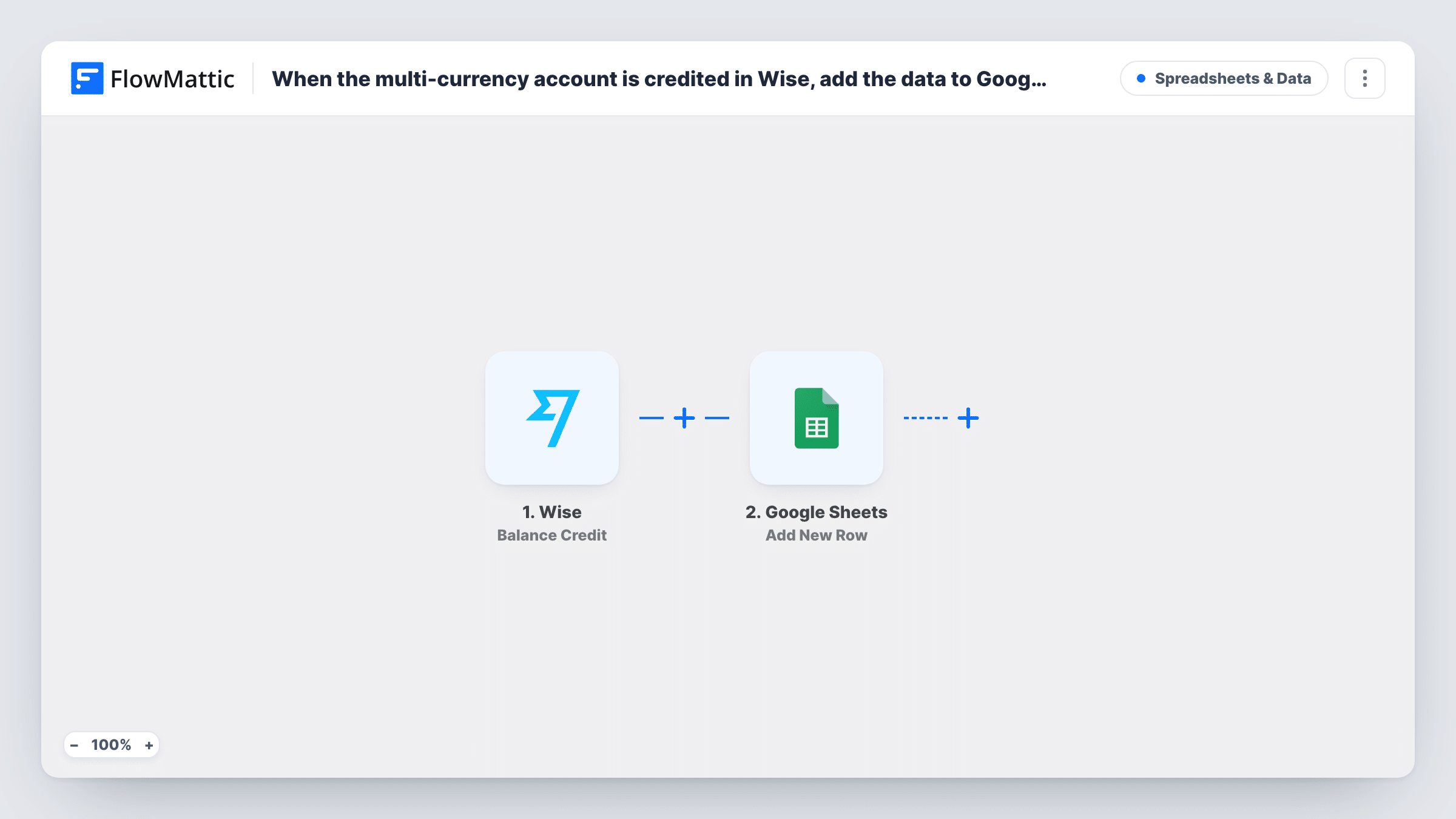
The Wise trigger listens for the Balance Credit event on your account. The details Wise sends with it, such as the amount and currency, become data in FlowMattic. The Add New Row step in Google Sheets then writes those values into the columns you map.
The workflow only reads the event and writes to the sheet. It does not move money or change anything in Wise. Because the sheet holds payment data, share it only with the people who need it. Task History records each credit that started a run, which helps when a row looks wrong.
Freelancer paid in several currencies
Clients pay you in EUR, USD and GBP into Wise. Each credit becomes a sheet row, so you can match it to the invoice it settles.
Bookkeeping hand-off
Share the sheet with your bookkeeper. They see every incoming credit with its currency and amount without needing access to your Wise account.
Tracking payouts from marketplaces
Marketplace or platform payouts arrive in your Wise balance. The sheet gives you a dated list of each one to check against the platform's reports.
How this workflow runs
What happens at each step once the workflow is on, and what you need before you import it.
 Wise Balance Credit
Runs when your Wise multi-currency account receives a credit to one of its balances. The credit details Wise sends, such as amount and currency, are passed on for mapping.
- Google Sheets Add New Row
Writes the Wise credit to a new row in the spreadsheet you choose. Map the amount, currency and date to columns and connect your Google account.
What you need
- FlowMatticCore
- Wise AccountAccount
- Google Sheets AccountAccount
After importing, map your own data. To keep the template universal, not every step is pre-filled. Open each step in the builder and connect your accounts and fields (channels, lists, sheets, recipients) before you switch the workflow on.
Make it yours
Changes worth making after you import it.
- Set up the sheet's header row before import, with a column for each value you want, so the Google Sheets step can show those columns for mapping.
- Add a Filter after the trigger that continues only for one currency if you want a separate sheet per currency, and copy the workflow for each.
- Wait for a real credit, or send yourself a small one, after import so FlowMattic captures the Wise data before you map the columns.
Questions about this workflow
Does the workflow record money leaving my Wise account?
No. It runs on the Balance Credit event only, so transfers out and card payments are not added to the sheet.
Are past Wise credits added to Google Sheets?
No. Only credits received after the workflow is switched on are logged. Use a Wise statement export for earlier transactions.
Can the workflow convert the Wise amounts into one currency?
Not as imported. It writes the values Wise sends. You can add a spreadsheet formula in another column to convert amounts using a rate you choose.
Does FlowMattic get access to move money in Wise?
This template only listens for credits and writes a row. It has no step that sends or converts money.
More Spreadsheets & Data workflows
Other ready-to-import templates from the same category.




Import this workflow into your WordPress site
Download the JSON, import it from the Workflows screen and connect your accounts. Every run stays on your server, with no per-task fees.
30-day money-back guarantee Unlimited workflows and runs Self-hosted