

When a form is submitted via MightyForms, validate the user's email address using Emailable
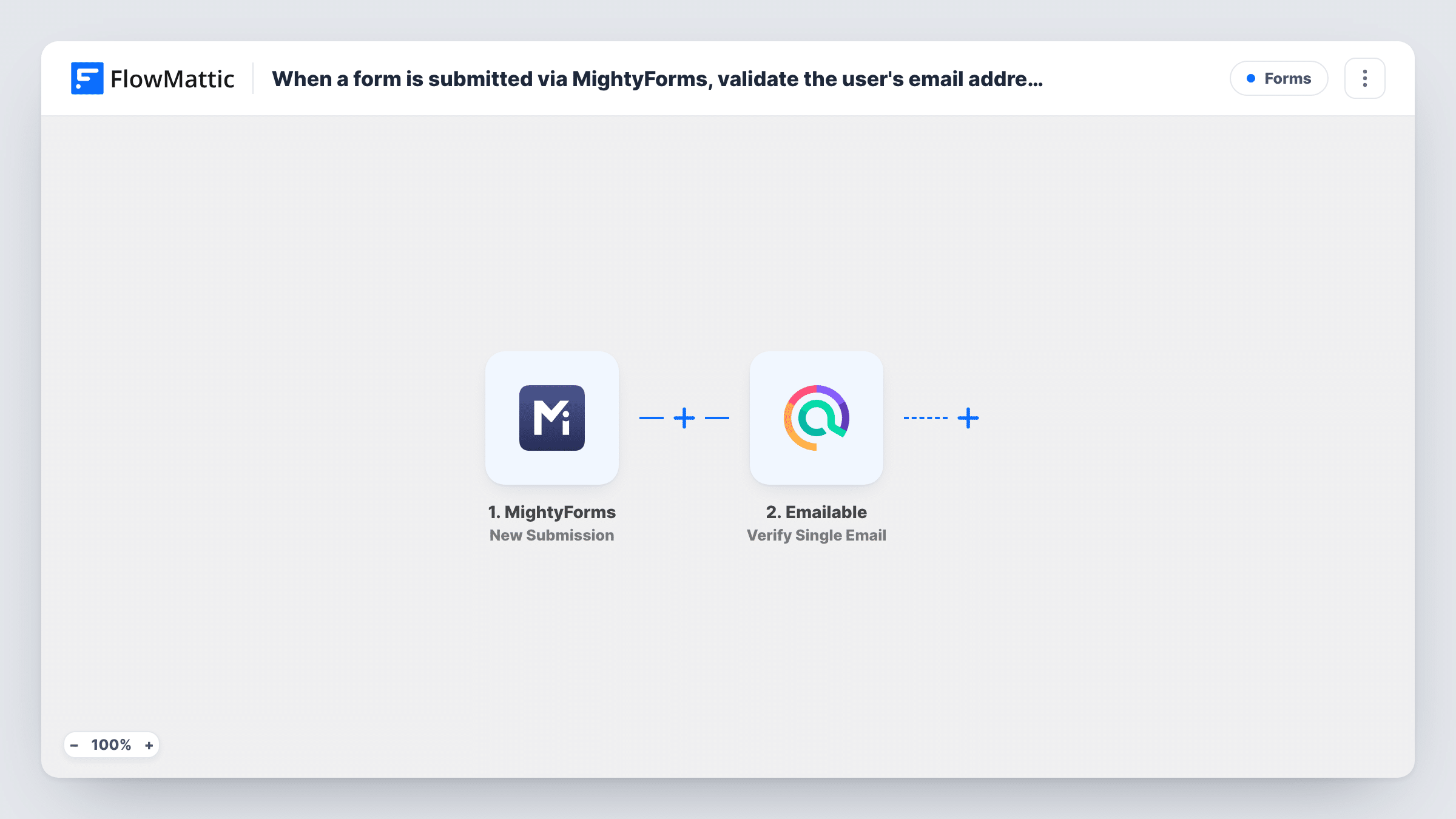
Each MightyForms submission has its email address checked by Emailable’s Verify Single Email action. The result is returned to FlowMattic, ready for the step you add next to store or act on it.
 MightyForms
 Emailable
2 steps Setup ~5 min Used on 1.6k sites Free to import
What this workflow does
Forms collect mistyped and made-up email addresses, and you usually find out only when a message bounces. Checking the address when it arrives tells you sooner. This workflow sends the address from each MightyForms entry to Emailable for a check.
The MightyForms trigger runs on each new submission and passes the answers to FlowMattic. The Emailable step then verifies the email field you map into it, using Verify Single Email. Emailable's response comes back to FlowMattic and can be used by any later step.
The template ends there. It does not store the result, block the entry or remove anyone from a list, so on its own you see the outcome only in Task History. Most people add a step after Emailable: a Google Sheets row with the result, a CRM step behind a Filter that lets only passing addresses through, or an email to the team.
Checking leads before they reach your CRM
Add a Filter and a CRM step after Emailable, so MightyForms leads with a failing address never reach your sales pipeline.
Recording verification results for sign-ups
Add a Google Sheets step that saves each MightyForms entry with Emailable's result beside it, so you can review addresses before a mailing.
Testing a form for junk entries
Run the workflow for a week and read Task History to see how many submitted addresses fail the check, which tells you whether the form needs extra protection.
How this workflow runs
What happens at each step once the workflow is on, and what you need before you import it.
 MightyForms New Submission
Starts on every new MightyForms entry. The email answer and the other fields from that entry move on to the Emailable check.
- Emailable Verify Single Email
Checks the submitted address with Emailable's Verify Single Email action. Map the MightyForms email field here and connect your Emailable account. Later steps you add can read Emailable's reply.
What you need
- FlowMatticCore
- MightyForms AccountAccount
- Emailable AccountAccount
After importing, map your own data. To keep the template universal, not every step is pre-filled. Open each step in the builder and connect your accounts and fields (channels, lists, sheets, recipients) before you switch the workflow on.
Make it yours
Changes worth making after you import it.
- Add a Google Sheets step after Emailable and map the verification result into a column, so the outcome is stored somewhere other than Task History.
- To act only on good addresses, add a Filter after Emailable that checks the result value your test run shows, followed by your CRM or mailing list step.
- Submit one entry with your real address and one with a fake one after import, so both kinds of Emailable response are captured for mapping.
Questions about this workflow
Where can I see the Emailable result for a MightyForms entry?
As imported, only in Task History, on the Emailable step of each run. Add a Google Sheets, CRM or email step after it to store or send the result.
Does this stop invalid addresses from being submitted in MightyForms?
No. The check runs in FlowMattic after the form is submitted, so MightyForms accepts the entry as usual and the visitor sees your normal confirmation.
Do I need an Emailable account for this template?
Yes. The verification runs through your Emailable account, which you connect in FlowMattic. Check your Emailable plan for how many checks it covers.
What if the MightyForms form has no email field?
Then there is nothing for Emailable to check. Add an email field to the form and map it in the Emailable step before switching the workflow on.
More Forms workflows
Other ready-to-import templates from the same category.







Import this workflow into your WordPress site
Download the JSON, import it from the Workflows screen and connect your accounts. Every run stays on your server, with no per-task fees.
30-day money-back guarantee Unlimited workflows and runs Self-hosted