

Notify the design team in Discord when a VNTANA product needs approval
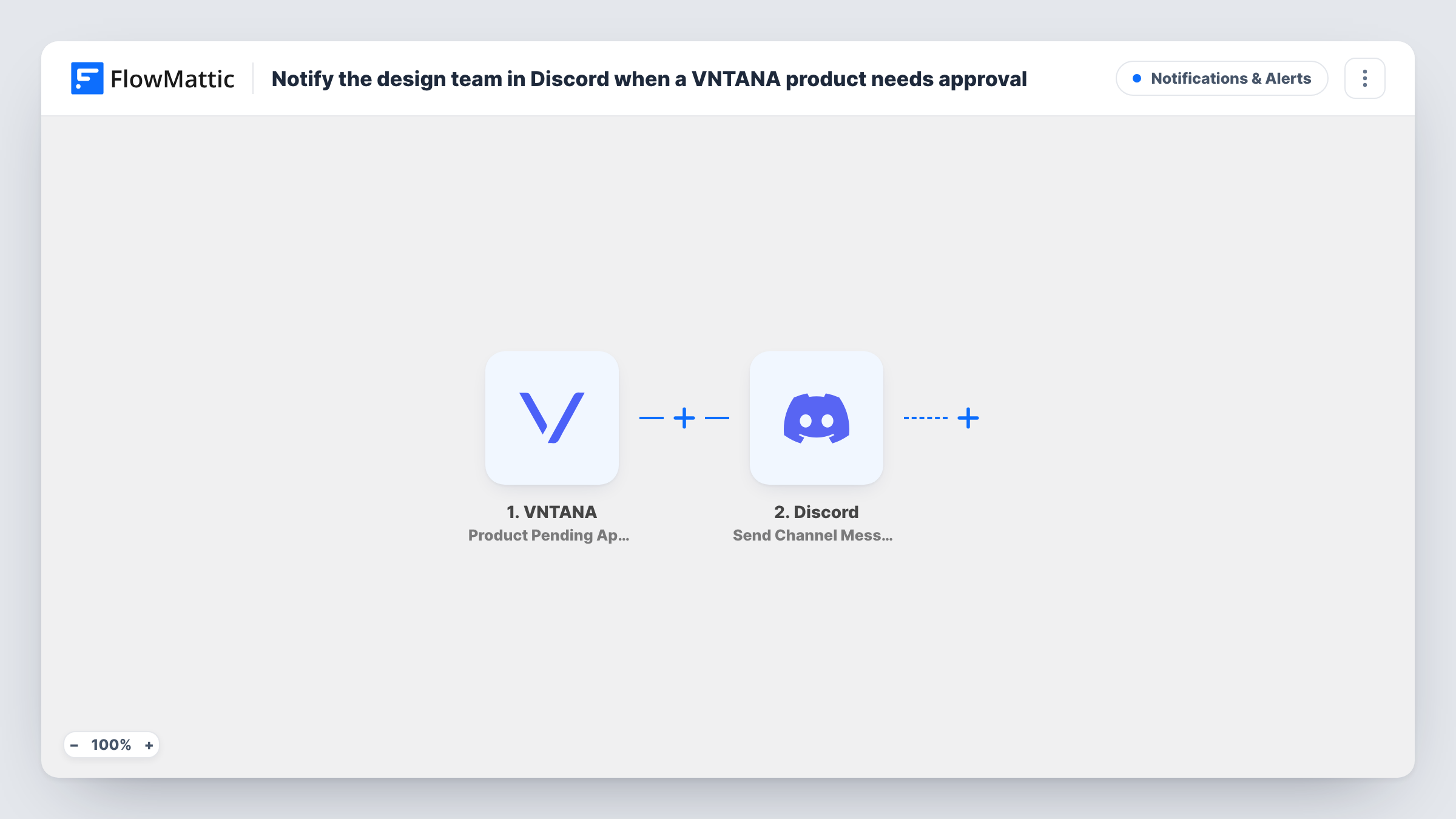
When a VNTANA product moves to pending approval, this workflow posts a message in your design team’s Discord channel, so the people who sign off on 3D assets know there is one waiting for them.
 VNTANA
 Discord
2 steps Setup ~5 min Used on 3.0k sites Free to import
What this workflow does
A 3D product asset that sits in an approval queue holds up everything after it: publishing, the product page, the launch. Designers often learn about pending items only when they log in to VNTANA. This workflow tells them in Discord, where they already talk about the work.
The VNTANA trigger fires on the Product Pending Approval event and passes the product data to FlowMattic. The Send Channel Message step in Discord then posts to the channel you pick. You write the text and add product details from VNTANA, such as the product name.
The workflow only sends the message. Approving or rejecting the product still happens in VNTANA. Every pending product creates one post, and each post is recorded in Task History along with the product data that produced it.
Design review channel for a furniture brand
New 3D chair and sofa models reach pending approval in VNTANA. The design lead sees each one in the #review channel and opens it to sign off.
Agency producing assets for clients
Your 3D artists upload client models to VNTANA. The account team's Discord channel shows which products are waiting for review.
Launch week with many uploads
Dozens of products go through VNTANA before a launch. Each pending one gets its own Discord post, so reviewers can work down the channel.
How this workflow runs
What happens at each step once the workflow is on, and what you need before you import it.
 VNTANA Product Pending Approval
Starts when a product in VNTANA reaches pending approval. The product data that VNTANA sends with the event can be used in the Discord message.
- Discord Send Channel Message
Posts a message to the Discord channel you set. Connect Discord, choose the channel, and write the text with VNTANA product values such as the product name.
What you need
- FlowMatticCore
- VNTANA AccountAccount
- Discord AccountAccount
After importing, map your own data. To keep the template universal, not every step is pre-filled. Open each step in the builder and connect your accounts and fields (channels, lists, sheets, recipients) before you switch the workflow on.
Make it yours
Changes worth making after you import it.
- Mention the design team's Discord role in the message text so members get a notification for each pending product.
- Send a product to pending approval in VNTANA after import, so FlowMattic captures sample data before you write the message.
- Build a second workflow on VNTANA's Product Completed event that posts to the same channel, so the team also sees when a product is done.
Questions about this workflow
Can the design team approve the VNTANA product from Discord?
No. The message is a notice. Approval still happens in VNTANA.
Does every VNTANA product pending approval create a Discord post?
Yes. Each Product Pending Approval event posts one message. Add a Filter after the trigger if you only want some products announced.
Do I need a Discord server where I can manage channels?
You need to connect Discord to FlowMattic and be able to post to the channel you choose. Test the step to confirm the message appears.
More Notifications & Alerts workflows
Other ready-to-import templates from the same category.




Import this workflow into your WordPress site
Download the JSON, import it from the Workflows screen and connect your accounts. Every run stays on your server, with no per-task fees.
30-day money-back guarantee Unlimited workflows and runs Self-hosted