

Notify the hiring team in Discord when a Greenhouse offer is approved
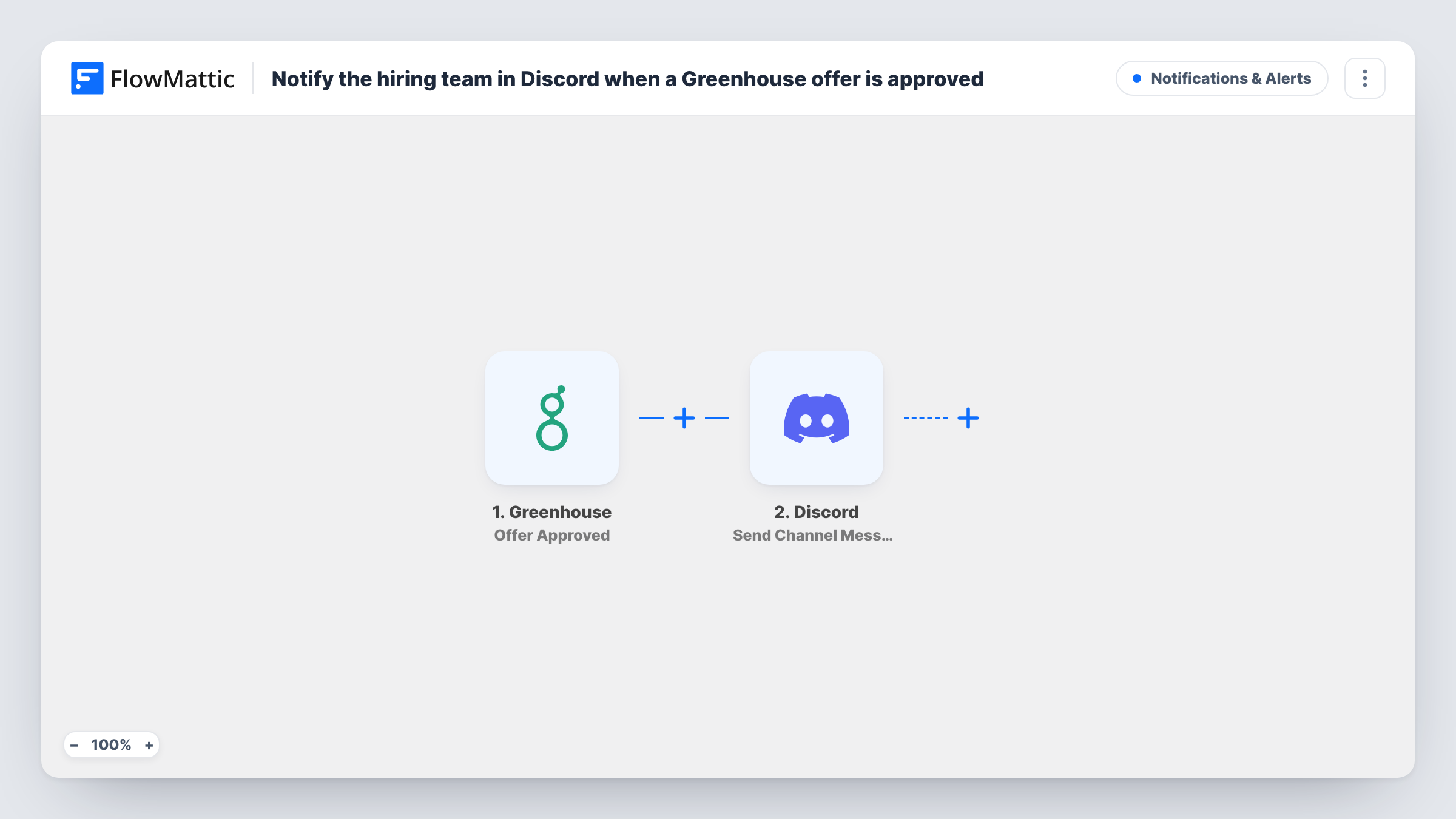
When an offer is approved in Greenhouse, this workflow posts a message to your hiring team’s Discord channel, so recruiters and managers learn about the approval without checking Greenhouse.
 Greenhouse
 Discord
2 steps Setup ~5 min Used on 1.4k sites Free to import
What this workflow does
An approved offer is the point where several people need to act. The recruiter prepares to extend it, the hiring manager plans the start, and others get ready for onboarding. If the approval only shows inside Greenhouse, someone has to pass the news on. This workflow posts it to the Discord channel your hiring team already uses.
The Greenhouse trigger fires on Offer Approved and passes that offer's details to FlowMattic. The next step, Discord Send Channel Message, posts to a channel on your server. You write the message and choose which offer details to map into it.
Offer data can be sensitive, so think about who can read the channel before you add salary or personal details to the message. Every approved offer posts once, since the template has no Filter. Approve a test offer after import to see what Greenhouse sends and how the post reads.
Private hiring channel
A Discord channel limited to recruiters and hiring managers gets a post for each approved offer, so everyone knows which candidates are ready to receive one.
Onboarding preparation
People who set up equipment and accounts follow the channel and start their checklist when an approval appears.
Small teams running on Discord
A startup that talks mostly in Discord keeps hiring news there instead of asking founders to log in to Greenhouse.
How this workflow runs
What happens at each step once the workflow is on, and what you need before you import it.
 Greenhouse Offer Approved
Starts the workflow when an offer is approved in your connected Greenhouse account. The offer's details become data for the Discord message.
- Discord Send Channel Message
Posts your message to a Discord channel. Write the text, map in details from the approved offer, and send a test to check the post and the channel it lands in.
What you need
- FlowMatticCore
- Greenhouse AccountAccount
- Discord AccountAccount
After importing, map your own data. To keep the template universal, not every step is pre-filled. Open each step in the builder and connect your accounts and fields (channels, lists, sheets, recipients) before you switch the workflow on.
Make it yours
Changes worth making after you import it.
- Keep compensation and personal details out of the message unless the channel is restricted to people who should see them.
- Add a Filter after the trigger if only some offers should be announced, for example those for one department, based on a value Greenhouse sends.
- Add a second action after Discord, such as a row in Google Sheets, if you also want a running log of approved offers.
Questions about this workflow
Does this post when the candidate accepts the offer?
No. The trigger is Offer Approved, which is the internal approval in Greenhouse. It does not react to the candidate's answer.
Which offer details can go into the Discord message?
Whatever Greenhouse sends with the Offer Approved event. Approve a test offer after import to see the available values, then map the ones you want.
Does the workflow change anything in Greenhouse?
No. It only reads the approval and posts to Discord. The offer and candidate records stay as they are.
More Notifications & Alerts workflows
Other ready-to-import templates from the same category.





Import this workflow into your WordPress site
Download the JSON, import it from the Workflows screen and connect your accounts. Every run stays on your server, with no per-task fees.
30-day money-back guarantee Unlimited workflows and runs Self-hosted