

Send a Slack notification when a learner registers for a Synap Academy exam
When a learner registers for an exam in Synap Academy, this workflow posts a message in your chosen Slack channel, so the people running exams know who has signed up without checking Synap.
 Synap Academy
 Slack
2 steps Setup ~5 min Used on 2.9k sites Free to import
What this workflow does
Exam registrations matter to more than one person. An invigilator needs to plan, a trainer may want to check the learner is ready, and an administrator might need to approve a seat. If the only record is inside Synap Academy, someone has to keep looking. This workflow brings each registration into Slack.
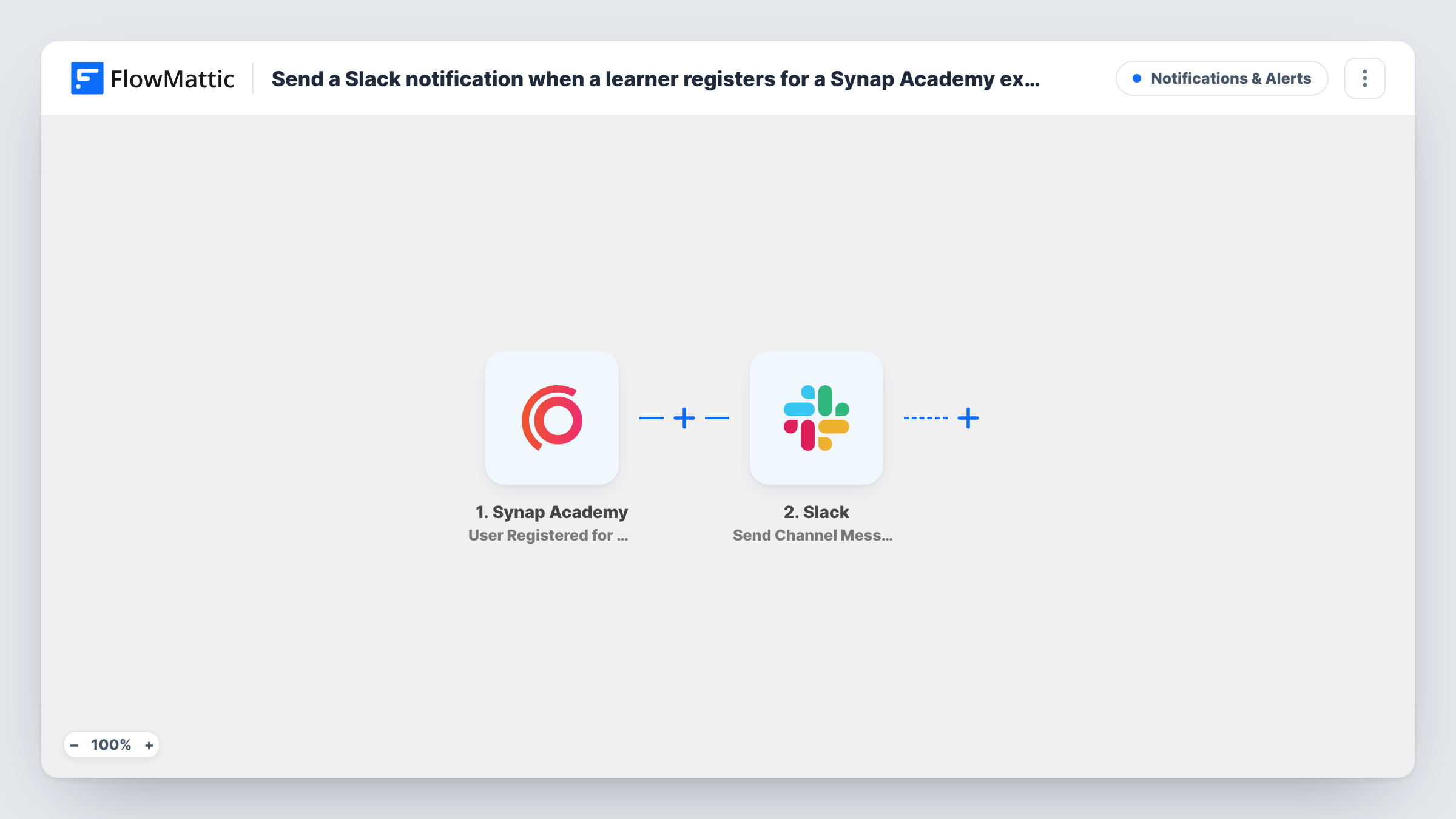
The Synap Academy trigger fires when a user registers for an exam. FlowMattic passes the registration data to Slack, which posts a message in the channel you choose. You write the message and place details from the registration in it, such as the learner's name and the exam they signed up for.
Each registration produces one Slack message, and nothing is changed in Synap Academy. Registrations made before you turn the workflow on are not posted. Task History lists every run with the data Synap Academy sent.
Planning exam rooms and invigilators
Your exams team watches one Slack channel and sees registrations add up, which helps when booking rooms and staff for the session.
Trainer check-ins before the exam
A trainer sees a learner from their cohort register and messages them about revision material ahead of the date.
Certification programmes for staff
HR follows a Slack channel showing which employees have registered for a certification exam in Synap Academy.
How this workflow runs
What happens at each step once the workflow is on, and what you need before you import it.
 Synap Academy User Registered for Exam
Fires when a learner registers for an exam in your connected Synap Academy account. The registration data is passed on for use in the Slack message.
- Slack Send Channel Message
Posts a message in the Slack channel you pick about the new exam registration. Connect your workspace, write the text and map in the learner and exam details.
What you need
- FlowMatticCore
- Synap Academy AccountAccount
- Slack AccountAccount
After importing, map your own data. To keep the template universal, not every step is pre-filled. Open each step in the builder and connect your accounts and fields (channels, lists, sheets, recipients) before you switch the workflow on.
Make it yours
Changes worth making after you import it.
- Use a Router to send registrations for different exams to different Slack channels, with a condition on the exam name for each route.
- Register a test learner for an exam after import so FlowMattic captures the real fields, then build the Slack message from them.
- Add a Google Sheets step after Slack to keep a list of registrations you can sort by exam and date.
Questions about this workflow
Does every Synap Academy exam registration post to Slack?
Yes, as imported. Every registration in your connected account starts a run. Add a Filter after the trigger to limit it to certain exams.
Can the Slack message mention who registered for the Synap exam?
Yes. Map the learner's details from the registration into the message text when you set up the Slack step.
Does this register learners in Synap Academy?
No. It reacts to registrations that already happened in Synap Academy and only posts to Slack.
More Notifications & Alerts workflows
Other ready-to-import templates from the same category.




Import this workflow into your WordPress site
Download the JSON, import it from the Workflows screen and connect your accounts. Every run stays on your server, with no per-task fees.
30-day money-back guarantee Unlimited workflows and runs Self-hosted