

When a customer accepts a referral, email them an invite link to an exclusive Telegram group
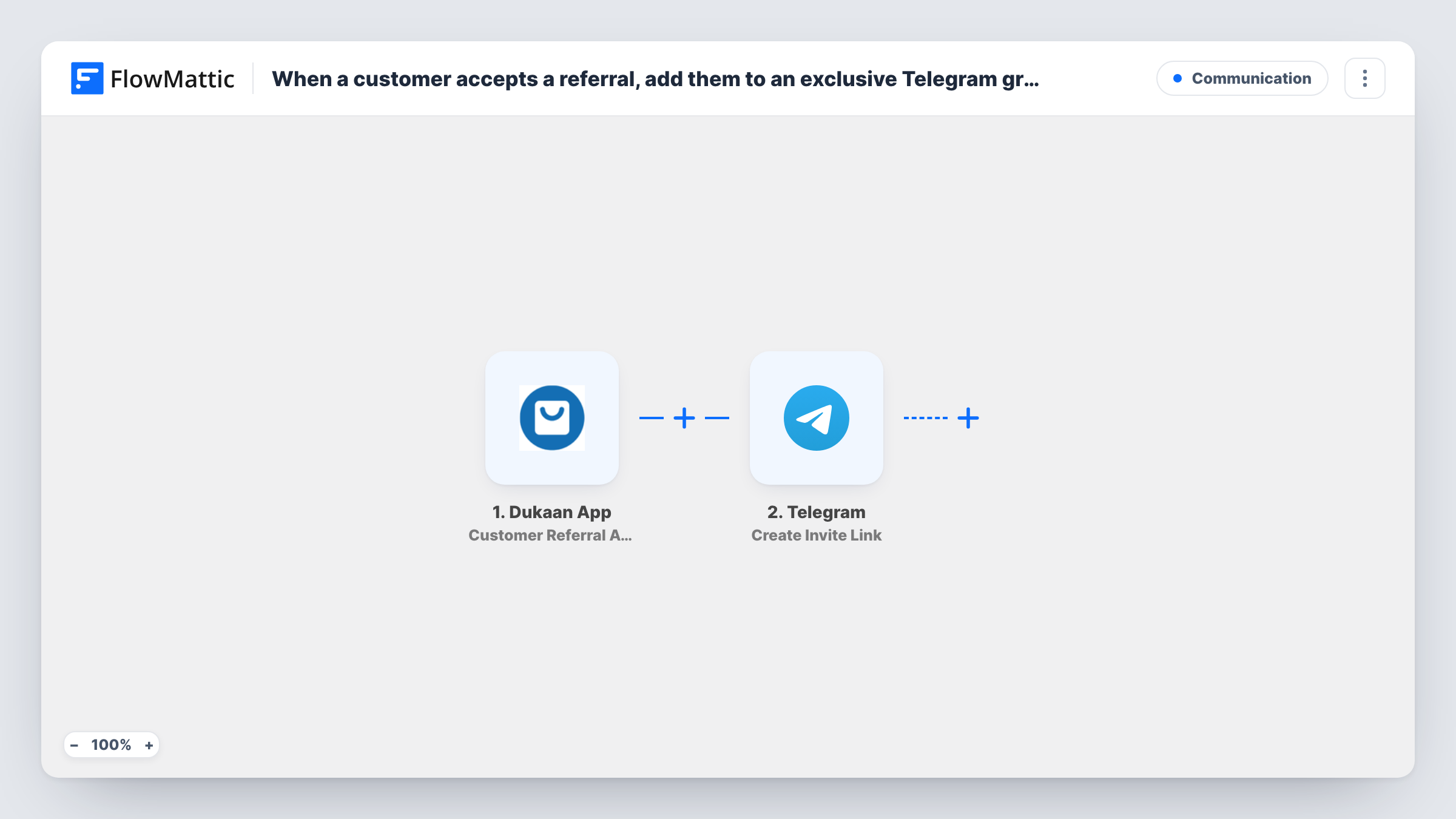
When a Dukaan customer accepts a referral, FlowMattic creates an invite link for your Telegram group and emails it to them, so referred shoppers can join your private community.
 Dukaan App
 Telegram
 Email
3 steps Setup ~5 min Used on 3.3k sites Free to import
What this workflow does
A private Telegram group is a simple perk for customers who arrive through a friend's referral: early access to drops, members-only offers, or a place to ask questions. Handing out the link by hand means it gets forgotten. This workflow sends it as soon as the referral is accepted.
The Dukaan trigger fires when a customer accepts a referral through a referral link, and passes the customer's details on. Step two uses Telegram to create an invite link for a chat. You tell that step which group the link is for after import, and your Telegram bot needs permission in the group to create invite links.
The last step sends an email with FlowMattic's Email module, using WordPress mail or your own SMTP account. The subject and message are already written: it thanks the customer for joining through a referral and includes the invite link from the Telegram step. The recipient isn't set, so map the customer's email from the Dukaan trigger.
Each accepted referral creates a fresh link and sends one email. Run a test referral, then check Task History to confirm the Dukaan data includes an email address and that Telegram returned a link.
VIP community for referred shoppers
A streetwear store on Dukaan invites customers who joined through a friend's link to a Telegram group where new drops are posted before they go on sale.
Recipe and tips group for a food brand
A spice seller welcomes referred customers into a Telegram group where the founder shares recipes and answers cooking questions.
Members-only offers channel
A beauty shop rewards referrals with access to a Telegram group that gets discount codes first.
How this workflow runs
What happens at each step once the workflow is on, and what you need before you import it.
 Dukaan App Customer Referral Accepted
Fires when a customer accepts a referral through a Dukaan referral link. The customer's details from the referral are passed to the next steps.
- Telegram Create Invite Link
Creates an invite link for your Telegram group or channel. The step ships unmapped: connect your bot and set the chat the link is for. The bot must be allowed to invite users there for Telegram to return a link.
 Email Send Email
Emails the customer the invite link through FlowMattic's Email module. The subject and body are written and include the link from the Telegram step; map the customer's email as the recipient before going live.
What you need
- FlowMatticCore
- Dukaan App AccountAccount
- Telegram AccountAccount
After importing, map your own data. To keep the template universal, not every step is pre-filled. Open each step in the builder and connect your accounts and fields (channels, lists, sheets, recipients) before you switch the workflow on.
Make it yours
Changes worth making after you import it.
- Edit the email body to say what members get in the group, such as early access or exclusive codes, so the invite reads as a reward.
- Open the Create Invite Link step after import and check whether it offers a usage limit or expiry. A link made for one person is less likely to be passed around.
- Set your Email module to send through your store's domain SMTP account, so the invite comes from an address customers recognise.
- Put a Filter between the Dukaan trigger and the Telegram step that continues only when the customer's email is not empty. Referrals without an email then stop before a link is created.
Questions about this workflow
Does the customer join the Telegram group automatically?
No. The workflow creates an invite link and emails it. The customer still taps the link to join the group.
What does my Telegram bot need for this to work?
It has to be in the group with permission to create invite links, which Telegram normally gives to admins. Without that, Telegram may return an error instead of a link, and you'll see Telegram's reply in Task History.
Is the referred Dukaan customer's email available to the email step?
Check with a test referral. Look at the trigger data in Task History, then map the customer's email field into the recipient of the Send Email step.
Can I send the invite on WhatsApp or SMS instead of email?
Yes, if you have a phone number for the customer. Swap the Email step for a WhatsApp or SMS action and map the same invite link from the Telegram step into the message.
More Communication workflows
Other ready-to-import templates from the same category.






Import this workflow into your WordPress site
Download the JSON, import it from the Workflows screen and connect your accounts. Every run stays on your server, with no per-task fees.
30-day money-back guarantee Unlimited workflows and runs Self-hosted