

When a new chat starts, create a new ticket in Freshdesk
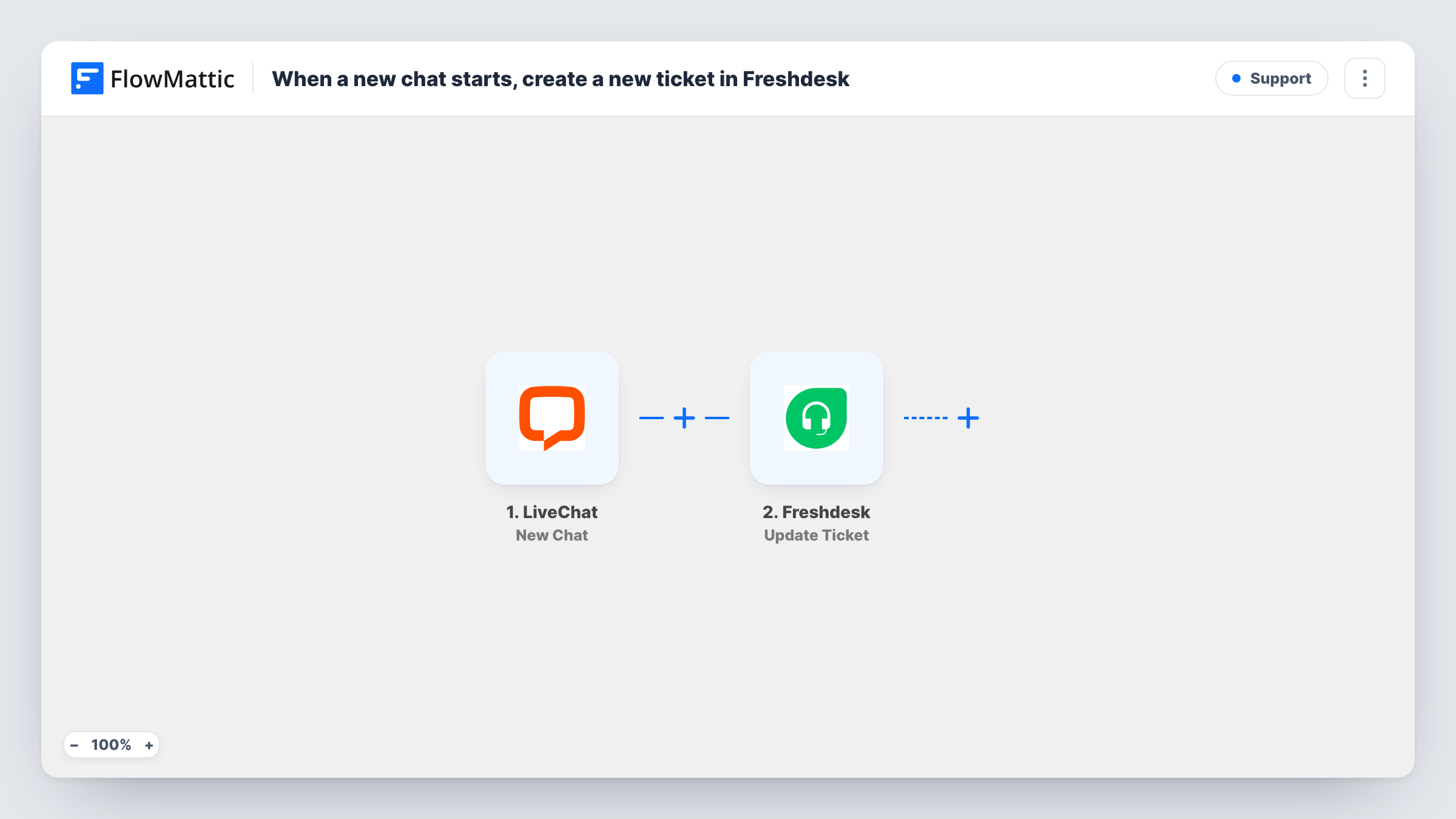
When a new chat starts in LiveChat, FlowMattic sends a POST request with API by FlowMattic so you can open a matching ticket in Freshdesk through Freshdesk’s own API.
 LiveChat
 API by FlowMattic
2 steps Setup ~5 min Used on 1.5k sites Free to import
What this workflow does
Chats are quick, but some of them turn into issues that need tracking: a refund, a bug, a question an agent can't answer on the spot. If every chat also has a Freshdesk ticket, nothing depends on someone remembering to log it. This workflow starts that ticket the moment a chat begins.
The LiveChat New Chat trigger fires when a chat is started and passes the chat and visitor details on. FlowMattic's Freshdesk integration has triggers but no actions, so the second step uses API by FlowMattic to send a POST request to Freshdesk instead.
That request ships unmapped. After import you set it up yourself from Freshdesk's API documentation: the ticket endpoint for your Freshdesk account, your API credentials, and a body that maps the visitor's email, name and first message from the LiveChat trigger into the ticket. Nothing in the template fills these in for you.
Every new chat sends one request, so each chat asks Freshdesk for its own ticket. Start a test chat once the request is set up, then open Task History to see the response Freshdesk returned and confirm the ticket appeared.
Every conversation on record
A software company wants a Freshdesk ticket for each LiveChat conversation, so reports in Freshdesk cover chat volume alongside email.
Hand-off from chat to the support queue
A small team answers chats during the day and picks up the matching Freshdesk tickets the next morning for anything left unresolved.
Visitor details ready for agents
An online shop maps the visitor's email into the ticket, so the agent who takes it in Freshdesk can reply to the customer by email after the chat.
How this workflow runs
What happens at each step once the workflow is on, and what you need before you import it.
 LiveChat New Chat
Fires when a new chat is started in LiveChat. The chat and visitor details LiveChat sends become available to map into the request; start a test chat to see them.
- API by FlowMattic POST
Sends a POST request through API by FlowMattic. It ships unmapped: after import, enter Freshdesk's ticket endpoint and your API credentials, and build the request body from the LiveChat data.
What you need
- FlowMatticCore
- LiveChat AccountAccount
After importing, map your own data. To keep the template universal, not every step is pre-filled. Open each step in the builder and connect your accounts and fields (channels, lists, sheets, recipients) before you switch the workflow on.
Make it yours
Changes worth making after you import it.
- Follow Freshdesk's API documentation for creating a ticket when you fill in the POST step, and copy its required fields into the body.
- Put a Filter between the LiveChat trigger and the API step that continues only when the visitor's email is not empty, so the request only goes out for chats Freshdesk can attach to a requester.
- Map the chat's first message or the visitor's question into the ticket description, so agents in Freshdesk see why the visitor got in touch.
Questions about this workflow
Why does this workflow use API by FlowMattic instead of a Freshdesk step?
FlowMattic's Freshdesk integration offers triggers, such as New Ticket, but no actions. Creating a ticket from another app therefore goes through a direct POST request to Freshdesk's API.
What do I have to fill in for the Freshdesk request?
Everything. The POST step ships with no URL, authentication or body. Use Freshdesk's API documentation for the ticket endpoint and credentials, and map the LiveChat visitor and chat fields into the body.
Will a LiveChat visitor without an email still create a ticket?
That depends on what Freshdesk accepts. If the request lacks a field Freshdesk needs, it returns an error, which you can read in Task History. Collect the email in LiveChat's pre-chat form, or put a Filter on it between the LiveChat trigger and the POST step.
More Support workflows
Other ready-to-import templates from the same category.





Import this workflow into your WordPress site
Download the JSON, import it from the Workflows screen and connect your accounts. Every run stays on your server, with no per-task fees.
30-day money-back guarantee Unlimited workflows and runs Self-hosted