

Record each successful Happyforms payment in Google Sheets
Every time a payment through a Happyforms form succeeds, FlowMattic adds a row to your Google Sheets spreadsheet with the payer’s answers and payment details, giving you a running payment log.
 Happyforms
 Google Sheets
2 steps Setup ~5 min Used on 2.5k sites Free to import
What this workflow does
Happyforms can take payments in a WordPress form, which suits donations, deposits or simple order forms. Keeping track of those payments for bookkeeping usually means exporting entries or reading notification emails. This workflow writes each successful payment into a Google Sheets spreadsheet as it happens, so the log is ready when you need it.
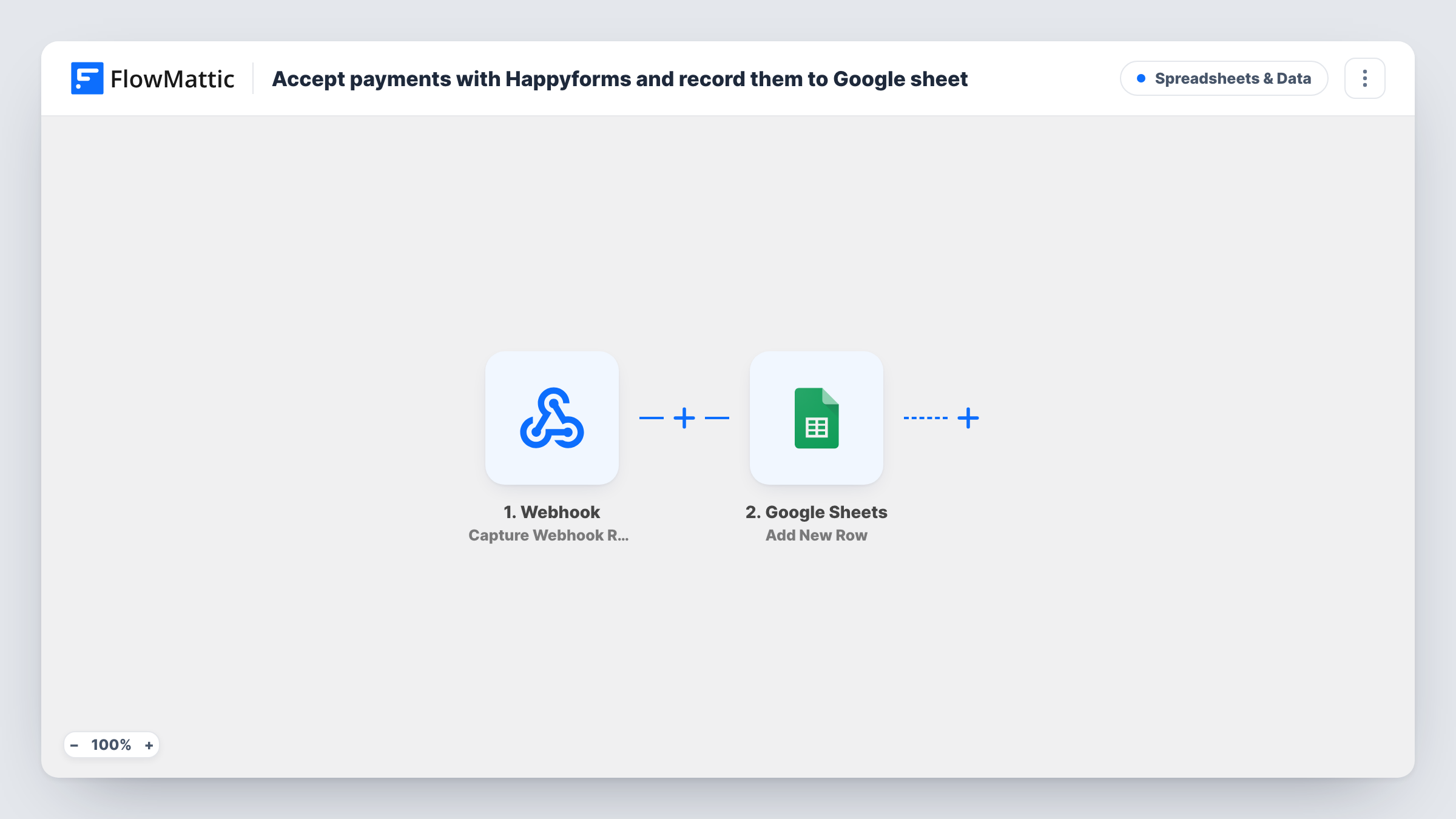
The Happyforms trigger, Payment Success, fires on a successful payment. The form's answers and the payment data come through to FlowMattic. Payments that fail don't use this trigger, so the sheet holds only completed payments. Make a test payment after import to see exactly which values, such as the amount and the payer's email, are available.
The Google Sheets step writes the payment into a new row. It ships without column mapping: connect your Google account, pick the spreadsheet and sheet, and match each value to a column. Set up the header row first so the columns are easy to choose.
Each successful payment adds one row, with no conditions. A refund made later in your payment provider doesn't change or remove the row, so mark refunds in the sheet yourself. Task History lists each run and what Google Sheets returned.
Donation records for a small charity
A charity takes donations through a Happyforms form and keeps a sheet with each donor's name, amount and date for its year-end thank-you letters.
Deposits for workshop places
A pottery studio collects deposits through a booking form and checks the sheet to see who has paid before confirming places.
Bookkeeping for a simple order form
A farm shop sells boxes through a Happyforms payment form and shares the sheet with its accountant at the end of each month.
How this workflow runs
What happens at each step once the workflow is on, and what you need before you import it.
 Happyforms Payment Success
Starts when a payment through a Happyforms form succeeds. The form's answers and the payment details are passed on. Failed payments don't start this trigger.
- Google Sheets Add New Row
Adds one row per successful payment to your Google Sheets spreadsheet. The step ships without mapping: choose the spreadsheet and sheet, then match the payment and form values to your columns.
What you need
- FlowMatticCore
- Happyforms PluginPlugin
- Google Sheets AccountAccount
After importing, map your own data. To keep the template universal, not every step is pre-filled. Open each step in the builder and connect your accounts and fields (channels, lists, sheets, recipients) before you switch the workflow on.
Make it yours
Changes worth making after you import it.
- Add a column for the payment amount and one for the date, so you can total payments by month with a simple formula in the sheet.
- Happyforms also has a Payment Failure trigger in FlowMattic. Import a second copy with that trigger and a separate sheet tab if you want to follow up on failed payments.
- Keep a Notes column the workflow doesn't fill, for refunds and other changes you record by hand.
Questions about this workflow
Are failed Happyforms payments added to the sheet?
No. The trigger only fires on a successful payment. FlowMattic has a separate Payment Failure trigger for Happyforms if you want to log those too.
Which payment details end up in Google Sheets?
Whatever you map. The Add New Row step is empty in the template, so after a test payment you pick the values, such as the amount and the payer's email, for each column.
Does the sheet update when a Happyforms payment is refunded?
No. The workflow only adds rows for successful payments. A later refund doesn't start a run, so record it in the sheet yourself.
Are payments made before I import this added?
No. Only payments that succeed after the workflow is turned on add rows.
More Spreadsheets & Data workflows
Other ready-to-import templates from the same category.



Import this workflow into your WordPress site
Download the JSON, import it from the Workflows screen and connect your accounts. Every run stays on your server, with no per-task fees.
30-day money-back guarantee Unlimited workflows and runs Self-hosted