

Log every Attentive SMS subscribed event in a Google Sheets spreadsheet
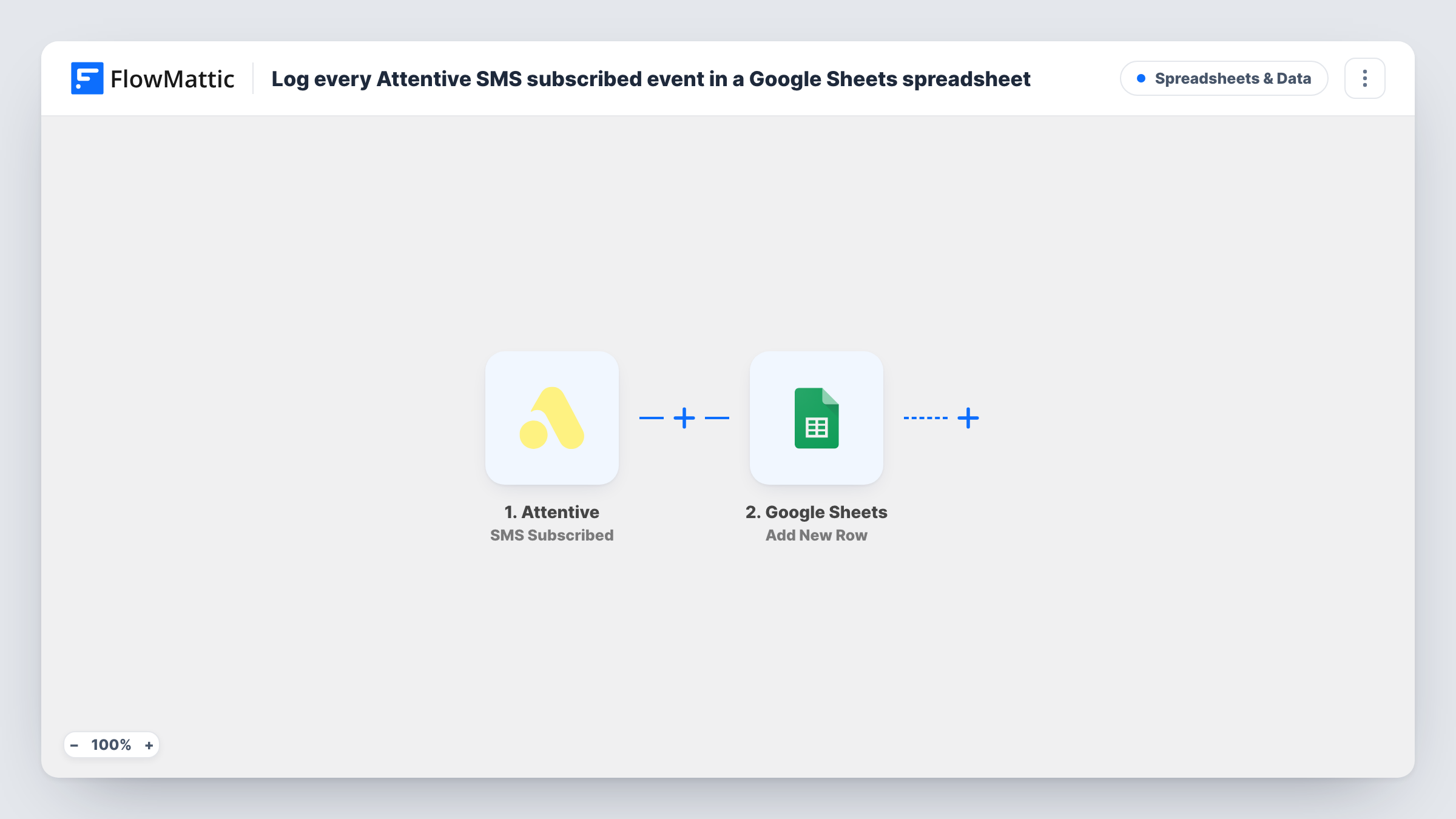
Every time someone subscribes to SMS in Attentive, this workflow adds a row to Google Sheets, giving you a running log of text opt-ins you can filter, count and share with your team.
 Attentive
 Google Sheets
2 steps Setup ~5 min Used on 2.1k sites Free to import
What this workflow does
SMS opt-ins are worth tracking outside your messaging platform. You might want to count them by week, compare them with store sales, or hand the list to someone who doesn't use Attentive. A spreadsheet that fills itself is the simplest way to do that.
The Attentive trigger runs when a user subscribes to SMS. FlowMattic takes the subscription data from that event and passes it to Google Sheets, where the Add New Row action records it in the spreadsheet you select. Each subscription event becomes its own row.
You decide what is stored when you map the columns. Subscriber details are personal data, so share the sheet only with people who need it. Opt-outs are a separate Attentive event, so they don't remove rows from this log.
Weekly opt-in counts
A marketer adds a date column and charts SMS sign-ups per week in Google Sheets, alongside the campaigns that ran that week.
Store staff following up
A small shop's team checks the sheet to see who joined the text list after an in-store promotion or a pop-up event.
Backup of opt-in records
Keep your own copy of when each person subscribed to SMS, held in a spreadsheet your team controls.
How this workflow runs
What happens at each step once the workflow is on, and what you need before you import it.
 Attentive SMS Subscribed
Runs when a user subscribes to SMS in Attentive. The subscription data from the event is available for the sheet columns.
- Google Sheets Add New Row
Records the Attentive SMS subscription as a new row in your chosen spreadsheet. Map columns to the event data; a test sign-up shows which details Attentive includes.
What you need
- FlowMatticCore
- Attentive AccountAccount
- Google Sheets AccountAccount
After importing, map your own data. To keep the template universal, not every step is pre-filled. Open each step in the builder and connect your accounts and fields (channels, lists, sheets, recipients) before you switch the workflow on.
Make it yours
Changes worth making after you import it.
- Track opt-outs too: import a second copy with Attentive's SMS Unsubscribed trigger and log those events to a different tab.
- Add a column that records the trigger name, such as SMS Subscribed, so the log stays readable if you later add other Attentive events to it.
- Sign up a test phone number after import so FlowMattic captures the event data, then finish mapping the Google Sheets columns.
Questions about this workflow
Does this log Attentive email subscribers too?
No. This template uses the SMS Subscribed trigger. Attentive has a separate Email Subscribed trigger you can use in a second workflow.
What if someone unsubscribes from Attentive SMS later?
Their row stays in the sheet. Unsubscribing is a different Attentive event, and this workflow doesn't watch for it.
Can someone appear in the SMS log more than once?
Yes, if Attentive reports a new SMS subscription for them again, for example after they opted out and rejoined. Each event adds its own row.
Will past Attentive SMS sign-ups be added?
No. Only subscriptions that happen after you switch the workflow on are logged.
More Spreadsheets & Data workflows
Other ready-to-import templates from the same category.



Import this workflow into your WordPress site
Download the JSON, import it from the Workflows screen and connect your accounts. Every run stays on your server, with no per-task fees.
30-day money-back guarantee Unlimited workflows and runs Self-hosted