

Create a ClickUp task from new Talkspirit circle activity
Each new activity in a Talkspirit circle you choose creates a task in ClickUp, named and described from the activity details you map, so posts that need action reach your task list.
 Talkspirit
 ClickUp
2 steps Setup ~5 min Used on 2.3k sites Productivity Free to import
What this workflow does
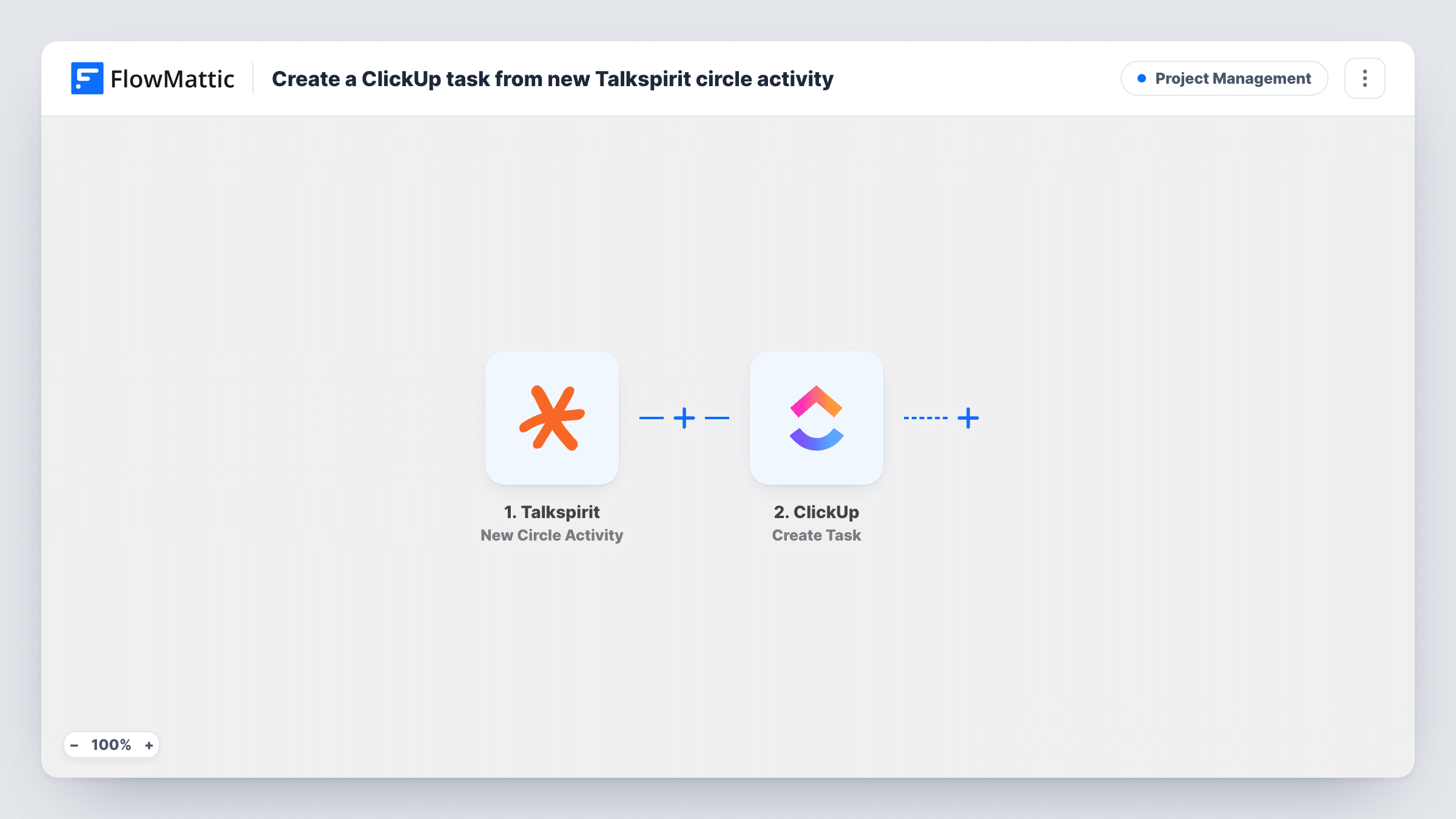
Requests often start as a post in a Talkspirit circle: someone asks for a design change, reports a problem or flags a deadline. If the work is tracked in ClickUp, those posts have to be copied over by someone who noticed them. This workflow makes a ClickUp task from each new activity in a circle.
The Talkspirit trigger watches one circle that you pick and starts a run for each new activity there. FlowMattic receives the activity data and sends it to ClickUp, where the Create Task action adds a task in the place you choose. You build the task name and description from the activity's values.
Every activity in that circle becomes a task, not just the ones that ask for something. That suits a dedicated requests circle. For a general circle, add a Filter so only matching posts continue. Post a test update after import to see what Talkspirit sends, and follow the runs in Task History.
A requests circle for the marketing team
Colleagues post content requests in a dedicated Talkspirit circle. Each post becomes a ClickUp task in the marketing team's intake list.
IT issues raised in the company network
Staff report IT problems in a circle the IT team owns. Every report lands in ClickUp, where the team assigns and tracks it.
Action items from a leadership circle
Leaders post decisions that need follow-up. A ClickUp task is created for each so the operations manager can pick them up.
How this workflow runs
What happens at each step once the workflow is on, and what you need before you import it.
 Talkspirit New Circle Activity
Starts a run for each new activity in the chosen Talkspirit circle. The activity data is passed on to build the ClickUp task.
- ClickUp Create Task
Adds a task in ClickUp for the circle activity. Connect your ClickUp account, choose where the task goes, and map Talkspirit values into its name and description.
What you need
- FlowMatticCore
- Talkspirit AccountAccount
- ClickUp AccountAccount
After importing, map your own data. To keep the template universal, not every step is pre-filled. Open each step in the builder and connect your accounts and fields (channels, lists, sheets, recipients) before you switch the workflow on.
Make it yours
Changes worth making after you import it.
- Add a Filter after the trigger that continues only when the activity text contains a word your team agrees on, such as TODO, so ordinary chat doesn't become tasks.
- Put the author's name from the Talkspirit activity in the task description, if it is sent, so whoever picks up the task knows who to ask.
- Import a second copy of the workflow for another circle and point it at a different ClickUp list, so each team's requests stay separate.
Questions about this workflow
Does every post in the Talkspirit circle become a ClickUp task?
Yes, as imported. Each new activity in the selected circle creates a task. Add a Filter if only certain posts should.
Is the ClickUp task updated when the Talkspirit post is edited?
No. The workflow creates a task once per new activity and leaves it alone after that, so later edits to the post don't reach ClickUp.
Can this watch more than one Talkspirit circle?
Each copy watches the one circle you select in the trigger. Duplicate the workflow to cover more circles.
More Project Management workflows
Other ready-to-import templates from the same category.






Import this workflow into your WordPress site
Download the JSON, import it from the Workflows screen and connect your accounts. Every run stays on your server, with no per-task fees.
30-day money-back guarantee Unlimited workflows and runs Self-hosted