

When feedback priority changes, update urgency level in Monday.com
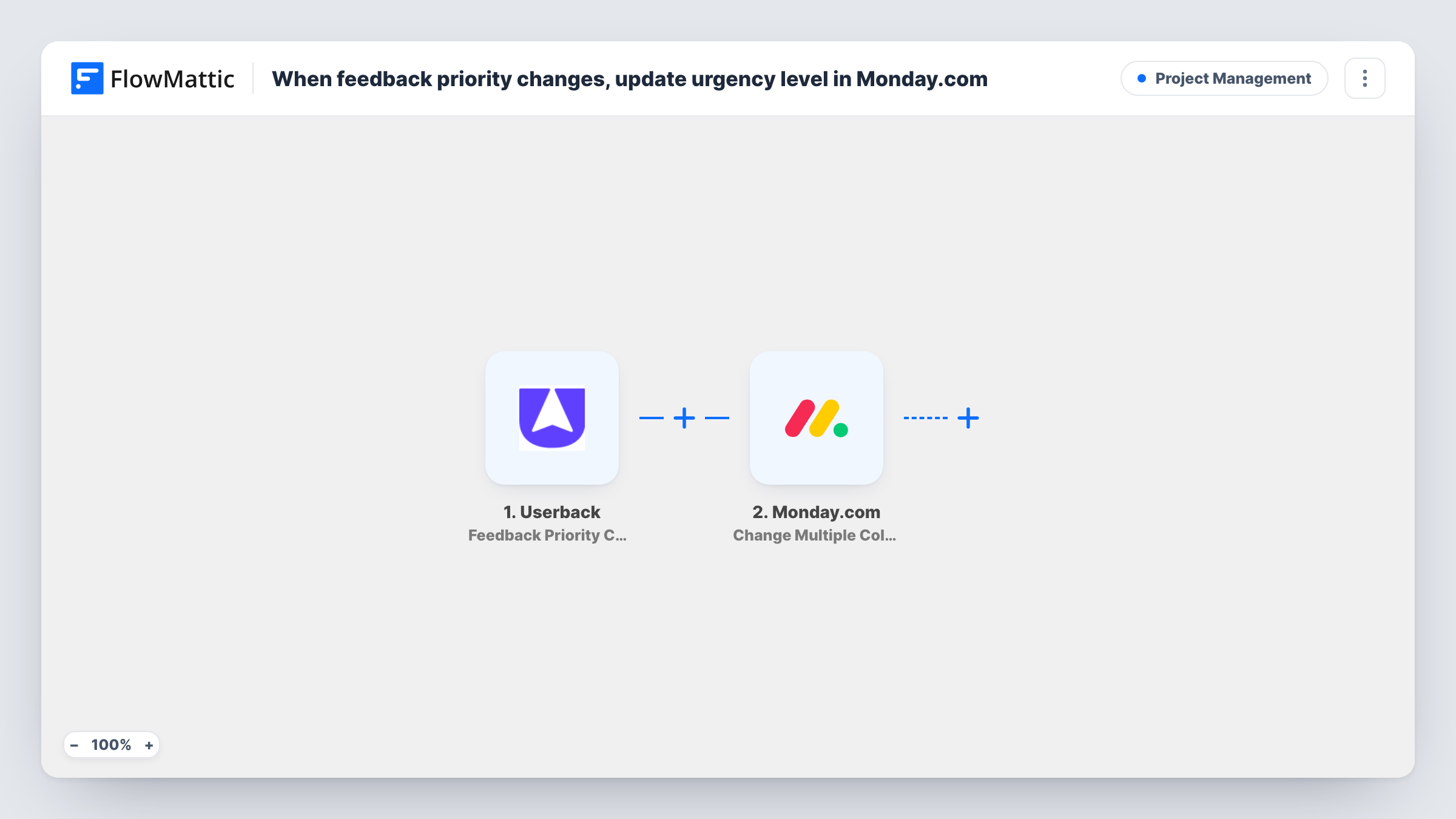
When the priority of a Userback feedback item changes, FlowMattic finds the matching item on your Monday.com board by a column value and updates its columns, such as an urgency level.
 Userback
 Monday.com
3 steps Setup ~5 min Used on 3.1k sites Productivity Free to import
What this workflow does
Feedback is triaged in Userback, but the work often gets planned on a Monday.com board. If someone raises a bug's priority in Userback and the board still shows the old urgency, the team works from stale information. This workflow carries each priority change across to the board item that tracks the same feedback.
The Userback trigger fires whenever the priority of a feedback item changes, up or down, and passes the feedback details on. The first Monday.com step then searches a board for an item whose column holds a value you choose. This only works if your board already stores something from Userback, such as the feedback ID, in its own column. You map that value from the trigger and pick the board and column after import.
The last step changes several column values on the item that was found. After import you map the item from the lookup and set the columns to update, for example an urgency status column filled with the new Userback priority. If your labels differ between the two tools, use the same wording in both so the value fits the column.
All three steps ship unmapped, so run a test by changing a priority in Userback and check Task History to see what the lookup found and what Monday.com returned.
Bug board that follows Userback triage
A product team tracks reported bugs on a Monday.com board, and a QA lead's priority changes in Userback show up in the board's urgency column.
Client feedback for an agency
An agency logs each client's Userback feedback as a Monday.com item, and the account manager sees when the client marks something as more pressing.
Sprint planning from current priorities
A team sorts its Monday.com backlog by urgency before each sprint and trusts that the column matches what support set in Userback.
How this workflow runs
What happens at each step once the workflow is on, and what you need before you import it.
 Userback Feedback Priority Changed
Starts each time the priority of a Userback feedback item changes. Any change counts, in either direction, and the feedback's details are passed to the Monday.com steps.
- Monday.com Get Item by Column Value
Searches your Monday.com board for an item whose chosen column holds a given value. The step ships unmapped: pick the board and column, and map a Userback value your board already stores, such as the feedback ID.
- Monday.com Change Multiple Columns Value
Changes several column values on the Monday.com item at once. After import, map the item found in step 2 and choose the columns to update, such as urgency, with the new Userback priority.
What you need
- FlowMatticCore
- Userback AccountAccount
- Monday.com AccountAccount
After importing, map your own data. To keep the template universal, not every step is pre-filled. Open each step in the builder and connect your accounts and fields (channels, lists, sheets, recipients) before you switch the workflow on.
Make it yours
Changes worth making after you import it.
- Add a text column to your Monday.com board that holds the Userback feedback ID for each item, and use that column in the Get Item by Column Value step so the lookup finds the right item.
- Put a Filter between the Get Item by Column Value step and the Change Multiple Columns Value step that continues only when the lookup returned an item, so feedback with no board item stops before the update.
- Map the Userback priority into a status column whose labels use the same words as Userback, so the new value fits the column.
Questions about this workflow
Does this create Monday.com items for new Userback feedback?
No. It only updates items that already exist on your board. The lookup finds the item by a column value, so the board must already hold an item that stores the Userback value you search on.
What happens if no Monday.com item matches the feedback?
The lookup comes back without an item, and the update step has nothing valid to change, so Monday.com may return an error. Task History shows the response, and a Filter after the lookup stops those runs cleanly.
Can I update more than the urgency column in Monday.com?
Yes. Change Multiple Columns Value can set several columns on the item in one step, so you can also record the time of the change or the person who made it, if the trigger sends those values.
Does lowering a priority in Userback update the board too?
Yes. FlowMattic describes the trigger as firing whenever the priority of feedback is changed, so both raising and lowering it start a run.
More Project Management workflows
Other ready-to-import templates from the same category.





Import this workflow into your WordPress site
Download the JSON, import it from the Workflows screen and connect your accounts. Every run stays on your server, with no per-task fees.
30-day money-back guarantee Unlimited workflows and runs Self-hosted