

Create ClickUp tasks for new Fluent Forms responses
Turn each Fluent Forms submission into a new ClickUp task, with the answers you map in the task, so requests from your WordPress site go straight onto your team’s list.
 Fluent Forms
 ClickUp
2 steps Setup ~5 min Used on 731 sites Productivity Free to import
What this workflow does
Requests sent through a website form often end up in an inbox, and someone has to retype them as tasks before the work starts. If your team plans in ClickUp, that step is pure overhead. This workflow creates the task for you each time a form is sent.
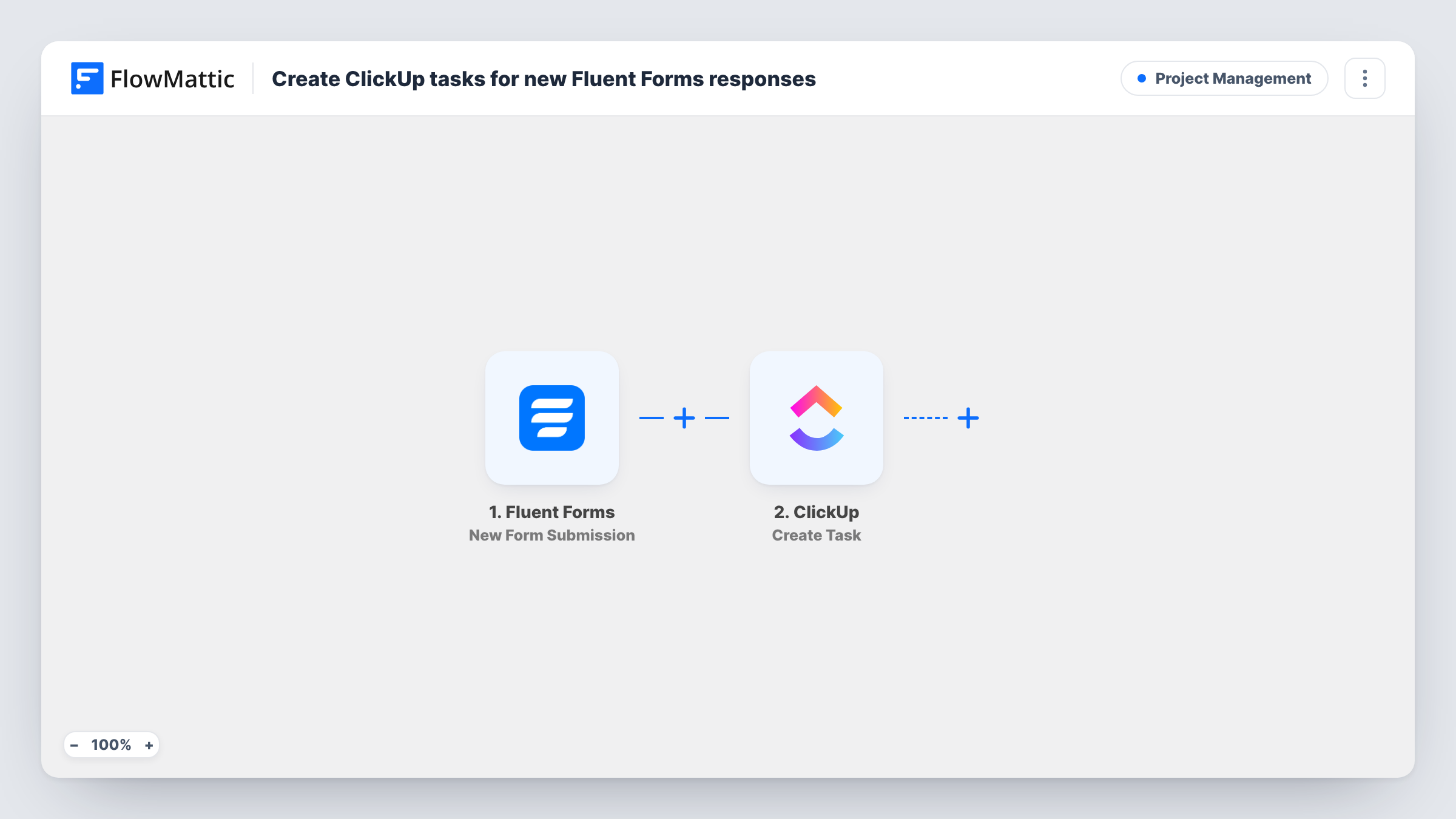
The Fluent Forms trigger fires when a new submission is received on your WordPress site. FlowMattic passes every answer to ClickUp, where the Create Task action adds a new task. You choose where the task goes and which answers become its name and description, so a subject field might be the task name and the message its body.
Every submission creates one task, since nothing in between checks the entry. Fluent Forms still saves the entry in WordPress as normal. Task History shows each run and the reply from ClickUp, so you can see if a task was not created.
Website change requests
Clients fill in a Fluent Forms request form for edits to their site. Each one becomes a ClickUp task your developers pick up from their list.
Internal IT help form
Staff report laptop or access problems through a Fluent Forms form on the intranet. The IT person works through the tasks in ClickUp.
Content ideas from writers
Freelancers pitch article ideas through a form. Each pitch appears as a ClickUp task the editor can assign or close.
How this workflow runs
What happens at each step once the workflow is on, and what you need before you import it.
 Fluent Forms New Form Submission
Fires when a new Fluent Forms submission is received on your site. All answers in the entry can be mapped into the ClickUp task.
- ClickUp Create Task
Creates a new task in ClickUp from the submission. Connect your ClickUp account, choose where the task goes, and map form answers into the task name and description.
What you need
- FlowMatticCore
- Fluent Forms PluginPlugin
- ClickUp AccountAccount
After importing, map your own data. To keep the template universal, not every step is pre-filled. Open each step in the builder and connect your accounts and fields (channels, lists, sheets, recipients) before you switch the workflow on.
Make it yours
Changes worth making after you import it.
- Add a Filter after the trigger if one form serves several purposes, so only entries with, say, a request type of Bug become ClickUp tasks.
- Put the submitter's email in the task description. Whoever works the task can then reply to the person without opening WordPress.
- Make one test submission after import. The captured answers make it easier to map the right Fluent Forms fields into the ClickUp step.
Questions about this workflow
Does each Fluent Forms entry create its own ClickUp task?
Yes. There is no check between the two steps, so every submission creates one new task.
Is the Fluent Forms entry still saved in WordPress?
Yes. Fluent Forms stores the entry as usual. The workflow only reads it and sends the mapped answers to ClickUp.
Can I send different Fluent Forms forms to different ClickUp lists?
Yes. Import the workflow once per form and point each copy's ClickUp step at its own destination.
More Project Management workflows
Other ready-to-import templates from the same category.




Import this workflow into your WordPress site
Download the JSON, import it from the Workflows screen and connect your accounts. Every run stays on your server, with no per-task fees.
30-day money-back guarantee Unlimited workflows and runs Self-hosted