

When a new space is created in ClickUp, create a Google Meet space for the kickoff call
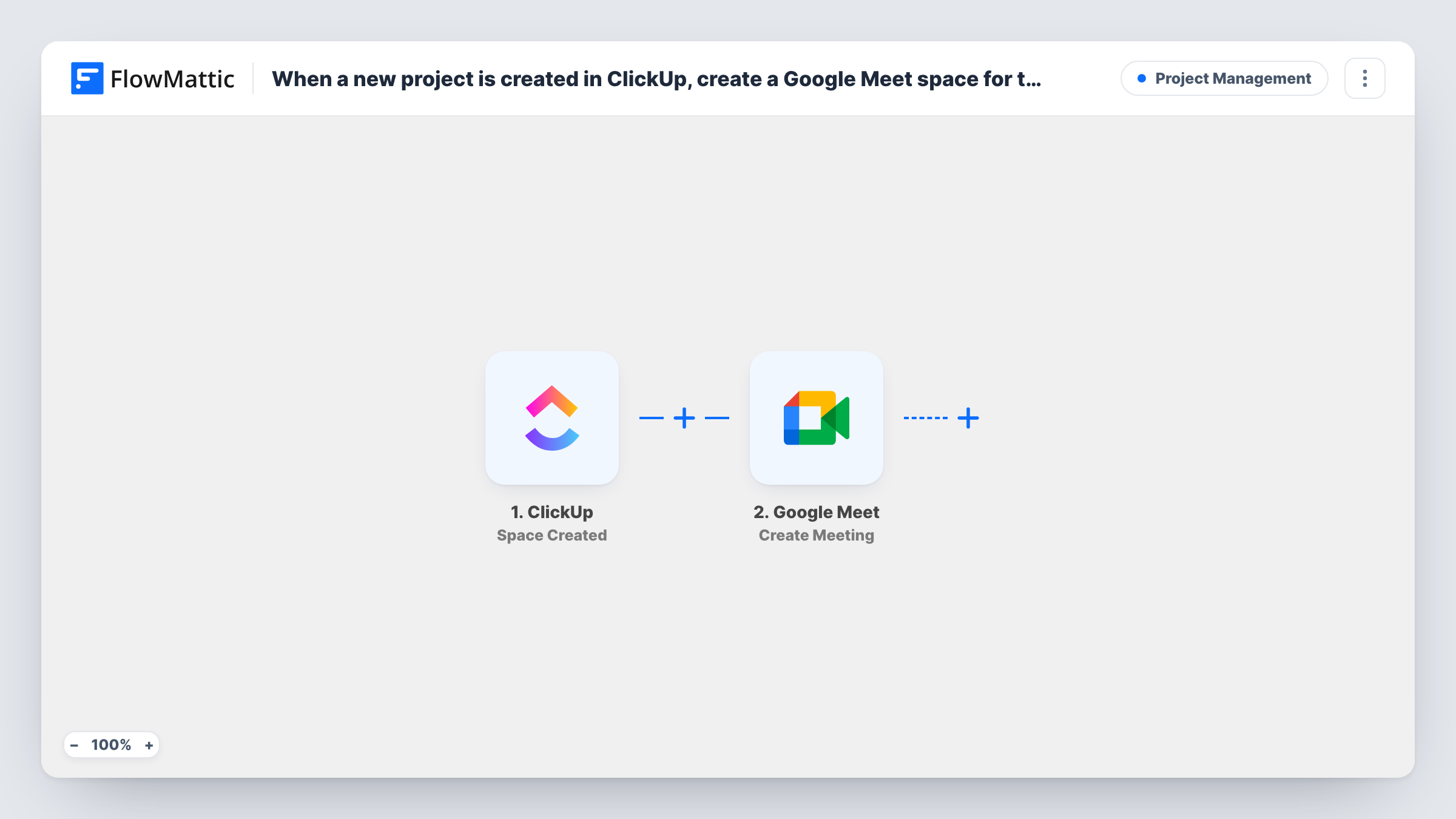
Each time a new Space is created in ClickUp, FlowMattic creates a Google Meet meeting space, giving the new project a video room for its kickoff call.
 ClickUp
 Google Meet
2 steps Setup ~5 min Used on 1.3k sites Productivity Free to import
What this workflow does
Teams that open a ClickUp Space for every client or project often follow it with a kickoff call, and someone has to remember to set up the video room. This workflow creates that room in Google Meet as soon as the Space appears, so the call has a home before anyone books it.
The ClickUp trigger fires when a new Space is created in your workspace. Folders, lists and tasks don't start it; only a Space does. Run a test after import to see which Space details ClickUp sends to FlowMattic.
The Google Meet step then creates a new meeting space and returns its details, including the link people use to join. The step ships unmapped, so connect your Google account after import and check the result in Task History.
As imported, the workflow stops there: the Meet link is created but not sent or saved anywhere. To put it to use, add a step after the Google Meet step that shares it, such as an email to the project lead or a row in a project log, and map the meeting link into it.
A call room for every new client Space
An agency creates one ClickUp Space per client, and each new Space gets its own Google Meet room ready for the first strategy call.
Kickoffs for internal projects
An operations team opens a Space for each quarterly initiative and adds an email step so the owner receives the Meet link for the kickoff.
A log of project meeting rooms
A studio extends the flow with a Google Sheets step that records each new Space next to its Meet link, giving the team one place to look up call rooms.
How this workflow runs
What happens at each step once the workflow is on, and what you need before you import it.
 ClickUp Space Created
Fires when someone creates a new Space in ClickUp. Lists, folders and tasks don't trigger it. The details ClickUp sends about the Space are available to later steps; a test run shows which ones.
- Google Meet Create Meeting
Creates a new Google Meet meeting space and returns its details, including the join link. Connect your Google account after import; the link isn't sent anywhere until you add a step that uses it.
What you need
- FlowMatticCore
- ClickUp AccountAccount
- Google Meet AccountAccount
After importing, map your own data. To keep the template universal, not every step is pre-filled. Open each step in the builder and connect your accounts and fields (channels, lists, sheets, recipients) before you switch the workflow on.
Make it yours
Changes worth making after you import it.
- Add a Gmail Send Email step after the Google Meet step and map the meeting link into the message, so the project lead receives the kickoff room as soon as the Space exists.
- Log each new Space and its Meet link in Google Sheets by adding an Add New Row step after Google Meet, so the links are easy to find later.
- If only some Spaces need a kickoff call, put a Filter between the ClickUp trigger and the Google Meet step that checks a value from the Space, such as a name prefix you use for client projects.
Questions about this workflow
Does this send the Google Meet link to anyone?
Not as imported. The workflow creates the meeting space and ends. Add an email, chat or spreadsheet step after Google Meet and map the meeting link to share or store it.
Will new ClickUp folders or lists create Meet rooms too?
No. The trigger is ClickUp's Space Created event, so only new Spaces start a run. FlowMattic's ClickUp integration has separate triggers for new folders and lists if you want those instead.
Is a calendar event created for the kickoff?
No. The Google Meet step creates a meeting space with a join link, not a calendar invite. Schedule the call yourself, or add a calendar step that uses the link.
More Project Management workflows
Other ready-to-import templates from the same category.





Import this workflow into your WordPress site
Download the JSON, import it from the Workflows screen and connect your accounts. Every run stays on your server, with no per-task fees.
30-day money-back guarantee Unlimited workflows and runs Self-hosted