

Add a follow-up task in ClickUp when a Dux-Soup action is created
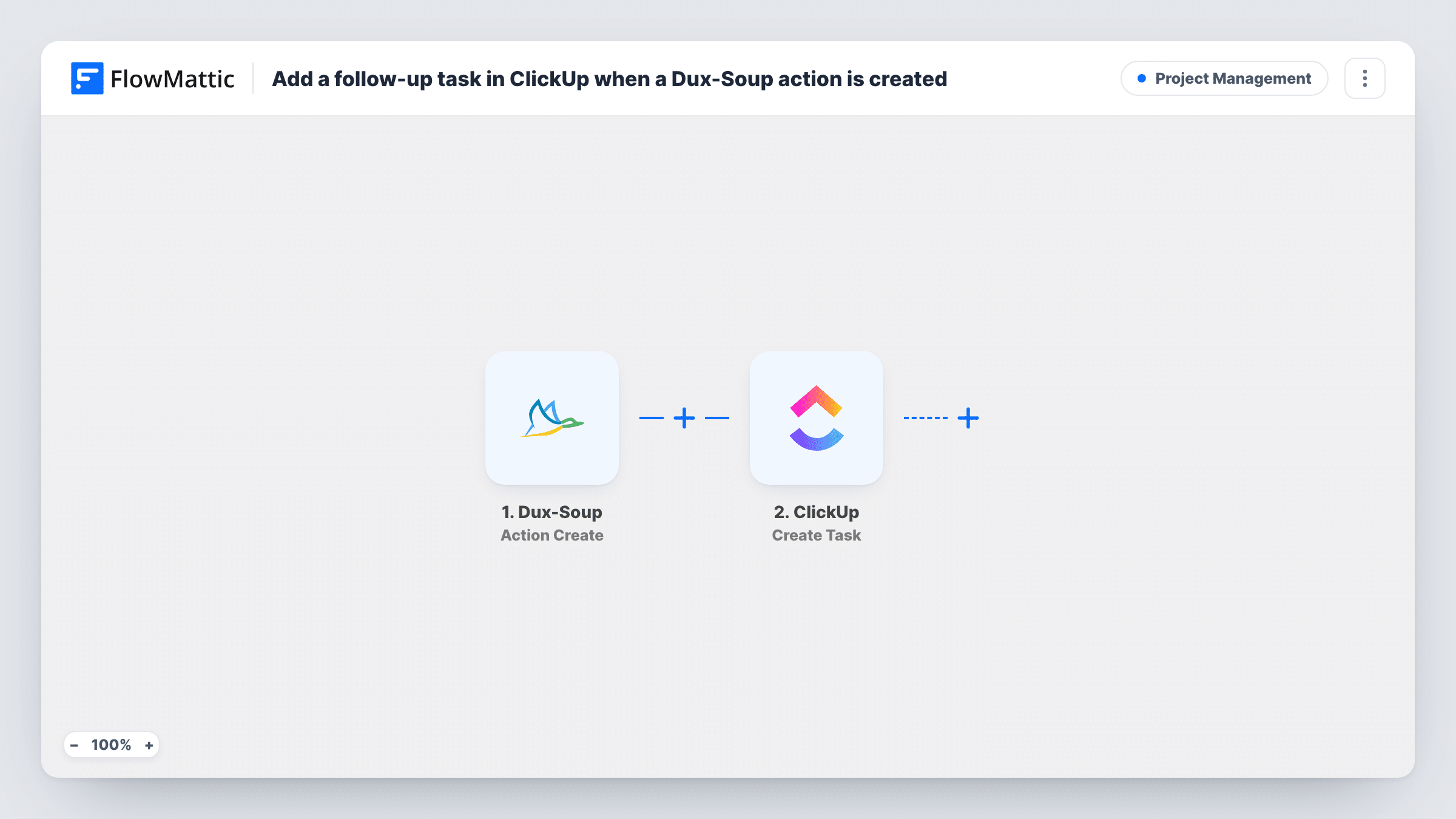
Each time Dux-Soup completes an automated LinkedIn action, this workflow creates a task in ClickUp, so the follow-up for that prospect sits in the list your team already works from.
 Dux-Soup
 ClickUp
2 steps Setup ~5 min Used on 764 sites Productivity Free to import
What this workflow does
Dux-Soup runs LinkedIn outreach for you, but the next move after each automated action still depends on a person remembering it. If your team plans its day in ClickUp, a task per action keeps those follow-ups where people look. This workflow creates that task for you.
The Dux-Soup trigger is Action Create, which FlowMattic's catalog describes as firing when an automated action has completed. The data Dux-Soup sends about that action and its profile becomes available to map. The ClickUp step then creates a new task, and you choose where it goes and which Dux-Soup details fill its name and description.
No step narrows the trigger, so every completed action creates a task. If Dux-Soup runs many actions a day, that can mean a lot of tasks; the tips show how to keep only the ones you want. Task History records each run with the data received and the response from ClickUp.
Recruiter outreach on LinkedIn
A recruiter runs a Dux-Soup campaign to candidates. Each completed action adds a ClickUp task with the candidate's profile details, so the next contact gets planned and assigned.
Sales team sharing one pipeline list
Several reps run Dux-Soup on their own accounts. Their completed actions land as tasks in a shared ClickUp list, where a manager can see the follow-up work in one view.
Agency running outreach for clients
An agency points each client's Dux-Soup activity at that client's ClickUp list, so account managers have a task for every prospect touched that week.
How this workflow runs
What happens at each step once the workflow is on, and what you need before you import it.
 Dux-Soup Action Create
Fires when Dux-Soup reports that an automated action has completed. The action and profile data in that event are passed on for the ClickUp step to use.
- ClickUp Create Task
Creates a new task in ClickUp from the Dux-Soup event. Connect your ClickUp account, choose where the task should live, and map details from the Dux-Soup event into its name and description.
What you need
- FlowMatticCore
- Dux-Soup AccountAccount
- ClickUp AccountAccount
After importing, map your own data. To keep the template universal, not every step is pre-filled. Open each step in the builder and connect your accounts and fields (channels, lists, sheets, recipients) before you switch the workflow on.
Make it yours
Changes worth making after you import it.
- Run a test action in Dux-Soup after import so FlowMattic captures a real event, then look at the fields it holds before you build the task name and description.
- Only some actions need a follow-up? Look in a test event for the field that tells actions apart, then add a Filter on it after the trigger so only those reach ClickUp.
- Add a Delay between the trigger and ClickUp if you want the task to show up a day or two after the action, when it's time to follow up.
Questions about this workflow
Which Dux-Soup actions create a ClickUp task?
As imported, every action that Dux-Soup reports as completed starts a run, so each one creates a task. Add a Filter on the action details if you only want certain kinds.
Can the ClickUp task include the prospect's LinkedIn profile?
Whatever profile data Dux-Soup sends with the event can be mapped into the task. Run a test action and check the captured fields to see what's there before you map it.
What happens if the same person gets several Dux-Soup actions?
Each completed action is its own event, so the same person can end up with several ClickUp tasks. A Filter on the action type cuts this down.
Which ClickUp account does the Dux-Soup workflow need?
The workflow only needs a ClickUp account FlowMattic can connect to and a place to create tasks. Check your own ClickUp plan for any limits on your workspace.
More Project Management workflows
Other ready-to-import templates from the same category.





Import this workflow into your WordPress site
Download the JSON, import it from the Workflows screen and connect your accounts. Every run stays on your server, with no per-task fees.
30-day money-back guarantee Unlimited workflows and runs Self-hosted