

When an email received in Email Parser, create a new task in Flowlu and add task record to Airtable
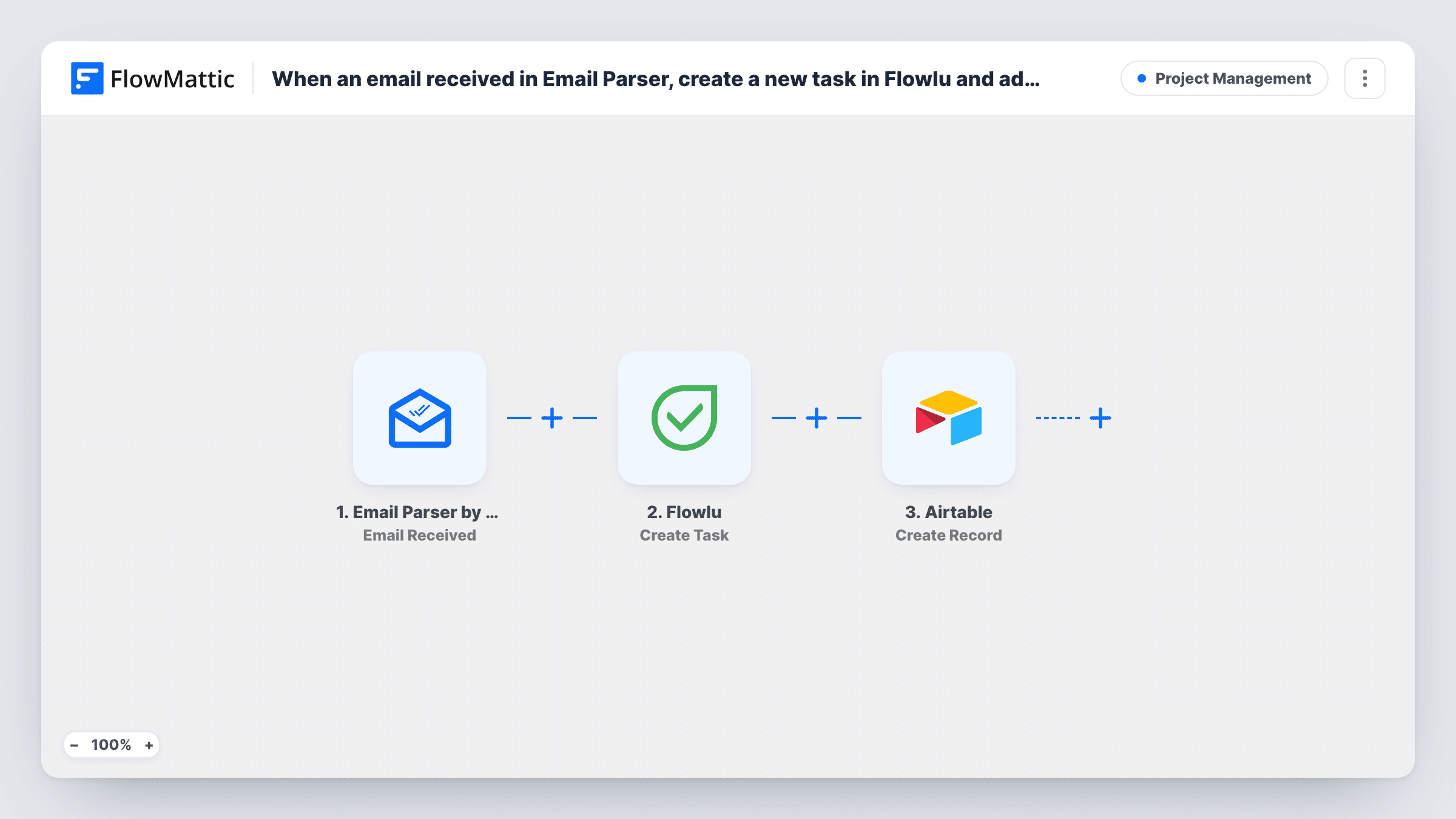
When an email reaches your Email Parser by FlowMattic address, this workflow creates a task in Flowlu from it and then adds a matching record to Airtable, so emailed requests become tracked work.
 Email Parser by FlowMattic
 Flowlu
 Airtable
3 steps Setup ~5 min Used on 2.5k sites Productivity Free to import
What this workflow does
Requests that arrive by email tend to stay in an inbox until someone remembers them. Turning each one into a task gives it an owner and a place on the board. This workflow does that for every email sent to your parser address, and keeps a copy of the task in Airtable as well.
The trigger is Email Parser by FlowMattic, which fires when an email arrives at your parser email address. Its details, such as the subject, sender and body, become data for the next steps. Flowlu then creates a new task from the fields you map, for example the subject as the task name and the body as its description.
The last step creates a record in Airtable in the base and table you pick. You can map both the email details and the task details Flowlu returns, so the record points back to the task. Every run, with each step's result, is kept in Task History.
Client requests sent to a shared address
Clients email requests to an address that forwards to your parser. Each one becomes a Flowlu task for the team and a row in an Airtable base you use for reporting.
Supplier invoices to process
Forward supplier invoice emails to the parser so finance gets a Flowlu task to pay each one, with an Airtable record to track the amounts.
Bug reports from a forwarding rule
A mailbox rule forwards bug report emails. Developers pick them up as Flowlu tasks, and a product manager reviews the list in Airtable.
How this workflow runs
What happens at each step once the workflow is on, and what you need before you import it.
 Email Parser by FlowMattic Email Received
Starts a run for each message that lands in your parser inbox. The email's parts are available to map into the Flowlu task and the Airtable record.
- Flowlu Create Task
Creates a new task in Flowlu. Map the email subject, body or sender into the task fields, and connect your Flowlu account when you import.
- Airtable Create Record
Adds one Airtable record per parsed email to the base and table you choose. Map email details and the task details returned by Flowlu into your fields.
What you need
- FlowMatticCore
- Flowlu AccountAccount
- Airtable AccountAccount
After importing, map your own data. To keep the template universal, not every step is pre-filled. Open each step in the builder and connect your accounts and fields (channels, lists, sheets, recipients) before you switch the workflow on.
Make it yours
Changes worth making after you import it.
- Add a Filter after the trigger that continues only when the subject contains a keyword such as Request, so newsletters and replies don't become tasks.
- Map the task ID or link that Flowlu returns into an Airtable field, so you can jump from the record to the task later.
- Send a test email to the parser address after import, then map fields from that sample in both the Flowlu and Airtable steps.
Questions about this workflow
Which emails become Flowlu tasks?
Every email that reaches your parser address, as imported. There is no Filter, so add one if only some emails should create tasks.
Does the Airtable record stay in sync with the Flowlu task?
No. The record is created once, when the email arrives. Later changes to the task in Flowlu are not copied to Airtable by this workflow.
Can I send email from my normal inbox to the parser?
Yes. Set up forwarding from your inbox to the parser address, or give the parser address out directly. Either way, each email that arrives starts a run.
What if Flowlu rejects the task?
FlowMattic moves on to Airtable anyway, since an error in one step doesn't end the run. Task History shows Flowlu's error on that step, and the record may be missing the task details.
More Project Management workflows
Other ready-to-import templates from the same category.






Import this workflow into your WordPress site
Download the JSON, import it from the Workflows screen and connect your accounts. Every run stays on your server, with no per-task fees.
30-day money-back guarantee Unlimited workflows and runs Self-hosted