

When new submission is received in Fluent Forms, create a new order in WooCommerce
Each Fluent Forms submission creates a new WooCommerce order from the answers you map, so custom requests taken through a form appear in your store’s order list for processing.
 Fluent Forms
 WooCommerce
2 steps Setup ~5 min Used on 2.5k sites Free to import
What this workflow does
Some sales don't fit a standard cart. Custom orders, phone requests typed in by staff, or bulk enquiries often come through a form, and someone then rebuilds them as orders in the store admin. This workflow creates the WooCommerce order for you from each form entry.
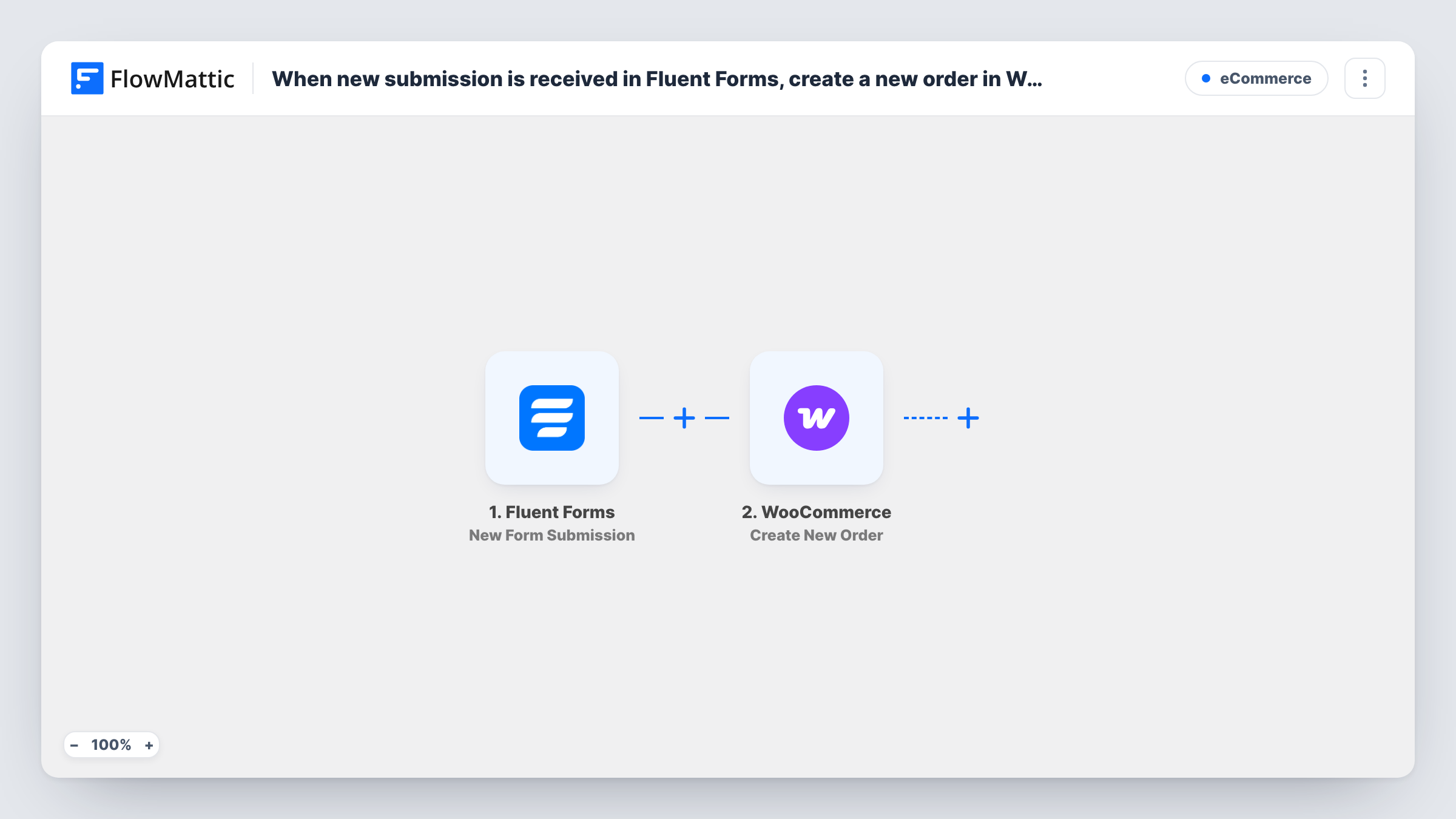
When someone submits a Fluent Forms form, FlowMattic receives every answer. The next step uses WooCommerce Create New Order to add an order to your store. You map the form's answers into the order step, for example the customer's name and email and the product they chose. Run a test after import to see what the step accepts and how the new order looks.
Every submission creates an order, and the form itself takes no payment. Decide how you will collect payment and which order status fits before you switch the workflow on. Task History shows each run and the order WooCommerce returned.
Made-to-order products
A bakery or print shop takes custom orders through a Fluent Forms form with size and design options. Each entry becomes a WooCommerce order the team works through in the usual order screen.
Phone or in-person orders entered by staff
Staff fill in an internal Fluent Forms form while on the phone with a customer, and the order is created in WooCommerce without opening the admin screens.
Wholesale order forms
Trade customers send a wholesale order form. The workflow turns each one into a WooCommerce order so it follows the same fulfilment process as web orders.
How this workflow runs
What happens at each step once the workflow is on, and what you need before you import it.
 Fluent Forms New Form Submission
Runs when a Fluent Forms form on your site receives a new submission. Each field from that entry can be mapped into the WooCommerce step.
- WooCommerce Create New Order
Adds an order to your WooCommerce store built from the Fluent Forms answers. Map the form answers into the order step, then submit a test entry and open the order in WooCommerce to check it.
What you need
- FlowMatticCore
- Fluent Forms PluginPlugin
- WooCommerce PluginPlugin
After importing, map your own data. To keep the template universal, not every step is pre-filled. Open each step in the builder and connect your accounts and fields (channels, lists, sheets, recipients) before you switch the workflow on.
Make it yours
Changes worth making after you import it.
- Add a Filter after the trigger that checks the form ID, so only your order form creates WooCommerce orders and other Fluent Forms forms on the site are ignored.
- Use a Fluent Forms dropdown with values that match your product names exactly. Mapping a clean value makes it easier to point the order at the right product.
- Place a Delay before the order step if staff should get a short window to spot test or spam entries in Fluent Forms before an order appears.
Questions about this workflow
Does the customer pay through the Fluent Forms form?
Not in this workflow. It creates the order record only. Collect payment separately, or check the order status the step sets and update it once you are paid.
What happens if someone submits the Fluent Forms order form twice?
Two orders are created, one per submission. Nothing in the workflow checks for repeats, so review orders before fulfilling them.
Do WooCommerce and Fluent Forms need to be on the same site?
Yes. Both are WordPress plugins and this template uses them on the site where FlowMattic runs.
Will WooCommerce send its usual order emails?
That depends on your WooCommerce email settings and the status of the new order. Place a test order through the form to see which emails go out.
More E-Commerce workflows
Other ready-to-import templates from the same category.





Import this workflow into your WordPress site
Download the JSON, import it from the Workflows screen and connect your accounts. Every run stays on your server, with no per-task fees.
30-day money-back guarantee Unlimited workflows and runs Self-hosted