

Create a follow-up task in ClickUp after each new Gong call
When Gong finishes processing a new call, this workflow creates a task in ClickUp from the call’s details, so each recorded conversation gets a follow-up item on your team’s list.
 Gong
Gong
 ClickUp
2 steps Setup ~5 min Used on 1.8k sites Productivity Free to import
What this workflow does
A sales call usually ends with something to do: send a proposal, book a second meeting, loop in a colleague. If that step lives only in the rep's memory or in Gong's notes, it can wait for days. This workflow puts a follow-up task in ClickUp for every call Gong processes.
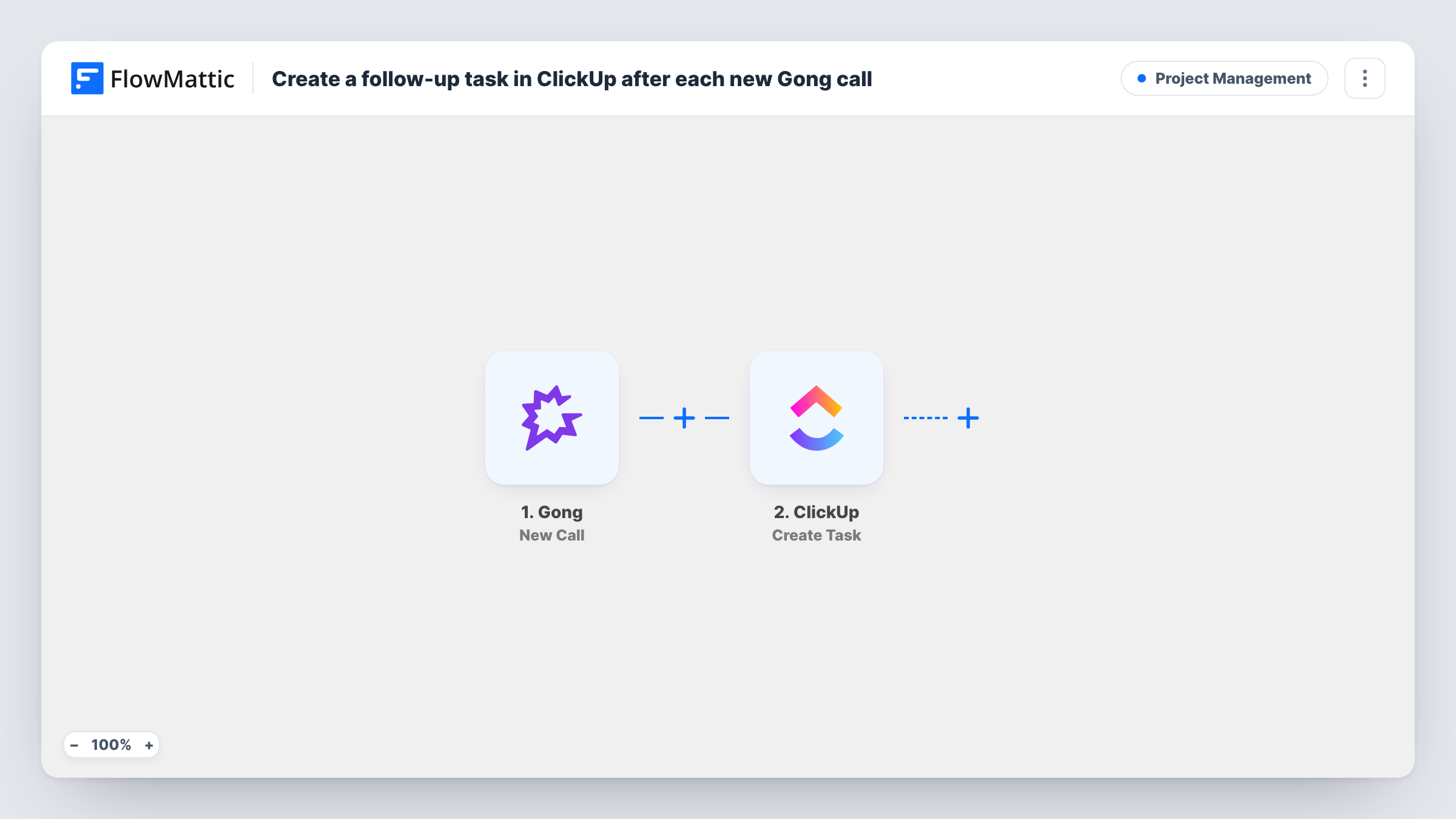
The Gong trigger fires once a new call has been processed in your account. FlowMattic passes the call data to ClickUp, where the Create Task action adds a new task. You map call details, such as the call title or a link Gong provides, into the task so the person picking it up knows which conversation it relates to.
Every processed call creates one task, including internal or short calls, unless you add a Filter. The workflow does not read what was said on the call or decide what the follow-up is; your team fills that in. Task History shows the run for each call and ClickUp's reply.
Post-demo follow-up for account executives
After each recorded demo, a ClickUp task appears for the follow-up email or proposal, and the rep updates it with the agreed next step.
Customer success check-ins
Calls with existing customers create ClickUp tasks in the success team's list, so account notes and actions are tracked next to their other work.
Call review queue for sales coaching
A manager keeps a ClickUp list where each processed call becomes a task to listen to and leave feedback on.
How this workflow runs
What happens at each step once the workflow is on, and what you need before you import it.
 Gong New Call
Fires when Gong finishes processing a new call in your account. The call's data is passed on for use in the ClickUp task.
- ClickUp Create Task
Adds a follow-up task to ClickUp for the call. Connect your ClickUp account, map Gong call details into the task, and run a test to confirm where the task lands.
What you need
- FlowMatticCore
- Gong AccountAccount
- ClickUp AccountAccount
After importing, map your own data. To keep the template universal, not every step is pre-filled. Open each step in the builder and connect your accounts and fields (channels, lists, sheets, recipients) before you switch the workflow on.
Make it yours
Changes worth making after you import it.
- Add a Filter after the Gong trigger so only calls whose title contains a word like demo or discovery create ClickUp tasks.
- Put the Gong call title and date in the ClickUp task name. Tasks from different calls are then easy to tell apart in the list.
- Insert a Delay before the ClickUp step if you want the task to appear a day after the call, closer to when the follow-up is due.
Questions about this workflow
Does the ClickUp task include what was discussed on the Gong call?
Only the call data Gong sends to the trigger and that you map. Check a test run to see which fields are available before you build the task.
Will every Gong call create a ClickUp task?
Yes, as imported. Add a Filter after the trigger if some calls, such as internal meetings, should not create one.
Can the task be assigned to the rep who ran the call?
That depends on whether the Gong data identifies the rep in a way ClickUp can use. Look at a test run's data and the ClickUp step's options to see what you can map.
Are past Gong calls turned into tasks?
No. Only calls Gong processes after you switch the workflow on create tasks.
More Project Management workflows
Other ready-to-import templates from the same category.





Import this workflow into your WordPress site
Download the JSON, import it from the Workflows screen and connect your accounts. Every run stays on your server, with no per-task fees.
30-day money-back guarantee Unlimited workflows and runs Self-hosted