

Generate items in Notion databases with new SureForms submissions
Each new SureForms submission on your WordPress site becomes an item in a Notion database, with the form answers mapped to its properties, so responses sit in the workspace where your team already plans and tracks work.
 SureForms
 Notion
2 steps Setup ~5 min Used on 1.2k sites Free to import
What this workflow does
SureForms stores entries inside WordPress, which is fine until the people who act on them work in Notion. Then someone copies each response into a database by hand, or the responses get ignored. This workflow adds every submission to Notion for you.
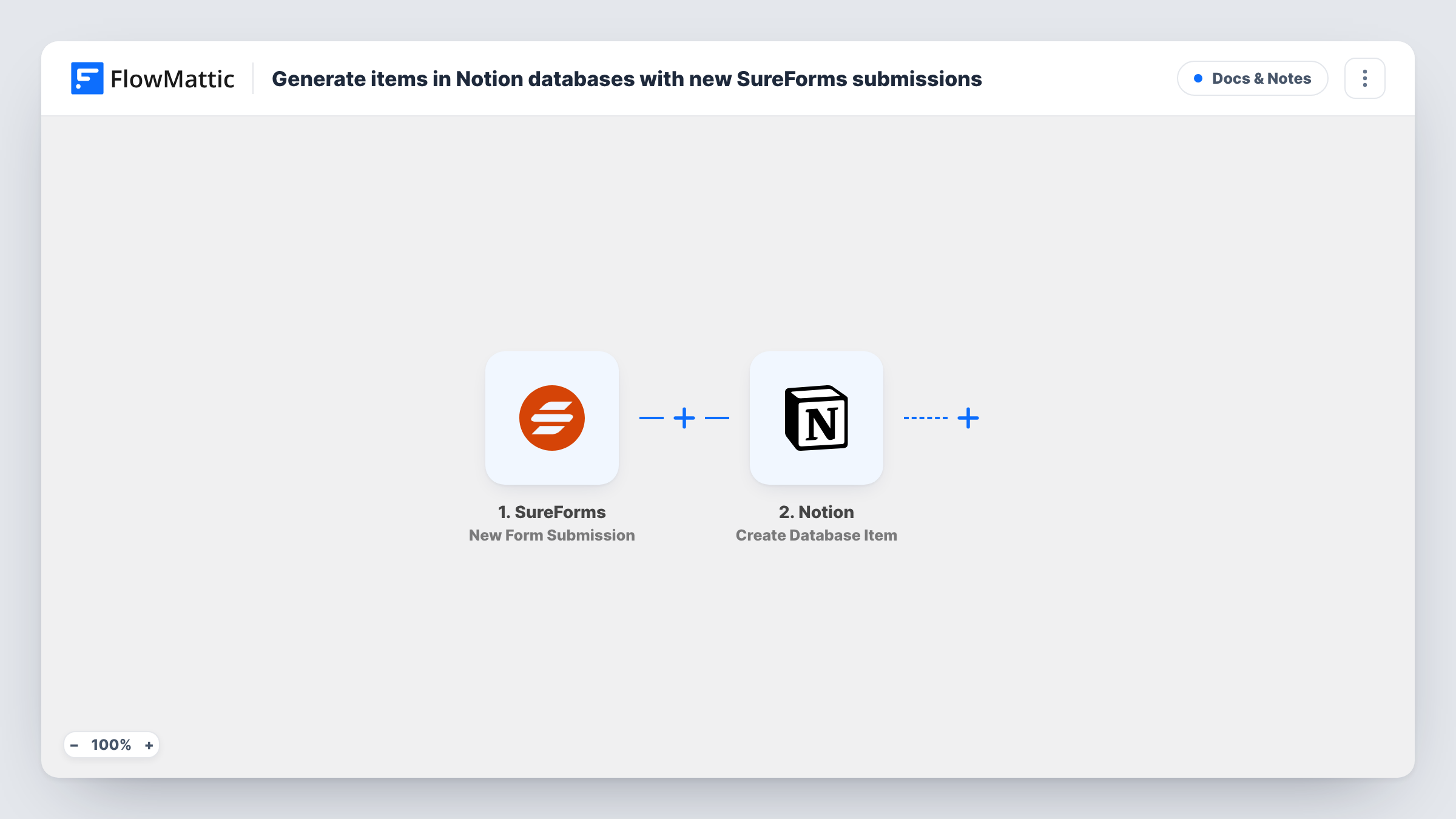
The SureForms trigger fires when a visitor submits a form on your site and hands all of the answers to FlowMattic. The second step runs the Create Database Item action in Notion, adding one new item to a database in your workspace. You map each SureForms answer to the database property it belongs in, such as a title, a text property or an email property.
Every submission creates its own item, so a person who fills in the form twice appears twice in Notion. Nothing in the template filters or changes the answers on the way, and SureForms keeps its own copy of the entry as usual. Each run is listed in Task History, where you can see the data sent to Notion and the response that came back.
Content ideas from readers
A SureForms suggestion form on your blog feeds a Notion content calendar, so each reader idea arrives as an item your editors can tag and schedule.
Client onboarding questionnaires
New clients answer a SureForms questionnaire, and their answers land as an item in the Notion database your team uses to plan each project.
Bug reports from a product site
Users report problems through a SureForms form. Each report becomes a Notion item your developers can assign and track alongside their other work.
How this workflow runs
What happens at each step once the workflow is on, and what you need before you import it.
 SureForms New Form Submission
Fires when a visitor submits a SureForms form on your WordPress site. Each answer in the submission is passed on for mapping into Notion.
- Notion Create Database Item
Creates one item in your Notion database from the submitted answers. Connect your Notion account, then map each SureForms answer to the matching property. A test submission shows whether the item looks right.
What you need
- FlowMatticCore
- SureForms PluginPlugin
- Notion AccountAccount
After importing, map your own data. To keep the template universal, not every step is pre-filled. Open each step in the builder and connect your accounts and fields (channels, lists, sheets, recipients) before you switch the workflow on.
Make it yours
Changes worth making after you import it.
- Make sure your Notion connection has been given access to the target database before you set up the step. Notion only shows a connection the pages and databases shared with it.
- Add a Filter after the trigger if only some answers deserve a Notion item, for example when a Request type field equals Partnership.
- Create a Status property in the Notion database and map a fixed value such as New into it, so fresh submissions are easy to find in a board view.
Questions about this workflow
Does every SureForms submission create a separate Notion item?
Yes. The action creates a new item on each run and does not look for an existing one, so repeat submissions from the same person show up as separate items.
Do I need to build the Notion database first?
Yes. The step adds items to a database that already exists in your workspace. Set up the properties you want to fill before you map the SureForms answers.
Will SureForms still keep the entry on my site?
Yes. The workflow only listens for new submissions and copies the answers to Notion. How SureForms stores and emails entries stays as you configured it.
What if a SureForms answer does not fit the Notion property type?
Notion may reject or blank a value that does not match the property, such as text sent to a number property. Task History shows the response from the Notion step so you can adjust the mapping.
More Docs & Notes workflows
Other ready-to-import templates from the same category.





Import this workflow into your WordPress site
Download the JSON, import it from the Workflows screen and connect your accounts. Every run stays on your server, with no per-task fees.
30-day money-back guarantee Unlimited workflows and runs Self-hosted