

When a new form submission is received in Fluent Forms, create feedback in Savio
Each submission on your chosen Fluent Forms form becomes a new feedback entry in Savio, so suggestions and requests from your website sit with the rest of your product feedback.
 Fluent Forms
 Savio
2 steps Setup ~5 min Used on 3.4k sites Free to import
What this workflow does
Feature requests and complaints arrive in many places, and a website form is one of the easiest to forget about. Savio is built to keep that feedback together and tie it to feature requests. This workflow adds every Fluent Forms submission to Savio, so form feedback is counted alongside the rest.
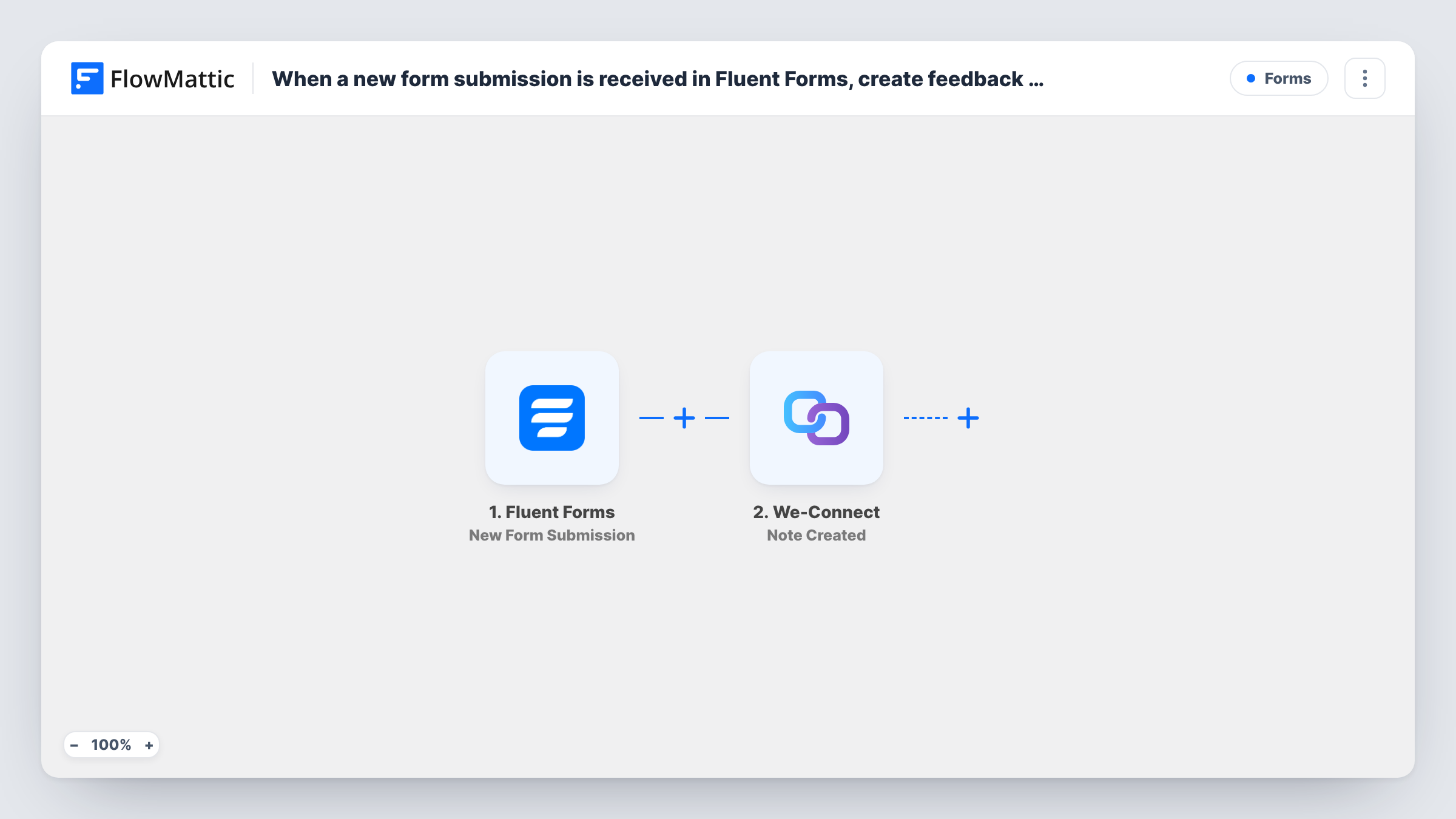
The Fluent Forms trigger fires when a submission is received on the form you pick after import, and passes all of its fields on. Use a form built for feedback, such as a feature request or product feedback form, so every entry belongs in Savio.
The Savio Create Feedback step then adds a new feedback entry. It ships unmapped: after import you connect Savio and map the form fields into the feedback, for example the message as the feedback text and the person's email so you know who asked. A test submission shows which values Fluent Forms sends and what Savio returns.
Every submission creates its own feedback entry, even when the same person sends the same idea twice; sorting and linking feedback to feature requests still happens in Savio. You can review every submission Savio received in Task History.
Feature request form on a SaaS website
A software company puts a Fluent Forms request form on its roadmap page, and every idea lands in Savio for the product team to triage.
Feedback from a WordPress plugin's users
A plugin developer asks users for feedback through a site form and reviews the entries in Savio next to requests from support tickets.
Post-onboarding survey
A service business sends new clients to a short Fluent Forms survey after setup, and the answers become Savio feedback the team discusses monthly.
How this workflow runs
What happens at each step once the workflow is on, and what you need before you import it.
 Fluent Forms New Form Submission
Runs whenever someone sends the feedback form you select in Fluent Forms. One submission means one run, and all of the submitted fields become available to map into Savio.
- Savio Create Feedback
Creates a new feedback entry in Savio. The step ships unmapped: connect Savio, then map the form's message and the submitter's details into the feedback and test with a sample entry.
What you need
- FlowMatticCore
- Fluent Forms PluginPlugin
- Savio AccountAccount
After importing, map your own data. To keep the template universal, not every step is pre-filled. Open each step in the builder and connect your accounts and fields (channels, lists, sheets, recipients) before you switch the workflow on.
Make it yours
Changes worth making after you import it.
- Add a dropdown to the form asking what the feedback is about, such as a product area, and include its value in the feedback text so it's easier to sort in Savio.
- If your form mixes feedback with other enquiries, put a Filter between the Fluent Forms trigger and the Savio step that checks a field you choose, such as an enquiry type. Submissions it stops don't reach Savio.
- Ask for the submitter's email in the form and map it into the Savio step, so you can contact them when the feature they asked for ships.
Questions about this workflow
Which Fluent Forms form sends feedback to Savio?
The one you choose in the trigger after import. Pick a form meant for feedback, or, if the form also collects other kinds of messages, put a Filter on a form field between the Fluent Forms trigger and the Create Feedback step.
What ends up in the Savio feedback entry?
Only what you map. The Create Feedback step ships empty, so you match the Fluent Forms fields, such as the message and email, to the feedback after import.
Will duplicate feedback be merged in Savio?
Not by this workflow. Each submission creates a separate entry. Link related entries to feature requests inside Savio, as you would with feedback from any other source.
More Forms workflows
Other ready-to-import templates from the same category.






Import this workflow into your WordPress site
Download the JSON, import it from the Workflows screen and connect your accounts. Every run stays on your server, with no per-task fees.
30-day money-back guarantee Unlimited workflows and runs Self-hosted