

When a new form submission is received in Ninja Forms, create a new user in WordPress
Each Ninja Forms submission creates a new WordPress user from the details in the form, so you can run sign-ups for your site through a form you design yourself instead of the default registration page.
 Ninja Forms
 WordPress
2 steps Setup ~5 min Used on 2.2k sites Free to import
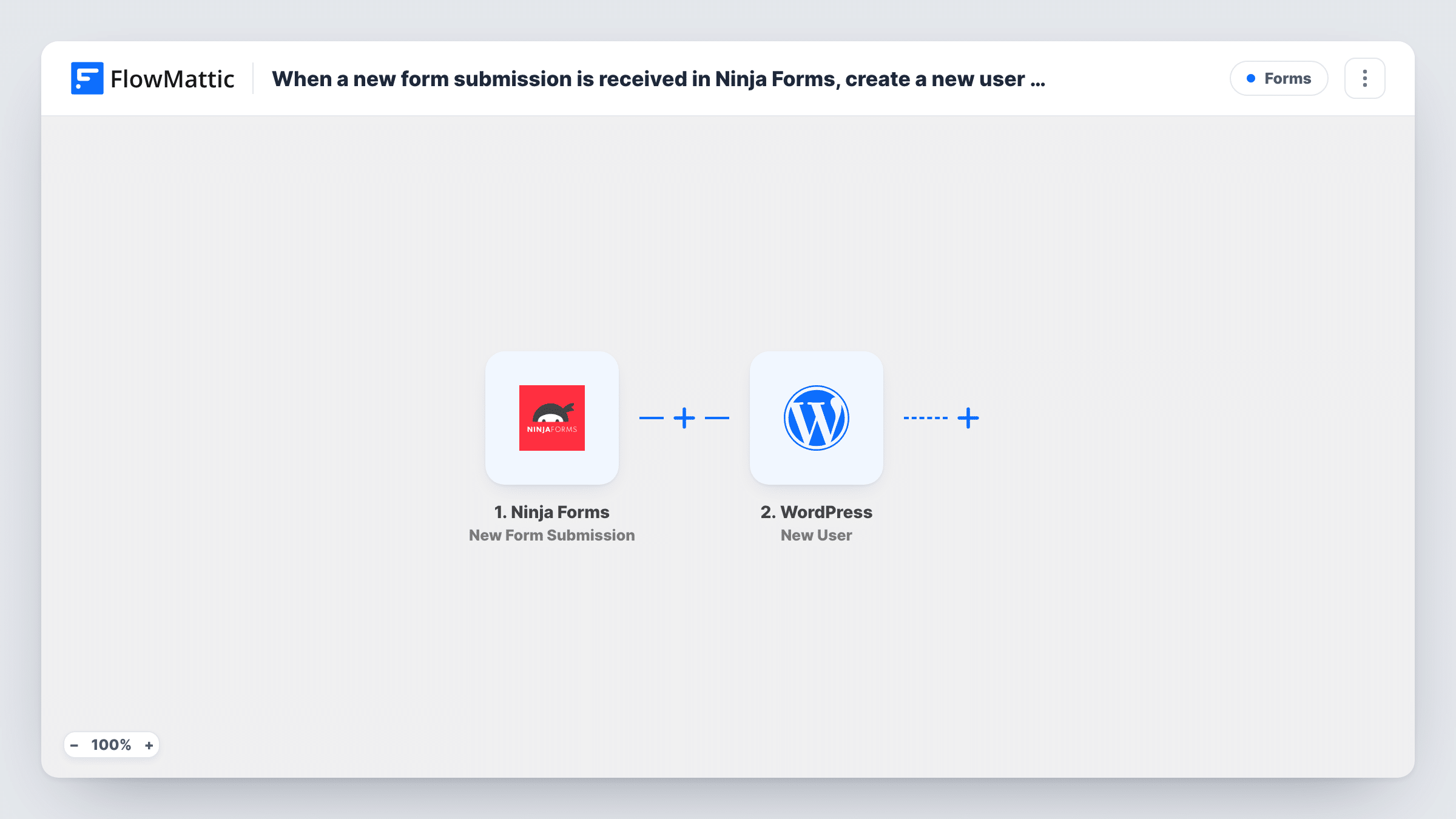
What this workflow does
The standard WordPress registration screen gives you little say over what you ask or how it looks. With Ninja Forms you can build the form you want, and this workflow turns each submission into a user account on your site through the WordPress New User action.
When someone submits the form, the trigger passes every field to FlowMattic. The next step creates a new user in WordPress. You map the form fields into it, such as the email address and a name, and set the details the new account should have. Everything happens on your own site, since Ninja Forms, FlowMattic and WordPress all run there.
Every submission tries to create an account, so the form should only be used for sign-ups. WordPress does not allow two users with the same email address or username, so a repeat submission from the same person won't produce a second account; Open that run in Task History to read WordPress's reply.
Custom registration for a members area
Your Ninja Forms sign-up page asks for name, email and a few profile questions, and each person who submits gets a WordPress account.
Approved staff or volunteer accounts
A private Ninja Forms form, shared only with your team, creates WordPress logins for new volunteers so you don't add each one in the dashboard.
Client portal sign-ups
Clients fill in an intake form on your site, and the workflow gives each one a user account they can use for your client pages.
How this workflow runs
What happens at each step once the workflow is on, and what you need before you import it.
 Ninja Forms New Form Submission
Runs when a visitor submits your Ninja Forms form. All the submitted fields become data you can map into the new WordPress user.
- WordPress New User
Creates a new user in WordPress from the submission. Map the form's email and name fields into it, then run a test submission and check the new account under Users before going live.
What you need
- FlowMatticCore
- Ninja Forms PluginPlugin
After importing, map your own data. To keep the template universal, not every step is pre-filled. Open each step in the builder and connect your accounts and fields (channels, lists, sheets, recipients) before you switch the workflow on.
Make it yours
Changes worth making after you import it.
- Make the email field required in Ninja Forms so every submission carries an address for the new account.
- Add a Filter after the trigger that continues only when an agreement checkbox is ticked, so accounts are only created for people who accepted your terms.
- Add an email step after the user is created to send the person a welcome message with a link to your login page.
Questions about this workflow
What if a Ninja Forms visitor already has a WordPress account with that email?
WordPress does not allow two accounts with one email address, so no second user is created. The failed attempt and WordPress's response show in Task History.
Can anyone who finds the Ninja Forms form create a WordPress account?
Yes. Anyone who can submit the form starts a run. Put the form on a page only the right people can reach, or add a Filter that checks an answer such as an invite code.
Does Ninja Forms still keep the submission?
Yes. FlowMattic only reads the submission, and Ninja Forms stores it as it normally does.
Do I need any accounts outside WordPress for this Ninja Forms workflow?
No. Ninja Forms and WordPress both run on your site alongside FlowMattic, so there are no outside accounts to connect.
More Forms workflows
Other ready-to-import templates from the same category.






Import this workflow into your WordPress site
Download the JSON, import it from the Workflows screen and connect your accounts. Every run stays on your server, with no per-task fees.
30-day money-back guarantee Unlimited workflows and runs Self-hosted