

Cross-post new SocialBu content to a Discord channel
When SocialBu publishes a new post from one of your connected accounts, this workflow sends a message to a Discord channel with the post details you map, so your community server sees each post too.
 Socialbu
 Discord
2 steps Setup ~5 min Used on 777 sites Free to import
What this workflow does
You schedule social posts in SocialBu, but your most engaged followers may hang out in your Discord server rather than on each network. Copying every post into Discord by hand is easy to forget. This workflow shares each published post in a Discord channel for you.
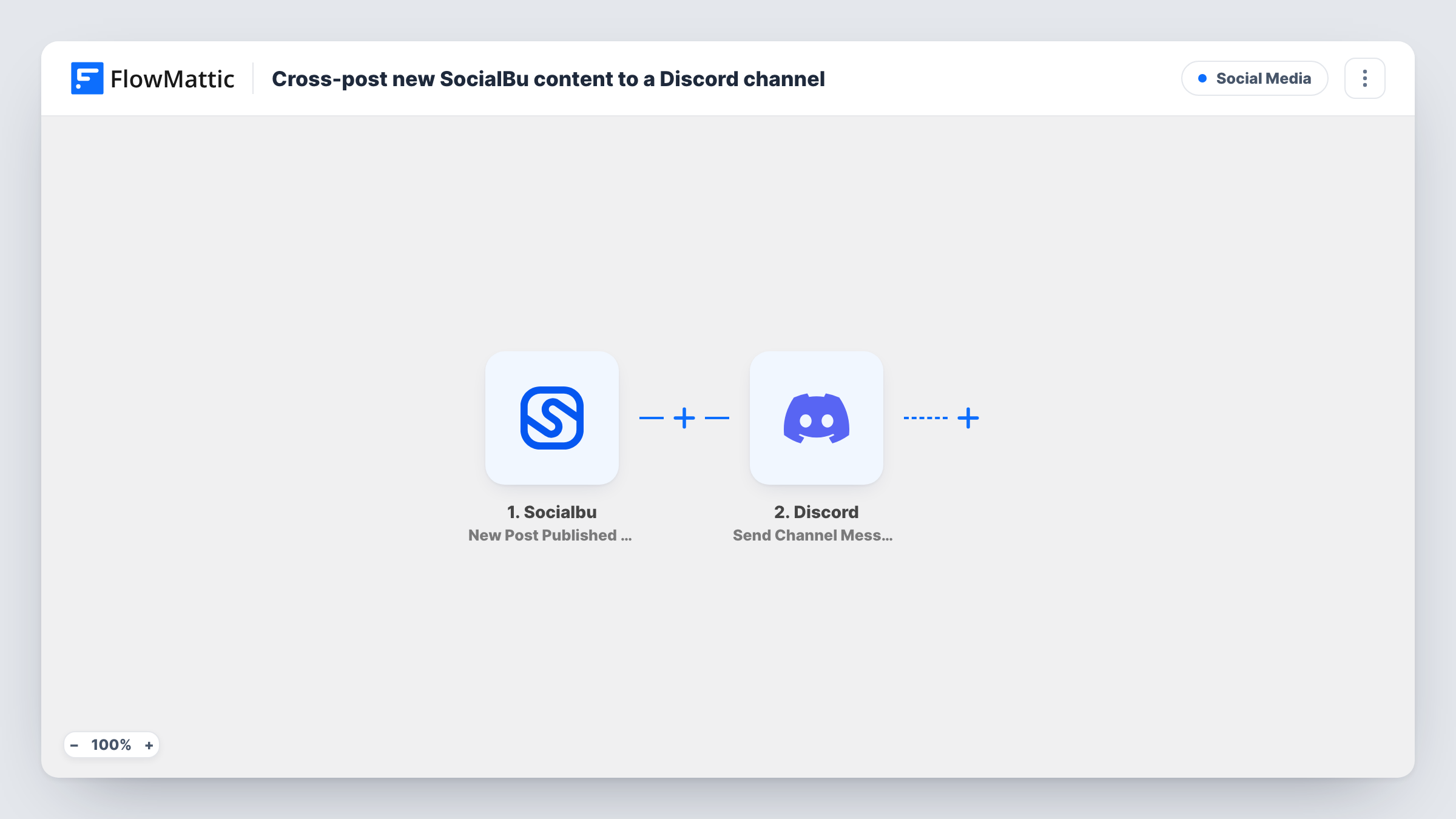
The SocialBu trigger is New Post Published by Account, which fires when a new post is published. FlowMattic receives the post data SocialBu sends. The second step runs Send Channel Message in Discord, which posts a message to the channel you choose. You decide what the message contains, such as the post text and a link to it.
The workflow posts one Discord message per published SocialBu post. If the same content goes out to several social accounts, you may see a message for each of them, since nothing in the template filters or groups posts. Publish a test post after import to see what SocialBu passes, then build the message. Task History records each run and Discord's response.
Creator community announcements
A creator schedules posts in SocialBu, and each one is shared in the announcements channel of their Discord server where fans chat.
Game studio updates
A small studio posts patch notes and trailers through SocialBu. Players in the studio's Discord see each post in a news channel without the team repeating it.
Internal visibility for a marketing team
A team that uses Discord to work together gets a message in a private channel each time a scheduled post goes live, so everyone knows what was published.
How this workflow runs
What happens at each step once the workflow is on, and what you need before you import it.
 Socialbu New Post Published by Account
Fires when SocialBu publishes a new post from one of your connected accounts. The post data SocialBu sends can be used in the Discord message.
- Discord Send Channel Message
Sends a message into a Discord channel of your choosing. Connect Discord, select the channel and compose the message from SocialBu post values. Run a test post to check how it looks.
What you need
- FlowMatticCore
- Socialbu AccountAccount
- Discord AccountAccount
After importing, map your own data. To keep the template universal, not every step is pre-filled. Open each step in the builder and connect your accounts and fields (channels, lists, sheets, recipients) before you switch the workflow on.
Make it yours
Changes worth making after you import it.
- Add a Filter after the trigger so only posts from one SocialBu account reach Discord, if the same content goes out to several networks. Check the trigger data for the account value.
- Start the message with a short line such as New post, then the post text and its link, so members can tell shared posts apart from chat.
- Use a Router with one route per social account, each with its own Discord step, to post updates from different brands in different channels.
Questions about this workflow
Will every SocialBu post appear in Discord?
Yes, as imported. Each published post fires the trigger and sends one Discord message. Add a Filter if you only want posts from some accounts.
Can SocialBu posts go to two Discord channels at once?
Add another Send Channel Message step after the first and pick a different channel. Both steps then run for every post.
Does the Discord message include images from the SocialBu post?
Only what you map into the message. Publish a test post to see whether SocialBu passes a media link you can include.
Are posts published before the import shared to Discord?
No. Only SocialBu posts published after the workflow is turned on start a run.
More Social Media workflows
Other ready-to-import templates from the same category.





Import this workflow into your WordPress site
Download the JSON, import it from the Workflows screen and connect your accounts. Every run stays on your server, with no per-task fees.
30-day money-back guarantee Unlimited workflows and runs Self-hosted