

When a contact replies in We-Connect, create ticket in Fluent Support
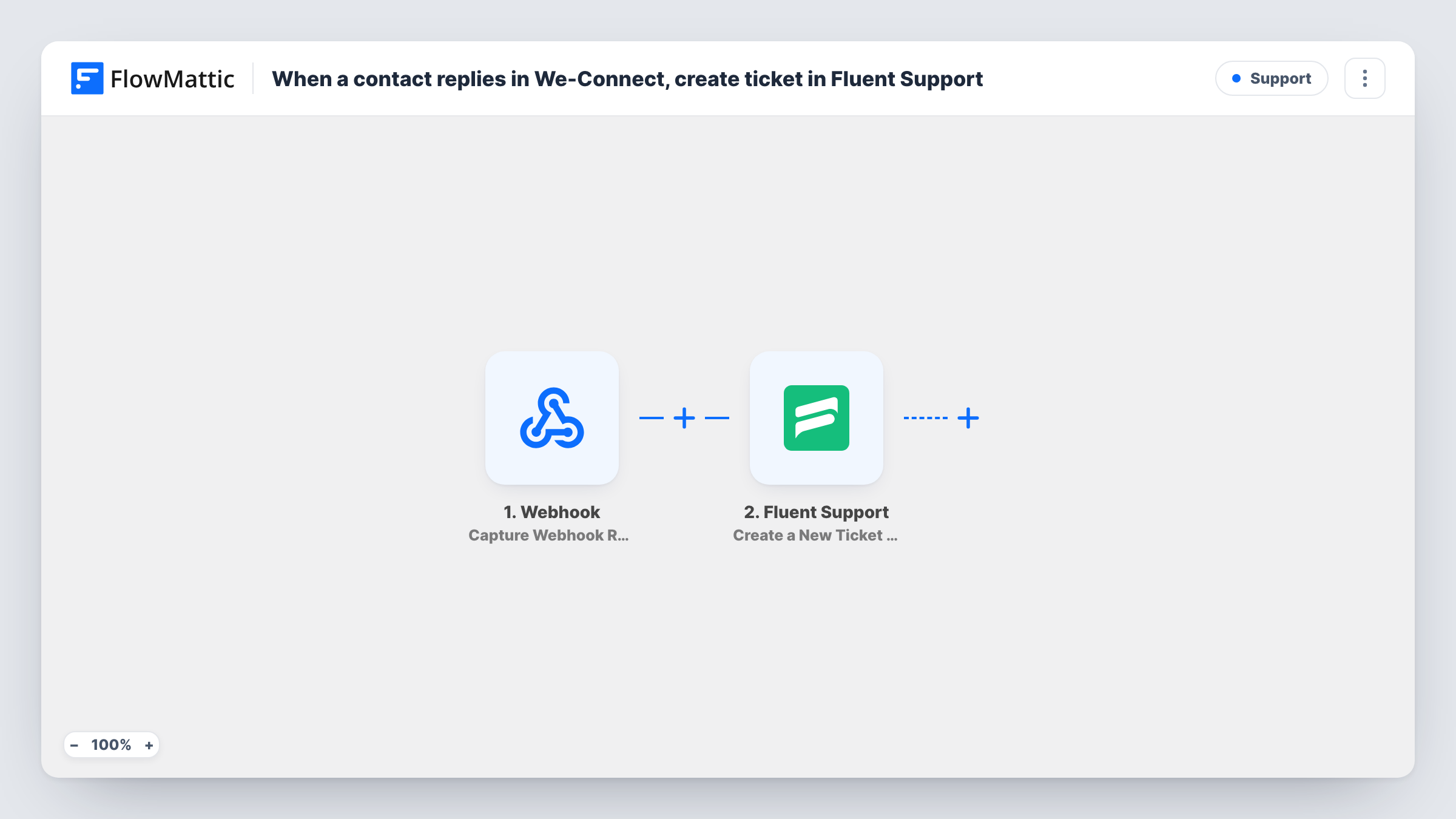
When a contact replies to your We-Connect campaign, FlowMattic opens a ticket in Fluent Support on your WordPress site, so each reply gets an owner and a status instead of sitting in an outreach inbox.
 We-Connect
 Fluent Support
2 steps Setup ~5 min Used on 1.6k sites Free to import
What this workflow does
Replies to LinkedIn outreach are easy to miss when several people share one We-Connect account. Some are sales questions, some are requests for help, and none of them have a clear owner. This workflow turns each reply into a Fluent Support ticket, so your team can assign, track and close it with the helpdesk tools they already use in WordPress.
The We-Connect trigger fires when a contact replies and passes the contact and reply details on. The Fluent Support step, Create a New Ticket Using Customer, then opens a new ticket on the site where FlowMattic runs.
The ticket step ships unmapped. After import you map a subject, put the reply text into the ticket body, and map the contact's email and name so Fluent Support knows which customer the ticket belongs to. A LinkedIn contact only has an email in We-Connect once one has been captured, so check a test run with a real reply to see what the trigger sends.
Each reply starts a run, so a contact who writes three times gets three tickets. This trigger covers replies inside your campaigns; FlowMattic's We-Connect integration has a separate Contact Replies (Outside Campaign) trigger for the rest. Task History lists each run and what Fluent Support returned.
Prospects asking for a demo
A software company's outreach replies land in Fluent Support, where a sales engineer picks up each demo request as an assigned ticket.
Shared inbox for a recruiting team
Recruiters running LinkedIn campaigns see every candidate reply as a ticket, so two people never answer the same message.
Reply history kept on your own site
An agency keeps a record of each outreach reply in its WordPress helpdesk, with notes and status, after the campaign has ended in We-Connect.
How this workflow runs
What happens at each step once the workflow is on, and what you need before you import it.
 We-Connect Contact Replies
Fires when a contact replies to one of your We-Connect campaigns. The contact's details and the reply are passed on; a test run shows whether a captured email address is included.
- Fluent Support Create a New Ticket Using Customer
Creates a new Fluent Support ticket. The step ships unmapped: map a subject, the reply text, and the contact's email and name from We-Connect, then test with a contact whose email We-Connect holds.
What you need
- FlowMatticCore
- We-Connect AccountAccount
- Fluent Support PluginPlugin
After importing, map your own data. To keep the template universal, not every step is pre-filled. Open each step in the builder and connect your accounts and fields (channels, lists, sheets, recipients) before you switch the workflow on.
Make it yours
Changes worth making after you import it.
- Add a Filter between the We-Connect trigger and the Fluent Support step that continues only when the contact's email is not empty, so replies with no address don't attempt a ticket.
- If the trigger sends the contact's LinkedIn profile link, put it into the ticket body, so whoever picks it up can see who wrote before answering.
- If tickets don't appear for people who aren't Fluent Support customers yet, add Create OR Get Customer Info between the trigger and the ticket step and map the email into both.
Questions about this workflow
Must Fluent Support run on the WordPress site where these We-Connect replies are received?
Yes. Fluent Support is a WordPress helpdesk plugin, and the ticket is created on the site where this workflow runs.
What happens when a We-Connect contact has no email address?
Fluent Support files tickets under a customer, so a reply without an email may not produce a ticket, and the step can return an error. Check that run in Task History.
Does a second reply from the same contact open another ticket?
Yes. Every Contact Replies event starts its own run and creates a new ticket. Map the same subject format each time so your agents can spot repeats.
Are replies outside a We-Connect campaign turned into tickets?
Not with this trigger. FlowMattic offers a separate Contact Replies (Outside Campaign) trigger for We-Connect. Copy the workflow and swap the trigger if you want those too.
More Support workflows
Other ready-to-import templates from the same category.







Import this workflow into your WordPress site
Download the JSON, import it from the Workflows screen and connect your accounts. Every run stays on your server, with no per-task fees.
30-day money-back guarantee Unlimited workflows and runs Self-hosted