

Add a Shopify product when a Gelato store product template is created
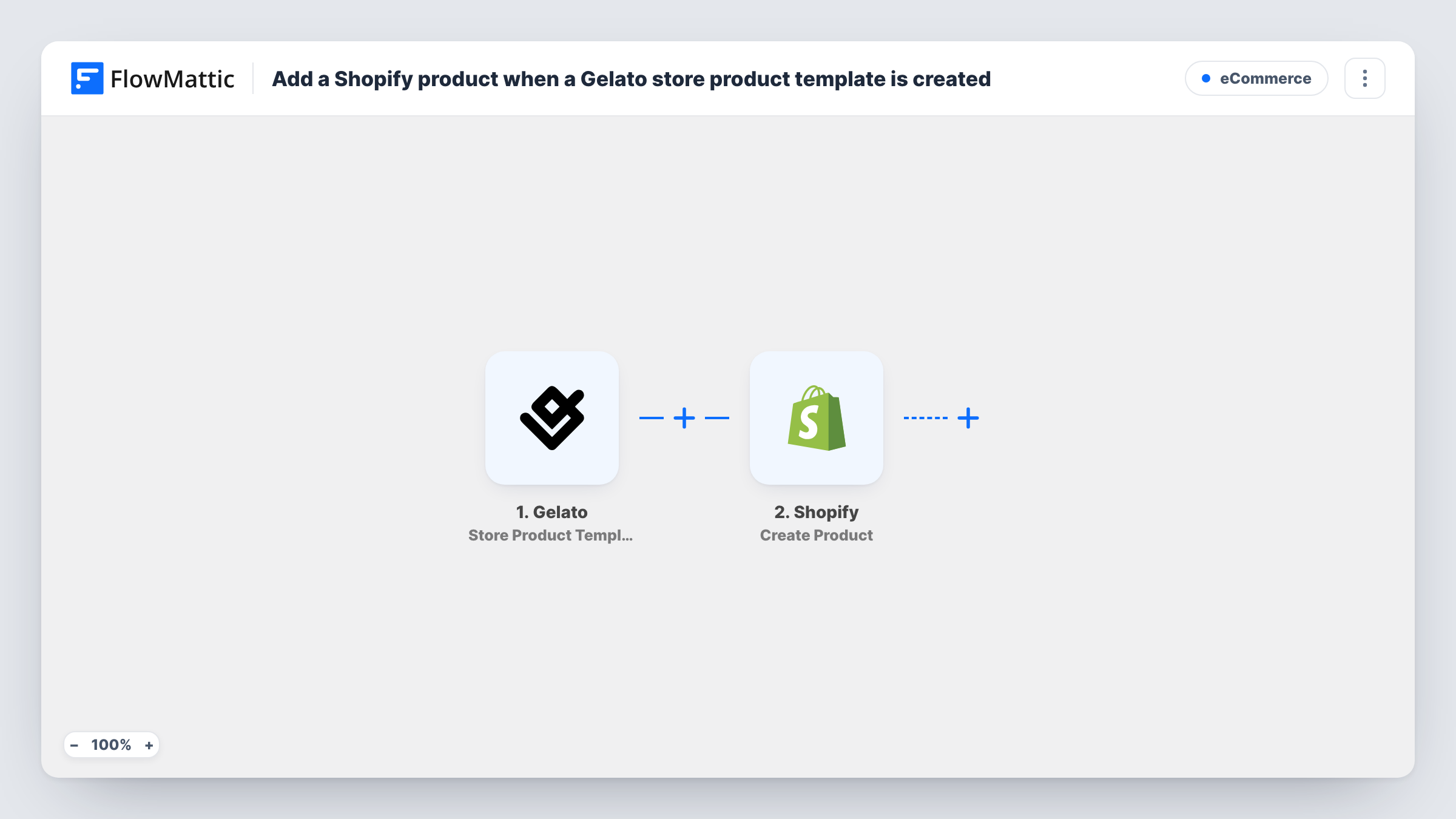
When you create a store product template in Gelato, this workflow creates a new product in Shopify from the template’s data, so a new print-on-demand design gets a matching Shopify listing to finish.
 Gelato
 Shopify
2 steps Setup ~5 min Used on 1.9k sites Free to import
What this workflow does
With print-on-demand, the design work happens in Gelato and the selling happens in Shopify. Each new template then needs a product in your store, and copying titles and details from one to the other is slow and easy to get wrong. This workflow creates that Shopify product when the template is made.
The Gelato trigger fires when a store product template is created in your Gelato account. FlowMattic receives the template's data and passes it to Shopify, where Create Product adds a new product. You choose which template values go into the product, such as its title.
The workflow only creates the product. It does not change Gelato or set up how orders reach Gelato, so treat the new Shopify product as a starting point and review it before you sell it. Every template created while the workflow is on gives one new product, and Task History records the data sent to Shopify each time.
Launching a new t-shirt design
You finish a new shirt template in Gelato. A Shopify product with the template's title appears, ready for photos and a price check before launch.
Seasonal poster collections
Before the holidays you create a batch of poster templates in Gelato. Each one gets its own Shopify product without retyping titles.
A designer working with a store owner
A freelance designer builds templates in Gelato while the owner manages Shopify. New templates show up in Shopify as products for the owner to review.
How this workflow runs
What happens at each step once the workflow is on, and what you need before you import it.
 Gelato Store Product Template Created
Runs each time a store product template is created in your connected Gelato account. The template's data becomes available to map into Shopify.
- Shopify Create Product
Creates a new product in your Shopify store from the Gelato template. Map the template values you want, such as its title, and run a test to see what the action accepts and how Shopify saves the product.
What you need
- FlowMatticCore
- Gelato AccountAccount
- Shopify AccountAccount
After importing, map your own data. To keep the template universal, not every step is pre-filled. Open each step in the builder and connect your accounts and fields (channels, lists, sheets, recipients) before you switch the workflow on.
Make it yours
Changes worth making after you import it.
- Create one sample template in Gelato after import. FlowMattic captures its data, so you can see which template values are available before mapping the Shopify product.
- Add a Filter after the Gelato trigger that continues only when the template title contains a word you choose, if only some templates should become Shopify products.
- Add a Slack or email step after Shopify to tell whoever manages the store that a new product was created from Gelato and needs a review.
Questions about this workflow
Does this link the Shopify product to Gelato for order fulfilment?
No. The workflow only creates a product in Shopify from the template data. How orders reach Gelato depends on your own Gelato and Shopify setup.
Will older Gelato templates be added to Shopify?
No. Only templates created after you turn the workflow on start a run. Add older ones to Shopify by hand.
What if I edit the Gelato template after the Shopify product is made?
Nothing changes in Shopify. The trigger fires on template creation only, so later edits to the template are not copied across.
Could this create a duplicate Shopify product?
Yes, if the product already exists in Shopify. Create Product makes a new product on every run and does not look for an existing one first.
More E-Commerce workflows
Other ready-to-import templates from the same category.









Import this workflow into your WordPress site
Download the JSON, import it from the Workflows screen and connect your accounts. Every run stays on your server, with no per-task fees.
30-day money-back guarantee Unlimited workflows and runs Self-hosted