

Post a Slack alert when a Recurly subscription is updated
Whenever a subscription is updated in Recurly, FlowMattic posts a message to the Slack channel you choose, so your team sees billing changes without opening the Recurly dashboard.
 Recurly
 Slack
2 steps Setup ~5 min Used on 3.3k sites Free to import
What this workflow does
Subscription changes matter to more people than the billing team. A plan change can affect what support promises, what account managers discuss and what finance expects next month. Most of those people never log in to Recurly. This workflow brings each update into a Slack channel where they already talk.
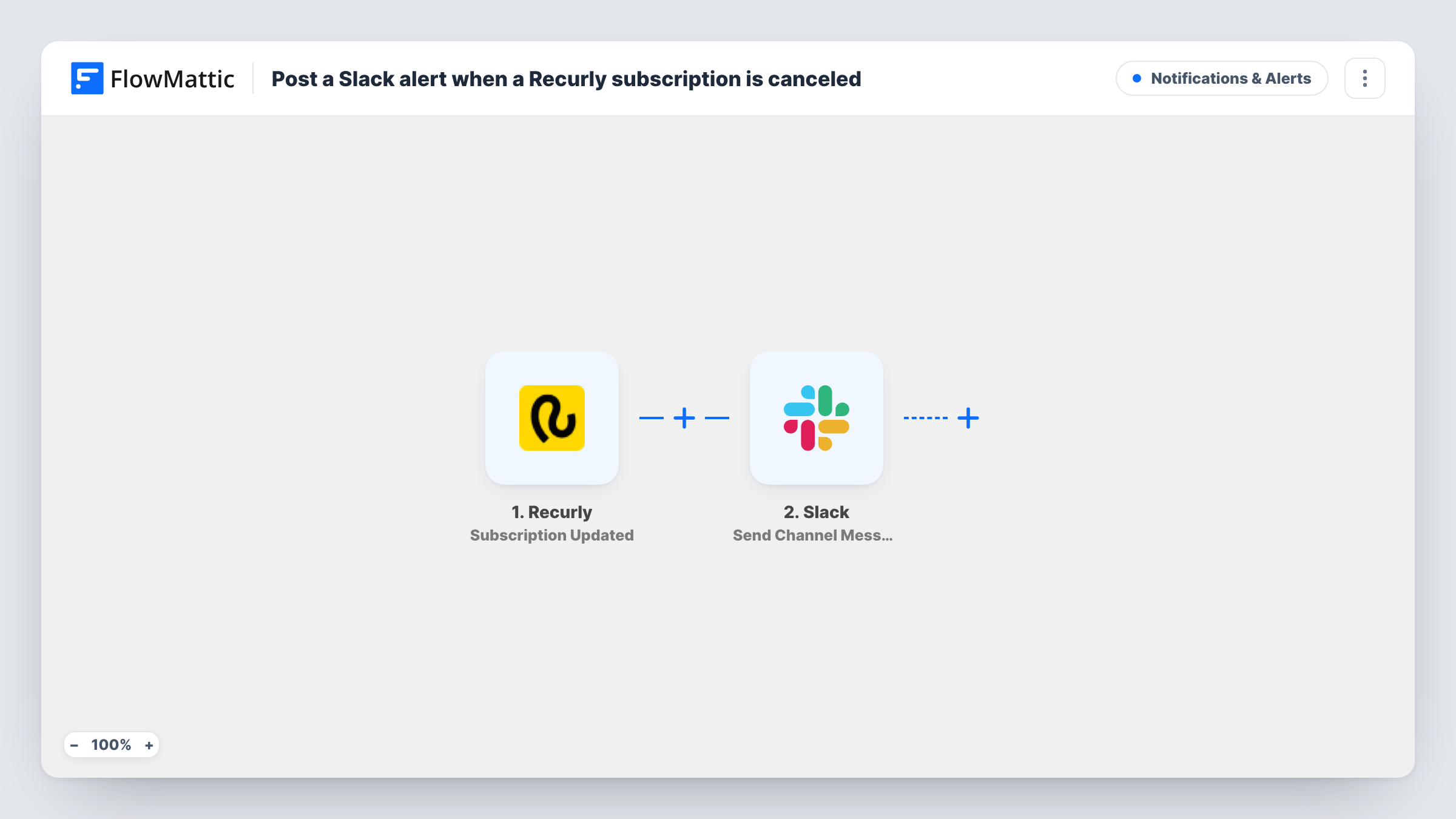
The Recurly Subscription Updated trigger starts a run when one of your subscriptions is updated and passes the subscription's details to FlowMattic. Make a test change in Recurly to see which values arrive, such as the account, plan and state.
The Slack Send Channel Message step then posts to a channel. It ships unmapped, so after import you connect your workspace, choose the channel and write the message, mapping the Recurly details people need to act on.
Every subscription update posts its own message, whatever changed. FlowMattic's Recurly integration has separate triggers for created, renewed, reactivated and resumed subscriptions; this template uses the update one only. A test run in Task History shows exactly what Recurly sent for a change.
Plan changes for account managers
A B2B software company posts each subscription update to an #accounts channel, so the owner of the account can follow up when a customer changes plan or quantity.
Billing visibility for support
Support agents keep a #billing-updates channel open and check it when a customer writes in about a change they just made to their subscription.
Finance heads-up on revenue changes
A finance lead reads the Slack feed of subscription updates each morning to spot changes that affect the month's expected revenue.
How this workflow runs
What happens at each step once the workflow is on, and what you need before you import it.
 Recurly Subscription Updated
Fires when a subscription is updated in your Recurly site. The subscription's details are passed on so you can put them in the Slack message.
- Slack Send Channel Message
Sends the alert into one channel of your Slack workspace. The step ships unmapped: connect Slack, pick the channel, then write the text and map the Recurly account and plan details into it.
What you need
- FlowMatticCore
- Recurly AccountAccount
- Slack AccountAccount
After importing, map your own data. To keep the template universal, not every step is pre-filled. Open each step in the builder and connect your accounts and fields (channels, lists, sheets, recipients) before you switch the workflow on.
Make it yours
Changes worth making after you import it.
- Map the account code or customer email and the plan name into the message, so people can tell at a glance which customer changed and to what.
- Put a Filter between the Recurly trigger and the Slack step that continues only when the subscription state is a value you care about, such as one plan code, if the channel should only hear about some subscriptions.
- For a private channel, swap this step for Slack's Send Private Channel Message action, or use Send Direct Message to alert one person.
Questions about this workflow
Does a new Recurly subscription post to Slack too?
Not through this trigger. FlowMattic has a separate Subscription Created trigger for Recurly, so build a second workflow with it if you want new signups in Slack as well.
Which Slack channel receives the Recurly alerts?
You choose it when you set up Send Channel Message. The template doesn't set a channel or message, so choose both after you connect your Slack workspace.
Can I post updates for only one Recurly plan?
Yes, with a Filter between the Recurly trigger and the Slack step. Check a test run for the field that holds the plan, then set the Filter to continue only for the value you want.
Will every small change in Recurly send a message?
Yes. Each subscription update starts a run and posts once. If the channel gets too busy, narrow it with a Filter on the subscription details.
More Notifications & Alerts workflows
Other ready-to-import templates from the same category.



Import this workflow into your WordPress site
Download the JSON, import it from the Workflows screen and connect your accounts. Every run stays on your server, with no per-task fees.
30-day money-back guarantee Unlimited workflows and runs Self-hosted