

When user enrolls into a course in MasterStudy LMS, share the Google Drive folder
When a student is enrolled into a MasterStudy LMS course, FlowMattic shares a Google Drive folder with their email address, so course files are waiting for them without you sending invites by hand.
 Master Study
 Google Drive
2 steps Setup ~5 min Used on 1.2k sites Free to import
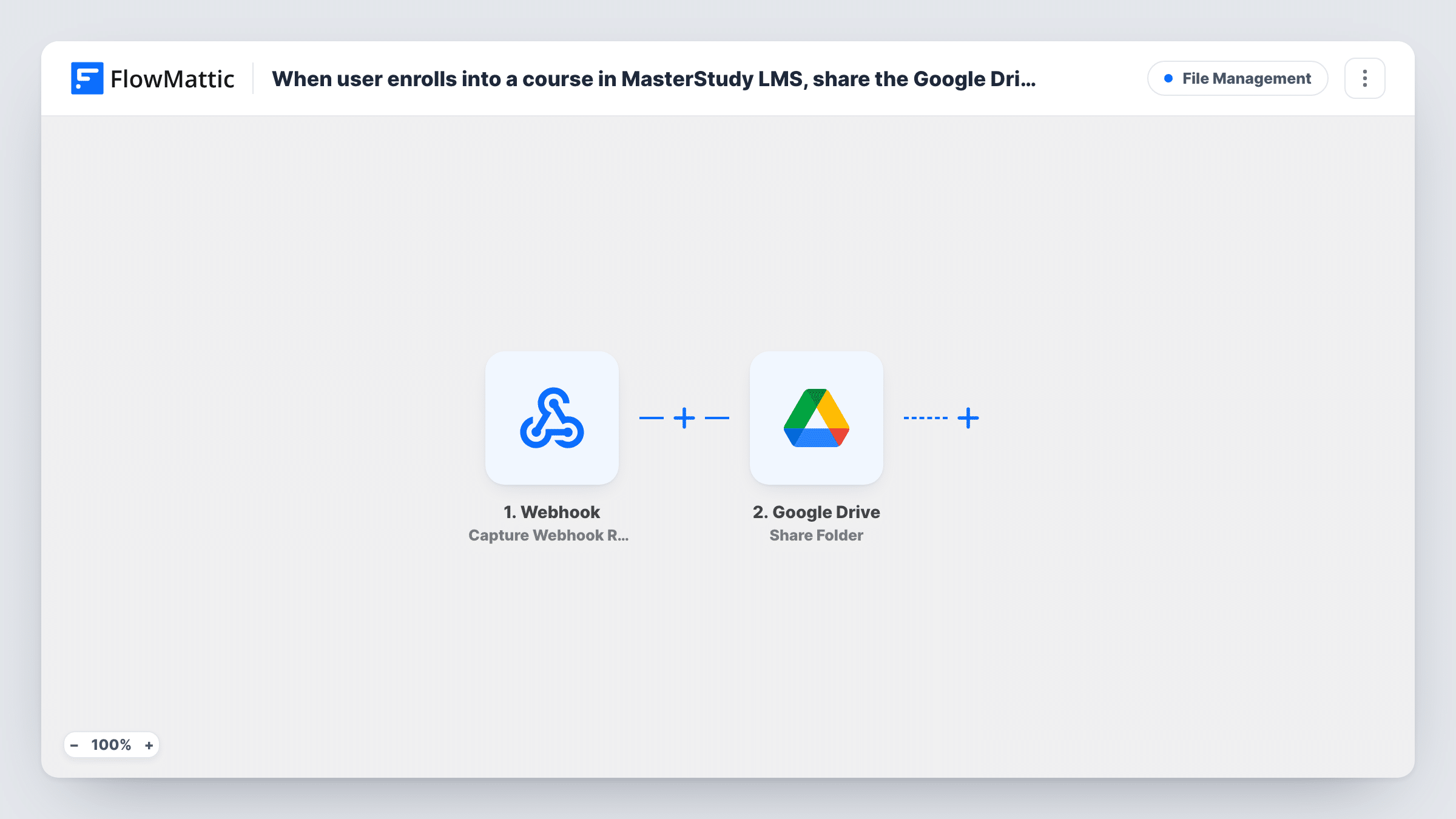
What this workflow does
Many course creators keep worksheets, recordings or templates in Google Drive rather than uploading every file to WordPress. The awkward part is giving each new student access. Sharing the folder manually after every enrolment is slow, and students who wait for access often email to ask where the files are. This workflow shares the folder as part of enrolment.
The Master Study trigger fires when a user is enrolled into a course on your site and passes the enrolment details to FlowMattic. Enrol a test user to see which values arrive, and confirm the student's email address is among them.
The Google Drive Share Folder step then shares a folder, by its ID, with an email address. It ships unmapped, so after import you connect your Google account, set the folder, and map the student's email from the trigger.
As imported, every enrolment into any course shares the same folder. If each course has its own folder, build one copy of the workflow per course with a Filter on the course, or the wrong students will see files. Removing a student from a course doesn't remove their Drive access.
Workbooks for an online course
A coach keeps printable workbooks in one Drive folder, and each new MasterStudy student gets access to it as soon as they are enrolled.
Recordings for a live cohort
A trainer running a cohort course stores session recordings in Drive and shares the folder with each enrolled participant instead of posting links in a group.
Design files for a template course
A designer teaching through MasterStudy LMS shares a Drive folder of source files that students copy and edit during the lessons.
How this workflow runs
What happens at each step once the workflow is on, and what you need before you import it.
 Master Study User Enrolled Into Course
Fires when a user is enrolled into any MasterStudy LMS course on your site. The enrolment details, including the course, are passed on for the Drive step.
- Google Drive Share Folder
Shares one Google Drive folder, identified by its ID, with an email address. Nothing is set as imported, so connect Google, set the folder, and map the enrolled student's email into the step.
What you need
- FlowMatticCore
- MasterStudy LMS PluginPlugin
- Google Drive AccountAccount
After importing, map your own data. To keep the template universal, not every step is pre-filled. Open each step in the builder and connect your accounts and fields (channels, lists, sheets, recipients) before you switch the workflow on.
Make it yours
Changes worth making after you import it.
- Put a Filter between the MasterStudy trigger and the Google Drive step that continues only for one course ID, then import a copy of the workflow for each course folder you want to share.
- Share a folder that holds only course material, not one inside your own working files, so students can't browse anything else you keep in Drive.
- Add an email step after Share Folder that tells the student where to find the files and which Google account the folder was shared with.
Questions about this workflow
Does every MasterStudy course share the same Google Drive folder?
Yes, as imported. The trigger fires for enrolments into any course, and the Share Folder step always uses the folder you set. Add a Filter on the course between the trigger and the Drive step for course-specific folders.
What if the student's email isn't a Google account?
Google Drive decides how to handle sharing with that address. Run a test with a non-Google email and check Task History for the response before you rely on it.
Is Drive access removed when a student is unenrolled?
No. The workflow only shares the folder at enrolment. Remove the person from the folder's sharing settings in Google Drive when they leave the course.
Do students who enrolled before I turned this on get access?
No. Only enrolments made while the workflow is active start a run. Share the folder with your existing students in Google Drive directly.
More File Management workflows
Other ready-to-import templates from the same category.




Import this workflow into your WordPress site
Download the JSON, import it from the Workflows screen and connect your accounts. Every run stays on your server, with no per-task fees.
30-day money-back guarantee Unlimited workflows and runs Self-hosted