

Create Google Drive folders for new ClickUp tasks
Each new ClickUp task gets a matching folder in Google Drive, named from the task, so files for that piece of work have one agreed place from the moment the task exists.
 ClickUp
 Google Drive
2 steps Setup ~5 min Used on 1.7k sites Free to import
What this workflow does
Files for a task tend to end up everywhere: email attachments, personal drives, chat uploads. A folder per task fixes that, but only if someone remembers to make it. This workflow creates the folder in Google Drive whenever a task is added in ClickUp, so nobody has to.
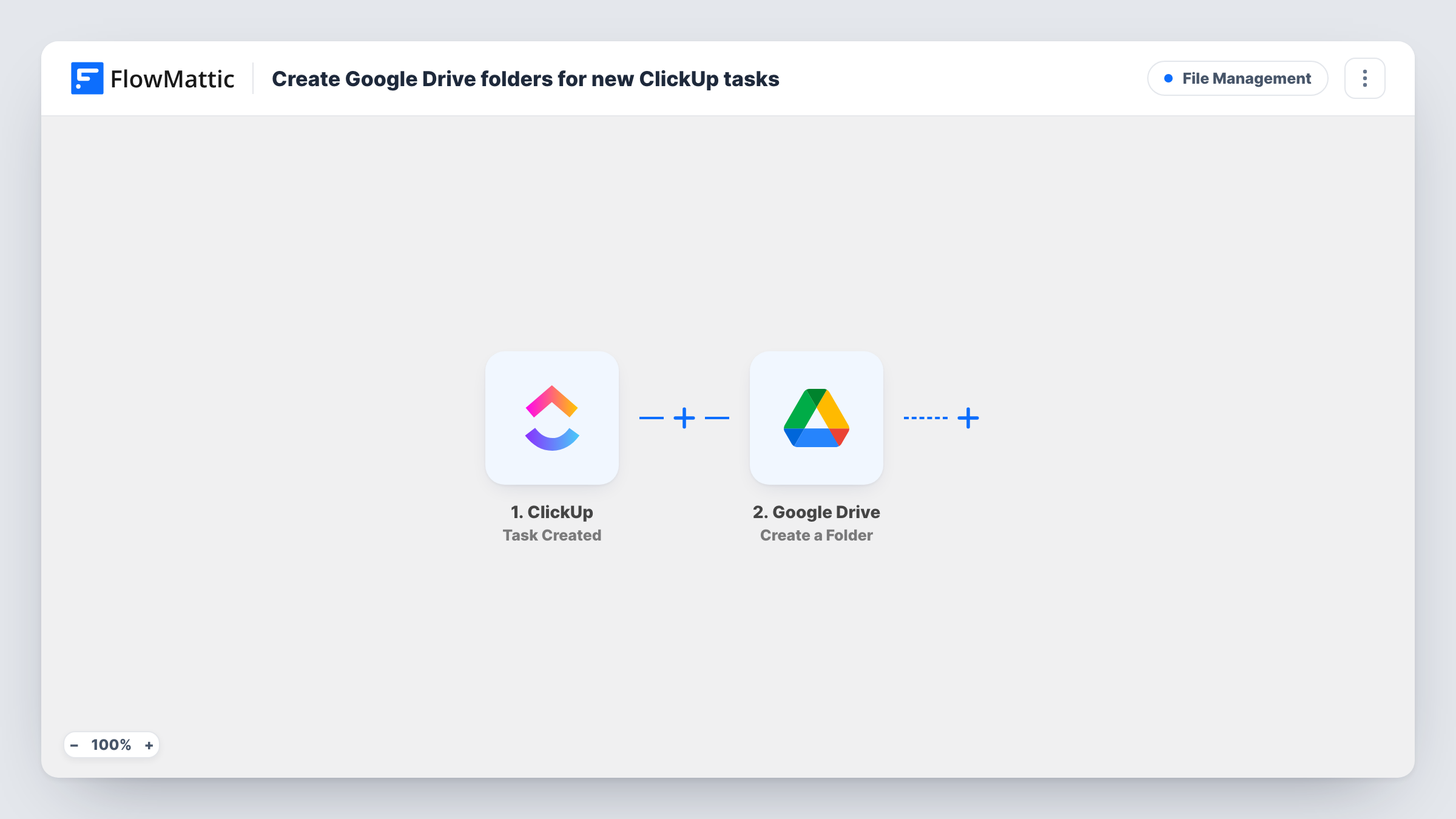
The ClickUp trigger runs when a new task is created and passes the task's data to FlowMattic. The second step uses Create a Folder in Google Drive. Map the task name, or the name together with its ID, as the folder name so each folder is easy to match to its task.
The template stops there. It doesn't write the folder link back to the task or share the folder with anyone, and renaming or closing the task later won't touch the folder. Each new task gets one folder, since there is no Filter, so think about whether small to-dos also need one before you switch it on. Task History records every run along with what Google Drive returned.
Client deliverables at a design studio
Each design job is a ClickUp task, and its Drive folder becomes the place where drafts, feedback files and final exports are kept.
Video production pipeline
Every new video task gets a Drive folder for raw footage, scripts and thumbnails, so editors know where to upload before they start.
Contract or case files
A small firm opens a ClickUp task per matter, and the folder created alongside it holds the documents for that matter only.
How this workflow runs
What happens at each step once the workflow is on, and what you need before you import it.
 ClickUp Task Created
Starts a run each time a task is created in ClickUp. The task's details, such as its name, become available for naming the Drive folder.
- Google Drive Create a Folder
Makes one Drive folder per task in the Google account you link. Map a value from the ClickUp task, such as its name, as the folder name. Connect your Google account on import and run a test to see where the folder is made.
What you need
- FlowMatticCore
- ClickUp AccountAccount
- Google Drive AccountAccount
After importing, map your own data. To keep the template universal, not every step is pre-filled. Open each step in the builder and connect your accounts and fields (channels, lists, sheets, recipients) before you switch the workflow on.
Make it yours
Changes worth making after you import it.
- Add a Filter after the ClickUp trigger so only tasks that need files get a folder, for example tasks carrying a particular tag or in a particular list, based on what a test run shows.
- Add Google Drive's Share Folder action after the folder step to give your team or a client access to each new folder straight away.
- Put the task ID in the folder name as well as the title. Two tasks with the same name then still get folders you can tell apart.
Questions about this workflow
Does the Google Drive folder link appear in the ClickUp task?
Not as imported, since the Drive step is the last one. To record it, add ClickUp's Post Task Comment action after the folder step, using the task ID from the trigger and the folder details Drive returns.
What happens to the Drive folder when the ClickUp task is renamed or closed?
Nothing. The trigger reacts only to new tasks, so later changes in ClickUp don't rename, move or delete the folder.
Will tasks that already exist in ClickUp get a Drive folder?
No. Folders are made only for tasks created after you turn the workflow on.
Who can see the folders created in Google Drive?
They belong to the Google account you connect, and the workflow doesn't share them. Share them yourself, or add the Share Folder action to do it in the workflow.
More File Management workflows
Other ready-to-import templates from the same category.




Import this workflow into your WordPress site
Download the JSON, import it from the Workflows screen and connect your accounts. Every run stays on your server, with no per-task fees.
30-day money-back guarantee Unlimited workflows and runs Self-hosted