

When new form submission is received in WSForms, upload the files to Google Drive
When someone submits a WS Form with a file upload field, FlowMattic uploads the file to the Google Drive folder you select, so attachments are stored where your team already shares documents.
 WSForms
 Google Drive
2 steps Setup ~5 min Used on 2.9k sites Free to import
What this workflow does
Forms that accept uploads, such as job applications, design briefs, photos for a quote or signed documents, leave files on your WordPress server where only an admin can easily reach them. This workflow copies each upload into Google Drive as the form comes in, so the right people can open it from a shared folder.
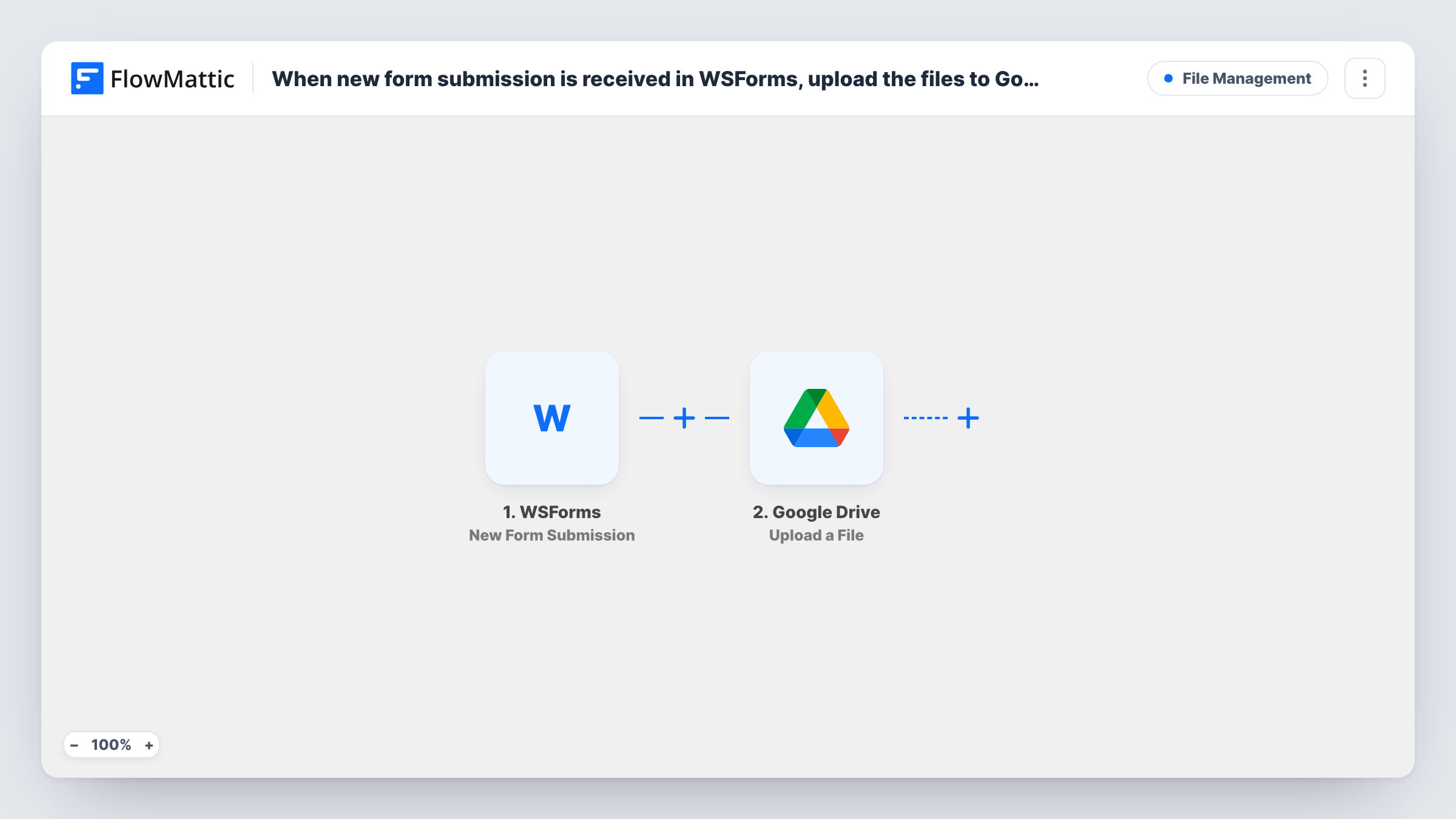
The WSForms New Form Submission trigger starts a run for every entry the form receives. The submitted fields arrive with it, including the file upload field. Send a test submission with a file after import, so you can see how WS Form passes the file to FlowMattic.
The Google Drive Upload a File step then puts the file in the folder you select. It ships unmapped: connect your Google account, choose the folder and map the file from the form's upload field.
One run uploads the file you map. If your form accepts several files in one field, or has more than one upload field, see the tips for handling each file. Task History shows what the form sent and how Google Drive answered.
CVs from a careers page
A recruitment agency's WS Form application form sends each applicant's CV to a Drive folder the hiring team reviews every morning.
Photos for repair quotes
A home repair business asks customers to upload photos of the damage, and each photo lands in Google Drive for the estimator.
Client briefs for a design studio
A studio's project brief form collects reference files that are filed in Drive, where designers can open them without logging in to WordPress.
How this workflow runs
What happens at each step once the workflow is on, and what you need before you import it.
 WSForms New Form Submission
Fires when a new WS Form submission is received. The submitted fields, including the file upload field, are available to the Google Drive step.
- Google Drive Upload a File
Copies the submitted file into a Google Drive folder of your choice. Unmapped as imported: connect Google Drive, pick the folder and map the uploaded file from the WS Form submission.
What you need
- FlowMatticCore
- WSForms PluginPlugin
- Google Drive AccountAccount
After importing, map your own data. To keep the template universal, not every step is pre-filled. Open each step in the builder and connect your accounts and fields (channels, lists, sheets, recipients) before you switch the workflow on.
Make it yours
Changes worth making after you import it.
- For a form that takes several files at once, put an Iterator over the upload field between the WS Form trigger and the Google Drive step, so the upload repeats for each file.
- Create a dedicated Drive folder per form, such as Applications or Quote photos, and share it with the team that handles those entries.
- If only some submissions include a file, put a Filter between the WS Form trigger and the Google Drive step that continues only when the upload field is not empty.
- Log each submission and the Drive file link in Google Sheets with an Add New Row step after the upload, so you can track who sent what.
Questions about this workflow
Does every file in a WS Form submission go to Google Drive?
As imported, one run uploads the file you map. Forms with several files need an Iterator between the trigger and the upload step, or one Upload a File step per upload field.
Are the files removed from WordPress after uploading to Drive?
No. The workflow only sends a copy to Google Drive and deletes nothing on your site, so how WS Form keeps its uploads doesn't change.
Which Google Drive folder do the WS Form uploads go to?
The one you choose in the Upload a File step after connecting your Google account. Pick a shared folder if several people need the files.
More File Management workflows
Other ready-to-import templates from the same category.




Import this workflow into your WordPress site
Download the JSON, import it from the Workflows screen and connect your accounts. Every run stays on your server, with no per-task fees.
30-day money-back guarantee Unlimited workflows and runs Self-hosted