

Send a Slack alert when Factors.ai identifies a new company on your site
When Factors.ai adds a company to one of your segments, this workflow posts a message about it in a Slack channel, so your sales team hears about the account without checking the Factors.ai dashboard.
 Factors.ai
 Slack
2 steps Setup ~5 min Used on 2.5k sites Free to import
What this workflow does
Factors.ai identifies the companies behind your website traffic and groups them into segments. That information is only useful if sales sees it while it is current. Instead of asking reps to check a dashboard, this workflow brings each new company in a segment into Slack.
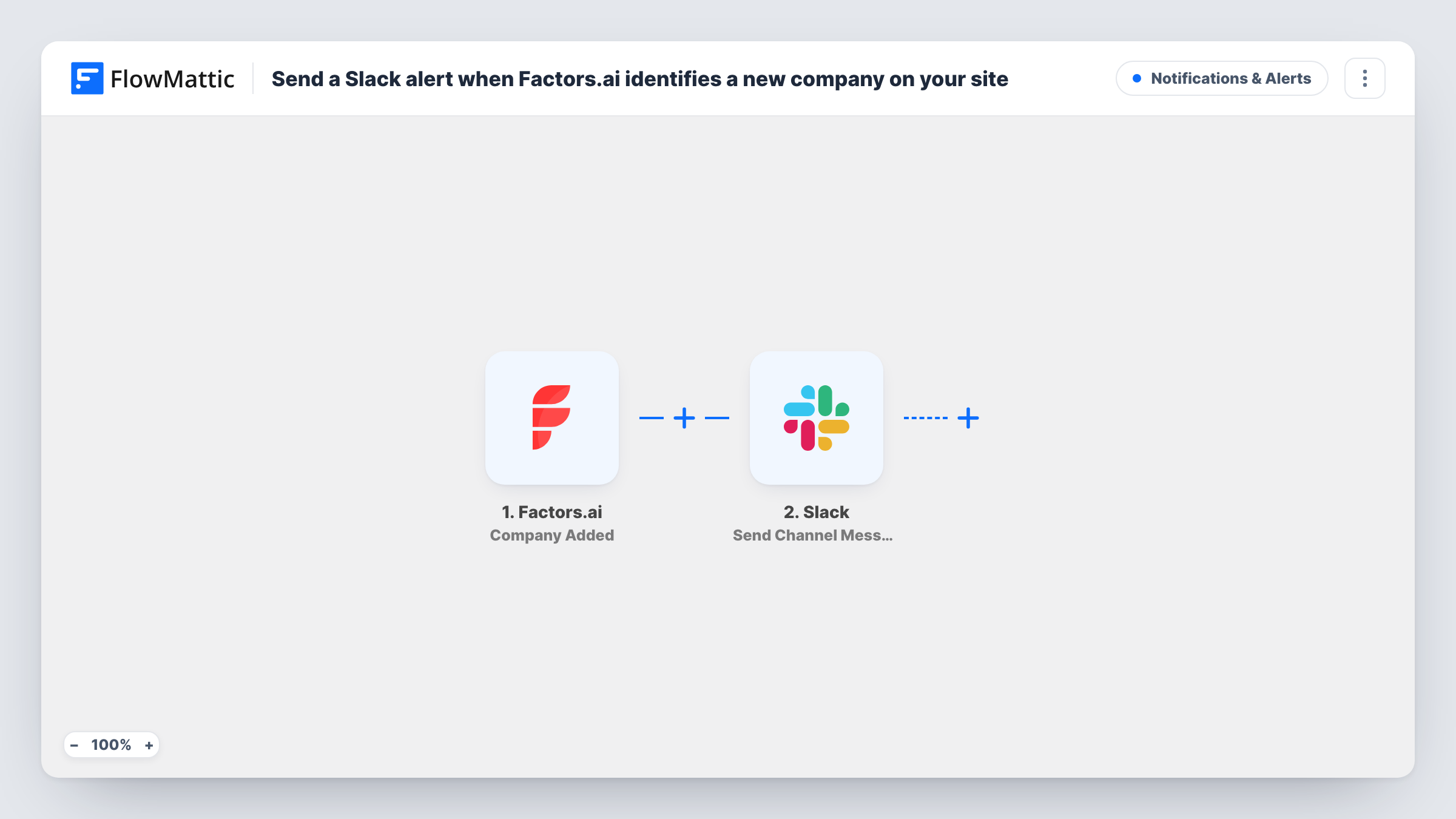
The Factors.ai trigger fires when a company is added to a segment. FlowMattic receives the company data and passes it to Slack, where the Send Channel Message action posts to the channel you choose. You write the message and insert details from Factors.ai, such as the company name or domain, wherever you want them.
Which companies reach Slack depends on the segment rules you set in Factors.ai, since the trigger follows segment additions. Every addition produces one message. Task History keeps a record of each run and the text that was posted.
Target-account visits
A Factors.ai segment holds the accounts on your target list, and each one added posts to a sales channel so the account owner can follow up.
Pricing-page interest
If your segment is built on pricing-page visits, each company added appears in Slack for an SDR to research and contact.
Regional sales routing
Swap the Slack step for a Router with one route per country value and a Slack step in each, so every region's team sees its own accounts.
How this workflow runs
What happens at each step once the workflow is on, and what you need before you import it.
 Factors.ai Company Added
Fires when Factors.ai adds a company to a segment. The company details Factors.ai sends are passed on for use in the Slack message.
- Slack Send Channel Message
Posts a message in the Slack channel you select, built from the Factors.ai company fields you insert. Connect your Slack workspace on import and choose the channel.
What you need
- FlowMatticCore
- Factors.ai AccountAccount
- Slack AccountAccount
After importing, map your own data. To keep the template universal, not every step is pre-filled. Open each step in the builder and connect your accounts and fields (channels, lists, sheets, recipients) before you switch the workflow on.
Make it yours
Changes worth making after you import it.
- Tighten the segment rules in Factors.ai if the channel gets more companies than your team can handle; the workflow posts for every company the segment adds.
- Add a Filter after the trigger to post only companies whose industry or size field matches what sales cares about, using a field the test run shows.
- After import, wait for a company to be added to the segment, or add one yourself, so FlowMattic captures real fields for the Slack message.
Questions about this workflow
Which Factors.ai companies trigger the Slack message?
Companies that Factors.ai adds to a segment. The segment's own rules decide which companies those are, so set them in Factors.ai first.
Can the Slack message include the company's website?
You can insert any field Factors.ai sends with the company. A test run after import shows which fields, such as name or domain, are available.
Will Slack get a message for every company in my Factors.ai segment?
For every company added after the workflow is on, yes. Companies already in the segment before then don't start a run.
Can I also add the company to a CRM?
Yes. Add a CRM step after Slack, for example HubSpot CRM Create Company, and map the same Factors.ai fields into it.
More Notifications & Alerts workflows
Other ready-to-import templates from the same category.




Import this workflow into your WordPress site
Download the JSON, import it from the Workflows screen and connect your accounts. Every run stays on your server, with no per-task fees.
30-day money-back guarantee Unlimited workflows and runs Self-hosted