

Log every queued 8x8 call in a Google Sheets call-tracking spreadsheet
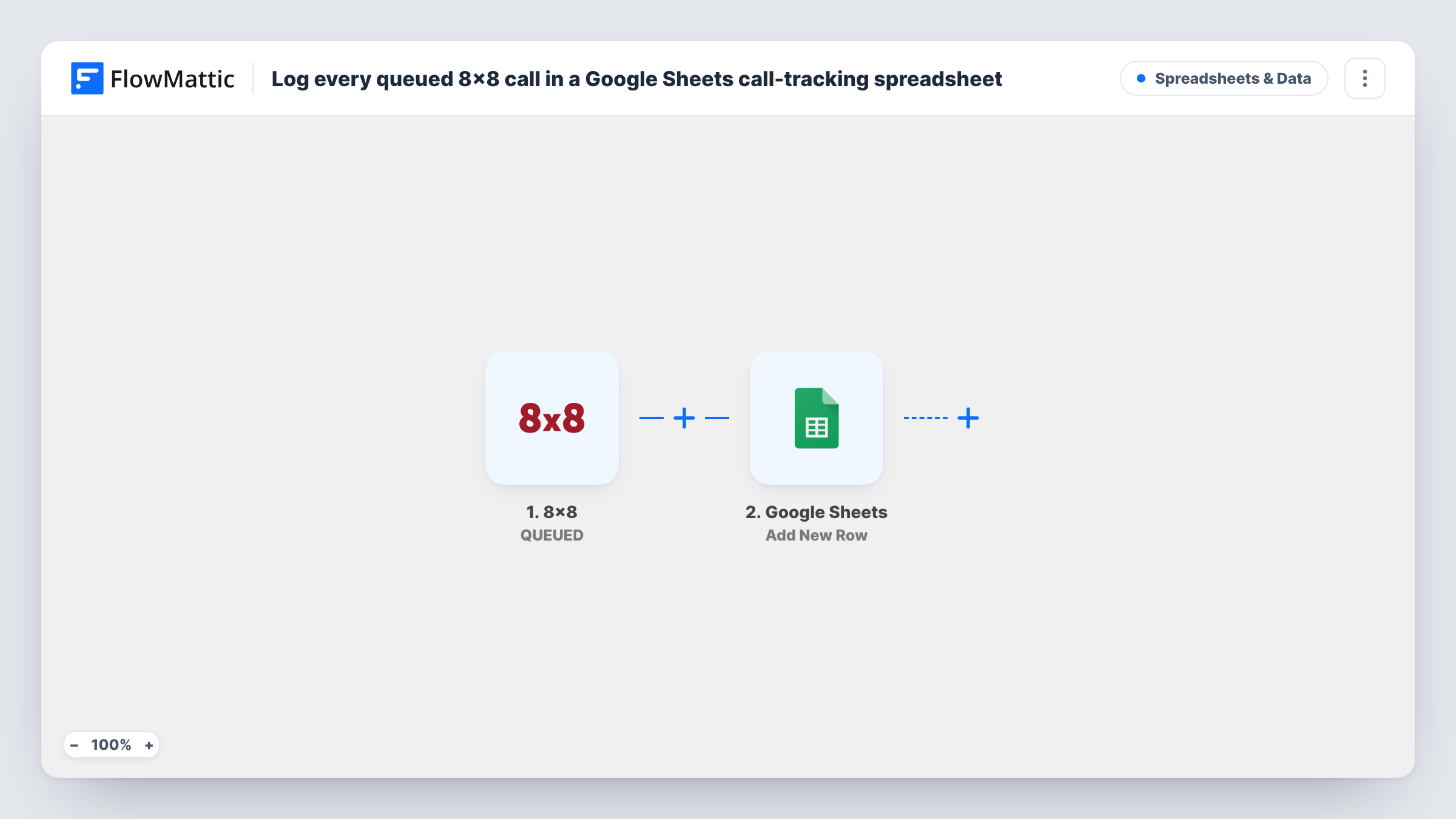
Each time 8×8 queues an interaction such as an incoming call, this workflow adds a row to your Google Sheets call-tracking spreadsheet, building a running record of queued contacts.
 8x8
8x8
 Google Sheets
2 steps Setup ~5 min Used on 822 sites Free to import
What this workflow does
Contact centre reports in 8x8 are useful, but sometimes you want your own raw list of what entered the queue, in a sheet you can filter, chart and share with people outside the phone team. This workflow writes a row to Google Sheets for each queued interaction.
The 8x8 trigger fires whenever an interaction is being queued for processing. FlowMattic receives the details of that interaction and passes them to Google Sheets. The Add New Row step writes them to the spreadsheet you pick, with each value in the column you map.
The trigger covers every interaction 8x8 queues, so the sheet gets a row per queued contact with no filtering. What each row holds depends on the details 8x8 sends with the event and the columns you map. Trigger one queued call after import and look at the run in Task History to see what is available.
Tracking queue volume by hour
A support manager charts the sheet by time of day to see when calls stack up in the queue and plans shifts around it.
A record for teams outside the contact centre
Operations staff without 8x8 access read the shared spreadsheet to see how many contacts reached the queue this week.
Matching queued calls with outcomes
Supervisors add their own notes column next to each row and mark how each queued contact was followed up.
How this workflow runs
What happens at each step once the workflow is on, and what you need before you import it.
 8x8 QUEUED
Fires whenever 8x8 queues an interaction for processing, such as an incoming call waiting for an agent. The interaction details are passed on for mapping.
- Google Sheets Add New Row
Writes the queued interaction to a new row in your call-tracking spreadsheet. Connect your Google account and map the 8x8 values to your columns.
What you need
- FlowMatticCore
- 8x8 AccountAccount
- Google Sheets AccountAccount
After importing, map your own data. To keep the template universal, not every step is pre-filled. Open each step in the builder and connect your accounts and fields (channels, lists, sheets, recipients) before you switch the workflow on.
Make it yours
Changes worth making after you import it.
- If 8x8 queues chats or other channels as well as calls, add a Filter after the trigger that checks the channel or media type so only calls are logged. Confirm the field name with a test event.
- Pair this template with a second workflow on the 8x8 AGENT JOINED trigger writing to another tab, so you can compare queued contacts with answered ones.
- Create your column headers before mapping the row, for example caller, queue and time, so each 8x8 value has an obvious place to go.
Questions about this workflow
Does every queued 8x8 interaction add a row to the sheet?
Yes. The trigger runs for each interaction 8x8 queues, and there is no Filter, so each one becomes a row.
Which call details can I log from 8x8?
Whatever 8x8 includes with the queued event. Run a test after import and look in Task History to see the fields, then map the ones you want into columns.
Will calls queued before I import the workflow appear in Google Sheets?
No. Only interactions queued after you turn the workflow on are written to the sheet.
Can I log 8x8 queue events and post them to Slack too?
Yes. Add a Slack Send Channel Message step after the Google Sheets step and map the same 8x8 details into the text.
More Spreadsheets & Data workflows
Other ready-to-import templates from the same category.




Import this workflow into your WordPress site
Download the JSON, import it from the Workflows screen and connect your accounts. Every run stays on your server, with no per-task fees.
30-day money-back guarantee Unlimited workflows and runs Self-hosted