

Log new Rippling employee records in a Google Sheets spreadsheet
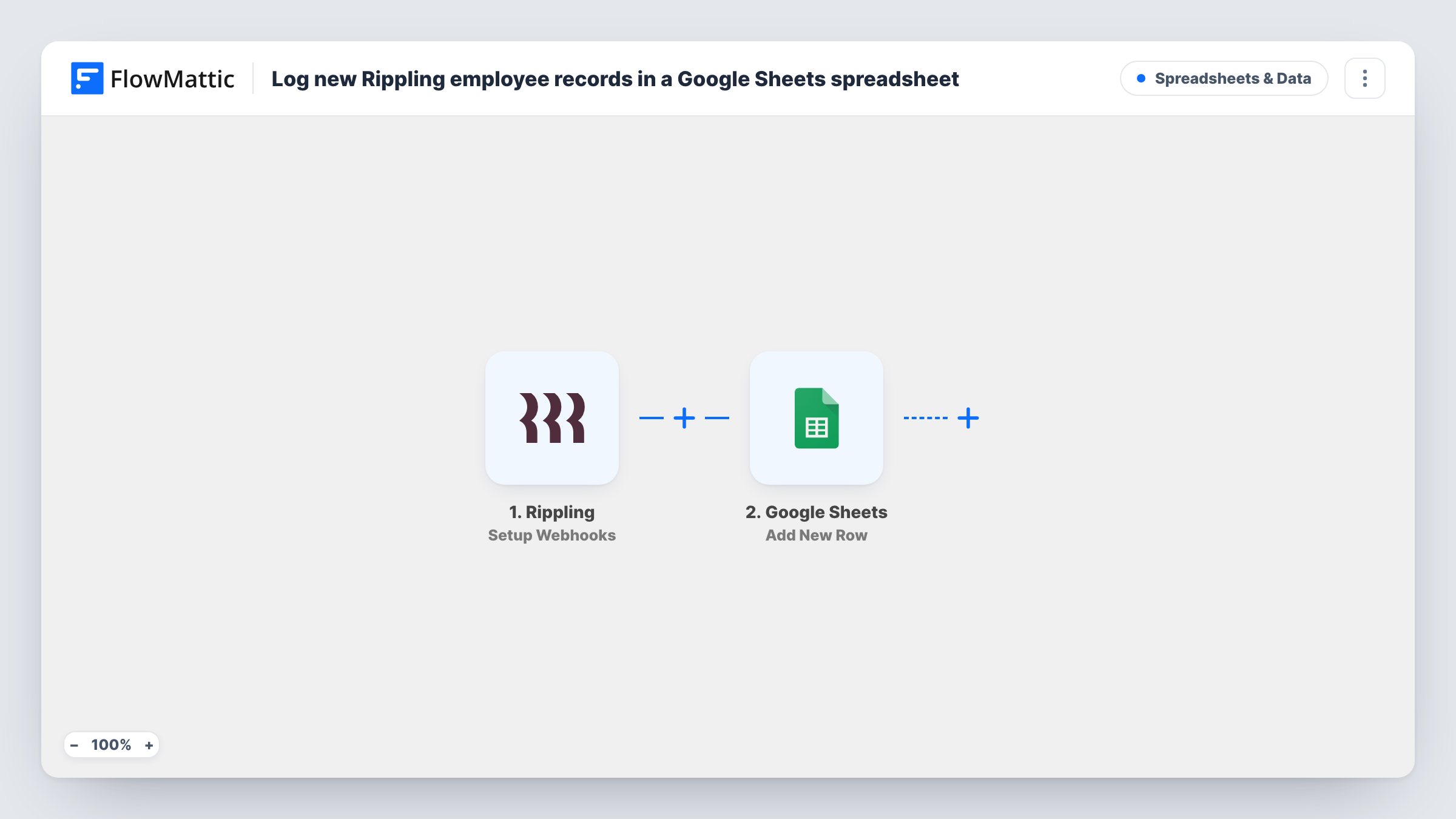
Set the Rippling trigger to the event for new employees, and this workflow adds each new employee record Rippling sends to a row in Google Sheets, giving HR a roster outside Rippling.
 Rippling
 Google Sheets
2 steps Setup ~5 min Used on 3.1k sites Free to import
What this workflow does
Rippling holds your people data, but not everyone who needs a list of new starters has a Rippling login. Facilities, finance or a team lead might work from a spreadsheet instead. This workflow writes each new employee record into Google Sheets as Rippling reports it.
The Rippling trigger in this template is Setup Webhooks, which fires on the Rippling event you specify. The template does not set that event for you, so after import you choose the one that covers new employee records. When Rippling sends that event, FlowMattic passes the data to Google Sheets, and the Add New Row step writes it to the columns you map.
Each event Rippling sends becomes one row, with no filtering. If you pick a different event, the sheet will log that event instead, so check the setting before you rely on the roster. Add a test employee or wait for a real one, then look in Task History to confirm the fields that arrived.
A start list for facilities
The office manager reads the sheet to see who is joining, so desks and access cards are ready before the first day.
Headcount tracking for finance
Finance keeps its own spreadsheet of new hires from Rippling to compare against budgeted headcount each month.
Onboarding checklist per hire
HR adds checklist columns beside each new row, ticking off equipment, accounts and training for every new employee.
How this workflow runs
What happens at each step once the workflow is on, and what you need before you import it.
 Rippling Setup Webhooks
Fires on the Rippling event you specify when setting up the trigger. Choose the event for new employee records so each one is passed on for mapping.
- Google Sheets Add New Row
Adds a row for each Rippling event to the spreadsheet you choose. Connect your Google account and map the employee values to your roster columns.
What you need
- FlowMatticCore
- Rippling AccountAccount
- Google Sheets AccountAccount
After importing, map your own data. To keep the template universal, not every step is pre-filled. Open each step in the builder and connect your accounts and fields (channels, lists, sheets, recipients) before you switch the workflow on.
Make it yours
Changes worth making after you import it.
- Before mapping, create columns for the details you want in the roster, such as name, department, title and start date, if Rippling includes them in the event.
- Add a Filter after the trigger if you only want certain departments or locations in this sheet, using a field from the Rippling data.
- Restrict sharing on the spreadsheet to the people who need it. Employee records are personal data, and the sheet sits outside Rippling's own access controls.
Questions about this workflow
Which Rippling event should I choose for this workflow?
The one Rippling offers for new employee records. The Setup Webhooks trigger fires on whichever event you specify, so this choice decides what the sheet logs.
Are existing Rippling employees copied into the sheet?
No. Only events Rippling sends after the workflow is turned on create rows. Add your current staff to the sheet by hand.
Will a Rippling employee update change the existing row?
No. The Google Sheets step only adds new rows. It does not find or edit a row for an employee already in the sheet.
What Rippling employee details can go into Google Sheets?
The values included in the event Rippling sends. Check a test run in Task History to see them, then map the ones your roster needs.
More Spreadsheets & Data workflows
Other ready-to-import templates from the same category.




Import this workflow into your WordPress site
Download the JSON, import it from the Workflows screen and connect your accounts. Every run stays on your server, with no per-task fees.
30-day money-back guarantee Unlimited workflows and runs Self-hosted