

Log every Sendcloud parcel status change in a Google Sheets spreadsheet
Every time a Sendcloud parcel changes status, this workflow adds a row to a Google Sheets spreadsheet, building a running log of each shipment’s progress that anyone with the sheet can read.
 Sendcloud
 Google Sheets
2 steps Setup ~5 min Used on 3.1k sites Free to import
What this workflow does
Sendcloud shows the current status of each parcel, but a history across all parcels in one place is handy when a customer asks where an order went, or when you want to compare carriers. A spreadsheet log is simple to share with people who don't use Sendcloud.
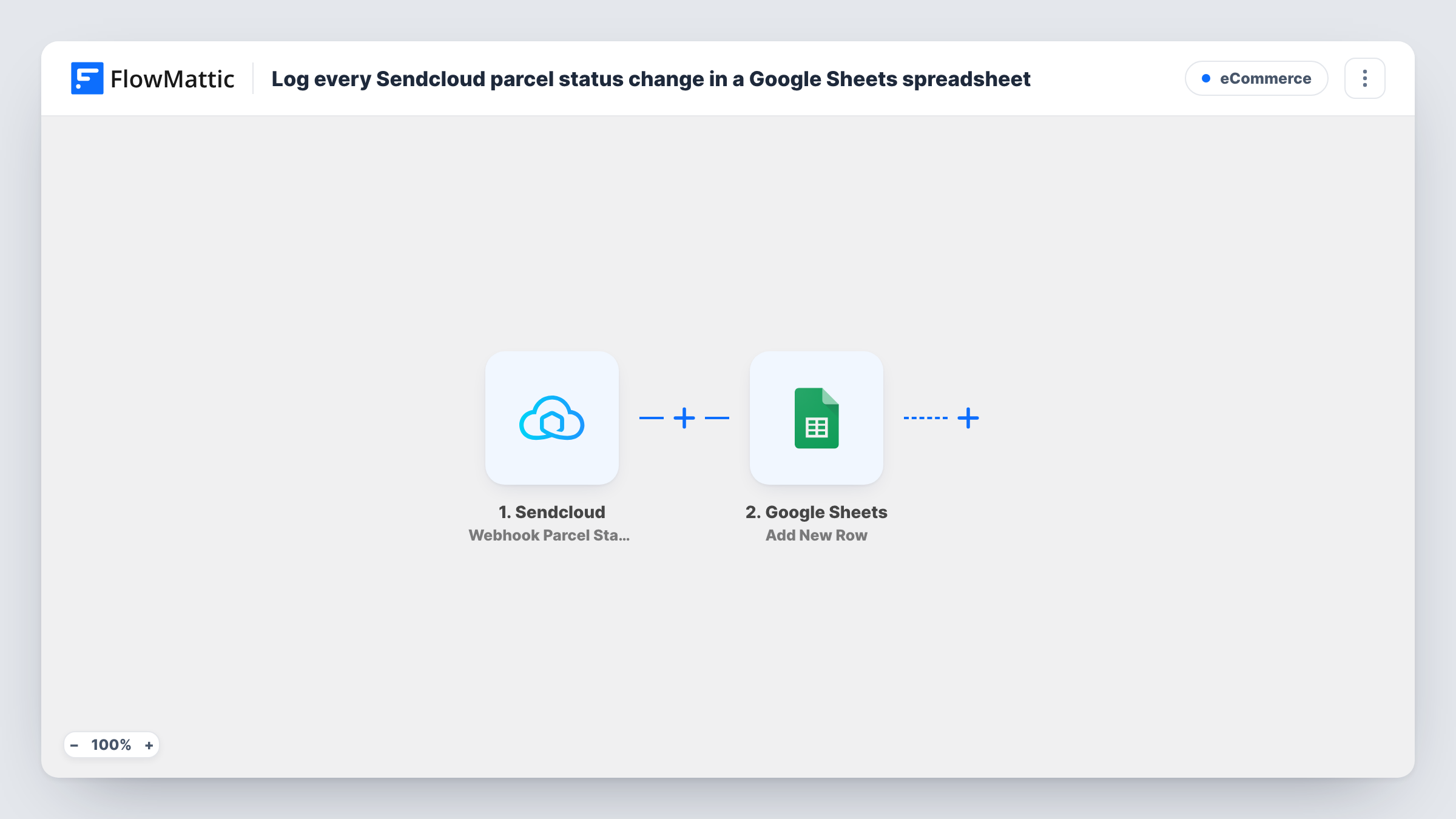
Whenever a parcel moves to a new status, Sendcloud reports it to FlowMattic through the Webhook Parcel Status Changed Object trigger. The parcel data that Sendcloud sends with that event becomes fields you can map. The Google Sheets step uses Add New Row to write those fields, such as the order number, tracking number and new status, into the columns you set up.
Each status change adds its own row, so one parcel appears several times as it moves from label creation to delivery. That is the point of a log, but it means the sheet grows with every update. Sort or filter by tracking number in Sheets to follow a single parcel. Send a test event, then check Task History to see the exact fields Sendcloud provides.
Answering 'where is my order' emails
Support staff search the sheet by order number and see every status the parcel has had, with no Sendcloud login needed.
Comparing carriers
A shop shipping with more than one carrier logs every status change, then uses the sheet to see which parcels stalled and with whom.
Weekly shipping review
The operations lead filters the sheet for problem statuses each Monday and follows up on parcels that need attention.
How this workflow runs
What happens at each step once the workflow is on, and what you need before you import it.
 Sendcloud Webhook Parcel Status Changed Object
Fires when a Sendcloud parcel's status changes. The parcel details Sendcloud includes with the event are passed on for mapping into the sheet.
- Google Sheets Add New Row
Adds a new row to the Google Sheets spreadsheet you choose for each status change. Map parcel fields such as order number, tracking number and status into your columns.
What you need
- FlowMatticCore
- Sendcloud AccountAccount
- Google Sheets AccountAccount
After importing, map your own data. To keep the template universal, not every step is pre-filled. Open each step in the builder and connect your accounts and fields (channels, lists, sheets, recipients) before you switch the workflow on.
Make it yours
Changes worth making after you import it.
- If the Sendcloud event data includes a timestamp, map it into its own column so the log shows when each status was reached.
- Add a Filter after the trigger that continues only for the statuses you care about, such as delivered or returned, if a full history is more than you need.
- Add a second Filter and a Slack Send Channel Message step after the row for statuses that need action, so the team hears about them without opening the sheet.
Questions about this workflow
Will each Sendcloud parcel have one row or several?
Several. A row is added for every status change, so a parcel gets a new row each time its status moves on.
Can I update one row per parcel instead of adding new ones?
Not as imported. The step only adds rows. To keep one row per parcel, use Google Sheets' Lookup Row Data to find the row by tracking number, then Update Row. Parcels not yet in the sheet still need a path that adds them, so you would split the two cases with a Router.
Are past Sendcloud status changes added to the sheet?
No. Only status changes that happen after the workflow is live are logged.
Which Sendcloud fields can go into the spreadsheet?
Whatever Sendcloud includes with the status change event. Trigger a test, then look at the data in FlowMattic to choose the columns you map.
More E-Commerce workflows
Other ready-to-import templates from the same category.





Import this workflow into your WordPress site
Download the JSON, import it from the Workflows screen and connect your accounts. Every run stays on your server, with no per-task fees.
30-day money-back guarantee Unlimited workflows and runs Self-hosted