

Send Discord channel messages for new Typeform entries
Every new Typeform response is posted as a message in a Discord channel you pick, with the answers you map, so your server sees each entry without anyone opening the Typeform dashboard.
 Typeform
 Discord
2 steps Setup ~5 min Used on 735 sites Free to import
What this workflow does
Typeform collects responses well, but your team has to go and look at them. If your people already spend the day in Discord, a message in a channel is where a new entry gets noticed. This workflow puts each response there.
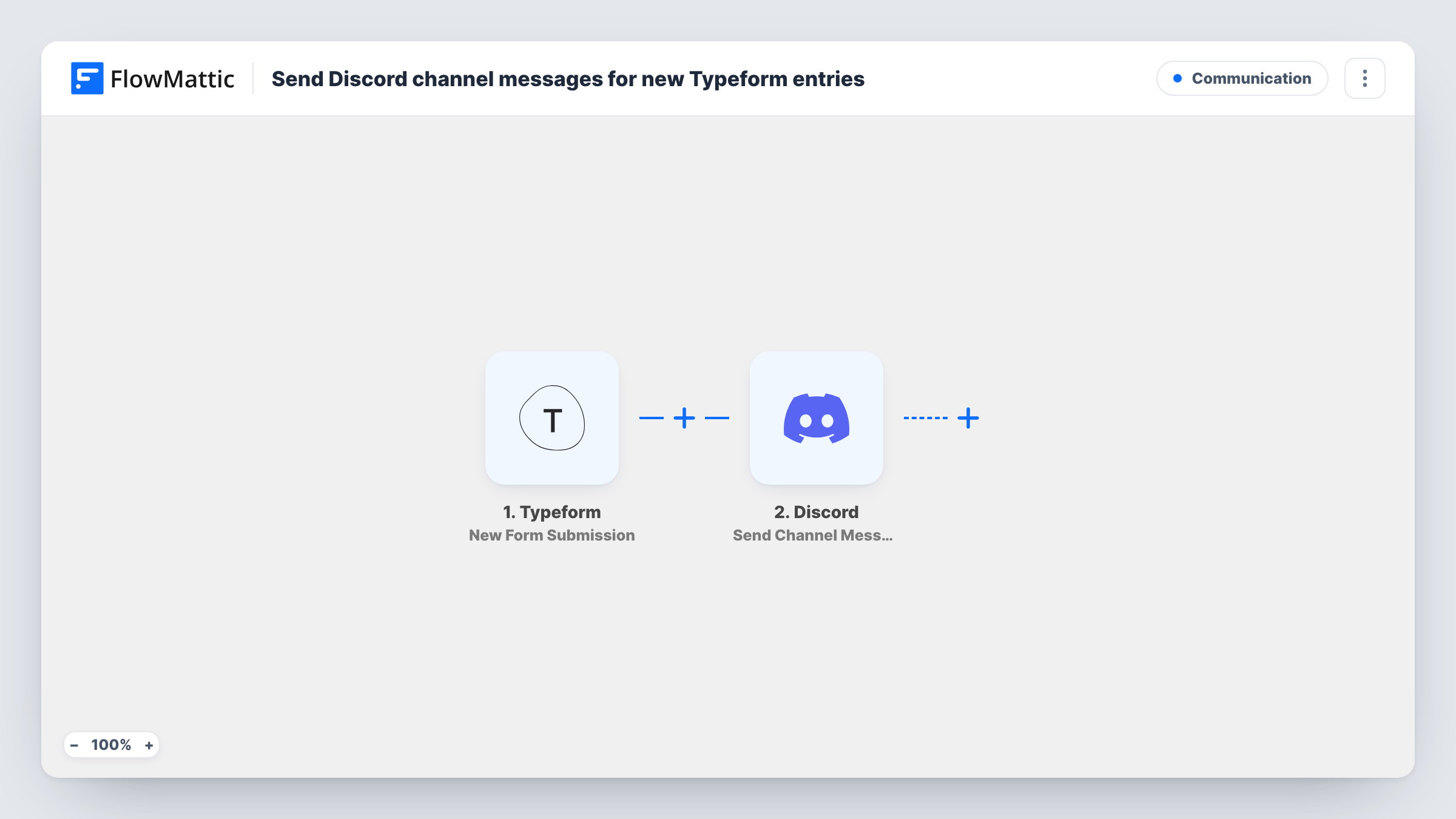
When someone completes your form, the Typeform trigger New Form Submission picks up the response and passes the answers to FlowMattic. The Discord step then posts a new message to the channel you choose. You decide what the message says by mapping the answers you care about into it, such as a name, a rating or a free-text reply.
Every response creates one message, so a busy form means a busy channel. Pick a channel meant for these posts, or add a Filter if only some answers matter to the team. Task History keeps a record of each run and what was sent to Discord.
Community applications for a Discord server
People apply to join your community or a moderator team through Typeform, and each application appears in a private staff channel for the team to discuss.
Bug reports from a game or app
Players fill in a Typeform bug report. The developers' Discord channel gets a message with the device, the steps and the description they gave.
Event sign-ups
Registrations for a stream, workshop or meetup land in an organisers' channel, so the hosts can see who is coming without a shared login to Typeform.
How this workflow runs
What happens at each step once the workflow is on, and what you need before you import it.
 Typeform New Form Submission
Starts the workflow when a respondent submits your chosen Typeform. Each answer from that response can be placed in the Discord message.
- Discord Send Channel Message
Posts a new message to the Discord channel you pick. Compose the text from the Typeform answers, for example the respondent's name followed by their reply.
What you need
- FlowMatticCore
- Typeform AccountAccount
- Discord AccountAccount
After importing, map your own data. To keep the template universal, not every step is pre-filled. Open each step in the builder and connect your accounts and fields (channels, lists, sheets, recipients) before you switch the workflow on.
Make it yours
Changes worth making after you import it.
- Add a Filter after the Typeform trigger so only responses with a certain answer, such as a low rating or a request for a call, are posted to Discord.
- Replace the single Discord step with a Router whose routes check distinct answer values, each posting to its own channel, so bug reports and feature ideas stay apart.
- Submit one test response after import so FlowMattic captures the form's answers, then map them into the message before you turn the workflow on.
Questions about this workflow
Can I post Typeform responses to a private Discord channel?
Yes, as long as the Discord connection you use in FlowMattic can post in that channel. Send a test response to confirm the message appears.
Will every Typeform response create a Discord message?
Yes. Without a Filter, each submitted response runs the workflow once and posts one message.
Are older Typeform responses posted when I turn this on?
No. Only responses submitted after the workflow is active are sent to Discord.
Can the Discord message include every Typeform answer?
You choose which answers to map into the message text. Include all of them, or only the few your team needs to read in the channel.
More Communication workflows
Other ready-to-import templates from the same category.





Import this workflow into your WordPress site
Download the JSON, import it from the Workflows screen and connect your accounts. Every run stays on your server, with no per-task fees.
30-day money-back guarantee Unlimited workflows and runs Self-hosted