

Send a Discord shout-out whenever kudos are posted in DailyBot
When kudos are given to anyone in your organization through DailyBot, this workflow posts a shout-out in the Discord channel you choose, so the recognition is seen beyond the place it was given.
 DailyBot
 Discord
2 steps Setup ~5 min Used on 650 sites Free to import
What this workflow does
Recognition means more when people see it. Kudos given in DailyBot can stay within a small circle, while your wider team or community gathers on Discord. This workflow repeats every kudos as a Discord message, so the thanks gets a bigger audience.
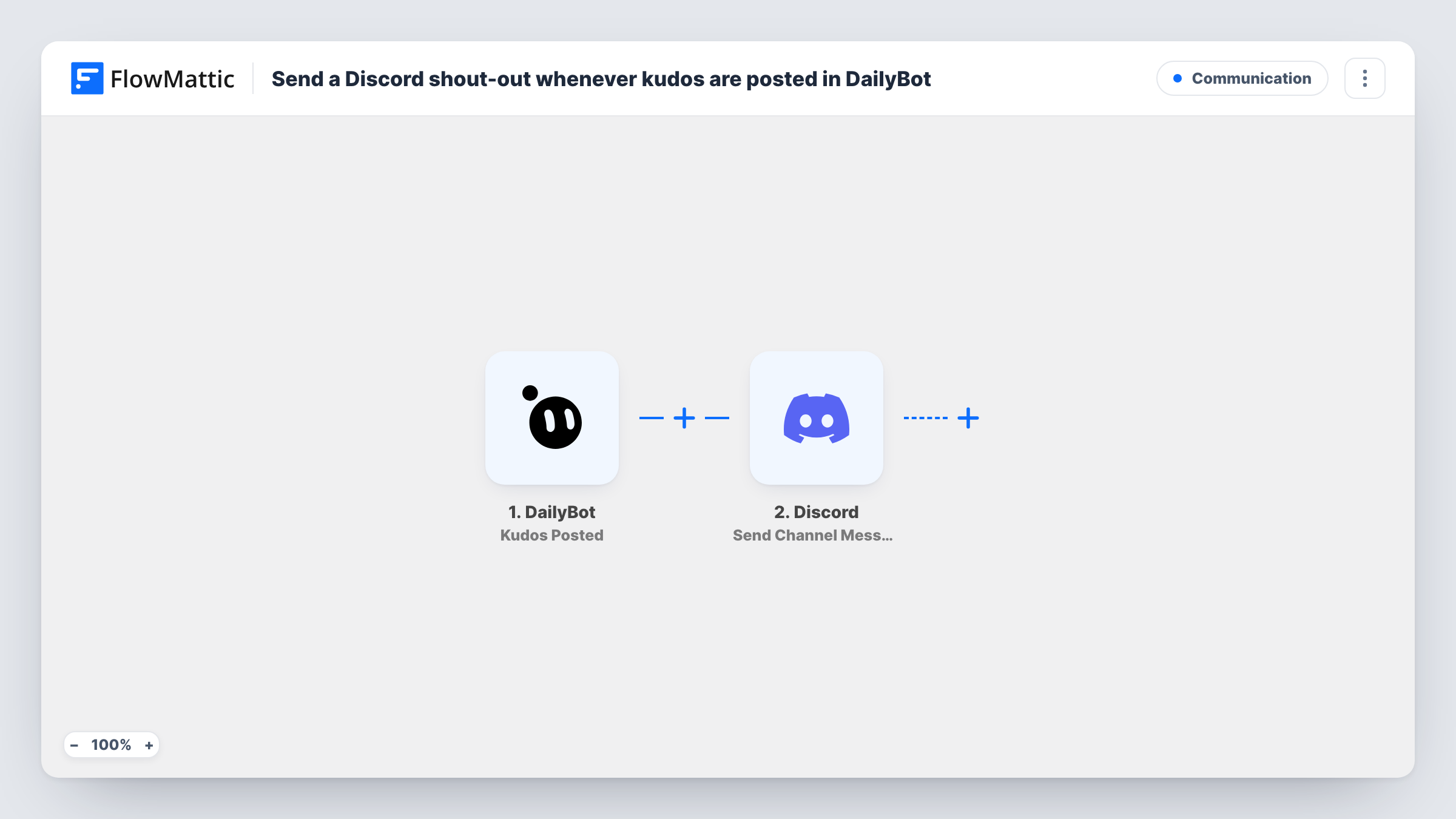
The DailyBot trigger, Kudos Posted, fires when any kudos are given to a user that belongs to your organization. The details of the kudos are passed to FlowMattic. Next, Discord Send Channel Message posts a new message to the channel you pick. You write the shout-out and fill it with fields from the kudos, such as who gave it, who received it and the message.
Every kudos becomes one Discord post, with nothing filtered in between, so a busy week means a busy channel. Choose a channel meant for recognition rather than a general one. Each run is listed in Task History with the response from Discord.
Remote team wins channel
A distributed team uses DailyBot for check-ins and Discord for chat. A #wins channel collects every kudos so everyone sees who helped whom.
Open-source maintainers thanking contributors
Maintainers give kudos in DailyBot when a contributor ships a fix, and the shout-out appears in the project's Discord where the community hangs out.
Gaming or creator studio culture
A small studio runs its company chat on Discord. DailyBot kudos show up there, keeping recognition part of daily conversation.
How this workflow runs
What happens at each step once the workflow is on, and what you need before you import it.
 DailyBot Kudos Posted
Fires whenever kudos are given to a user in your DailyBot organization. Who gave it, who got it and the message are passed on to the Discord step.
- Discord Send Channel Message
Posts the shout-out as a new message in the Discord channel you choose. Write the text and map the kudos fields into it so the post names the people involved.
What you need
- FlowMatticCore
- DailyBot AccountAccount
- Discord AccountAccount
After importing, map your own data. To keep the template universal, not every step is pre-filled. Open each step in the builder and connect your accounts and fields (channels, lists, sheets, recipients) before you switch the workflow on.
Make it yours
Changes worth making after you import it.
- Give a test kudos in DailyBot after import so FlowMattic captures the payload, then check which fields hold the giver, receiver and message before writing the Discord post.
- Add a Filter after the trigger if you only want some kudos shared, for example continuing only when the message contains a word your team uses for big wins.
- Pick a dedicated Discord channel for shout-outs, so recognition posts do not bury conversations in your busier channels.
Questions about this workflow
Does every DailyBot kudos go to Discord?
Yes, as imported. Any kudos given to a user in your organization starts a run. Add a Filter if you want only some of them posted.
Can people react to the shout-out in Discord?
The post is an ordinary channel message, so members can react and reply to it in Discord. Those reactions do not go back to DailyBot.
Are kudos from before the import posted to Discord?
No. Only kudos given after you turn the workflow on start a run. Earlier kudos stay in DailyBot.
Can the Discord post mention the DailyBot recipient?
You can put the recipient's name from the kudos into the text. A real Discord mention needs the person's Discord user ID, so check the captured kudos sample to see whether anything usable is there.
More Communication workflows
Other ready-to-import templates from the same category.





Import this workflow into your WordPress site
Download the JSON, import it from the Workflows screen and connect your accounts. Every run stays on your server, with no per-task fees.
30-day money-back guarantee Unlimited workflows and runs Self-hosted