

When user achieves certain percentage in quiz, send them a template message on WhatsApp using WhatsApp Cloud API
When a Tutor LMS learner reaches the quiz percentage you set, this workflow sends them an approved WhatsApp template message through the WhatsApp Cloud API.
 Tutor LMS
 WhatsApp Cloud API
2 steps Setup ~5 min Used on 3.1k sites Free to import
What this workflow does
A good quiz score is a natural moment to contact a learner: congratulate them, point them to the next lesson or share a certificate link. Email works, but many learners read WhatsApp first. This workflow sends a WhatsApp message when a learner reaches the score you care about.
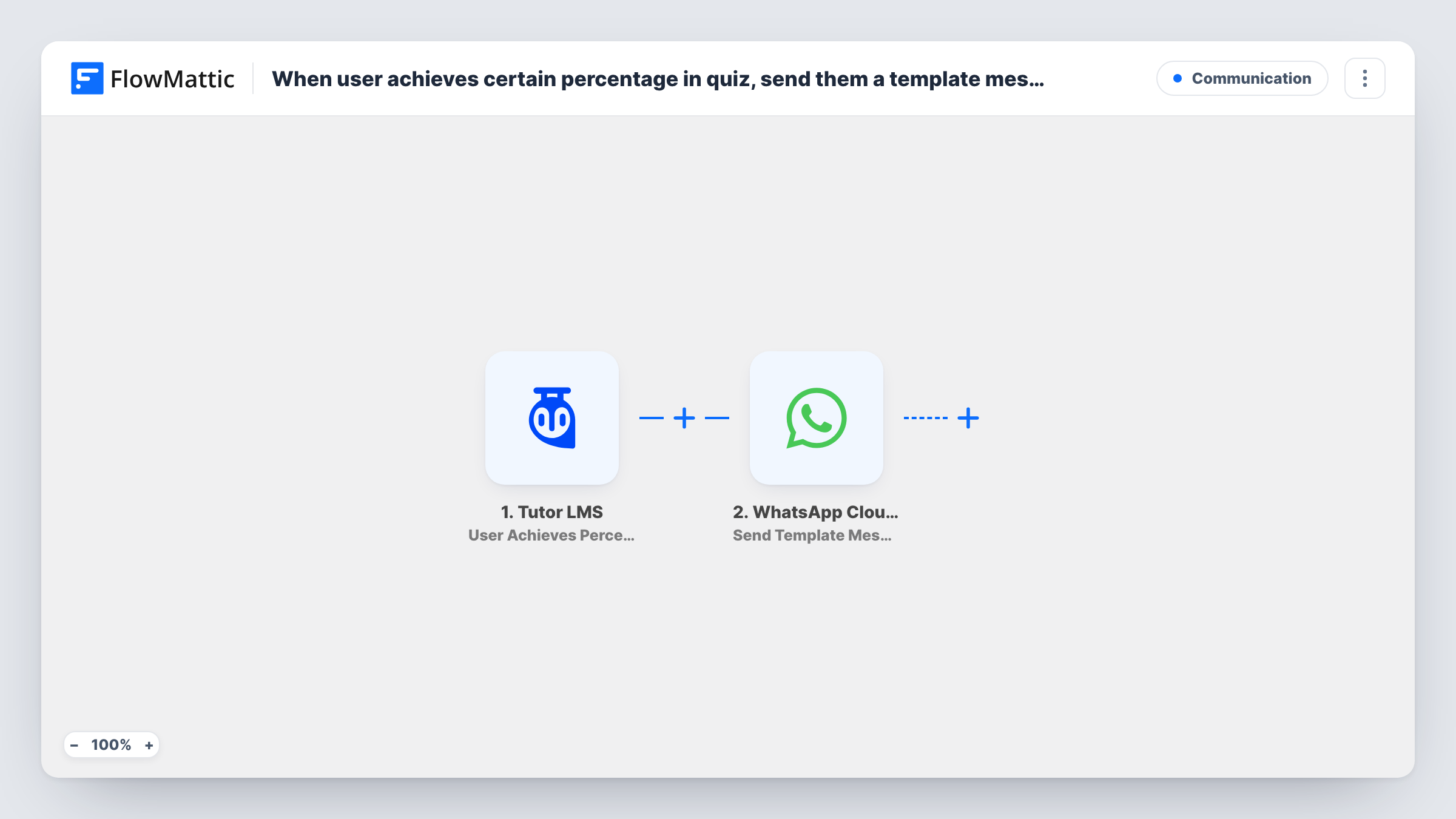
The Tutor LMS trigger fires when a user achieves the percentage you set in a quiz. The learner and quiz details become data you can map. The WhatsApp Cloud API step then sends a template message, the kind of message WhatsApp allows to people who haven't messaged your business recently, as long as the template is approved for your account.
The WhatsApp step needs the learner's phone number. Run a test quiz after import and check whether the trigger data includes one. If it doesn't, you need to collect phone numbers and add a step that looks them up before the message is sent. Task History shows each send and WhatsApp's response.
Congratulating high scorers
Learners who score at or above your threshold on a final quiz receive a WhatsApp template congratulating them and linking to the next course.
Sharing a bonus resource
A coding bootcamp sends a template with a link to an advanced exercise set to learners who reach the quiz score you chose.
Certificate reminders
Learners who reach the passing percentage get a WhatsApp template reminding them to download their certificate from your site.
How this workflow runs
What happens at each step once the workflow is on, and what you need before you import it.
 Tutor LMS User Achieves Percentage in Quiz
Runs when a Tutor LMS user achieves the percentage you set in a quiz. Learner and quiz details are passed on for mapping into the WhatsApp message.
- WhatsApp Cloud API Send Template Message
Delivers your approved template to the learner over the WhatsApp Cloud API. Map the learner's phone number and any template values from the trigger data.
What you need
- FlowMatticCore
- Tutor LMS PluginPlugin
- WhatsApp Cloud API AccountAccount
After importing, map your own data. To keep the template universal, not every step is pre-filled. Open each step in the builder and connect your accounts and fields (channels, lists, sheets, recipients) before you switch the workflow on.
Make it yours
Changes worth making after you import it.
- Get the template approved in your WhatsApp Business account before you turn the workflow on, so the step has a template to send.
- Make sure numbers are in international format with the country code. Add a Text Formatter step before WhatsApp if your stored numbers need cleaning.
- Add an email step after WhatsApp to send the same message to learners, so anyone who can't be reached on WhatsApp still hears from you.
Questions about this workflow
Where do I set the Tutor LMS quiz percentage?
In the trigger. It fires when a user achieves the percentage set there, so choose your threshold when you configure the step after import.
Why a WhatsApp template rather than a plain text?
WhatsApp only accepts free-form text inside a 24-hour window after the person writes to you. An approved template message can be sent outside that window.
Does Tutor LMS supply the learner's WhatsApp number?
Check a test run. If the trigger data has no phone number, add a step that finds it, such as a lookup in a sheet or user meta you collect.
Will the learner get a message every time they pass the quiz?
Each time the trigger fires, one template message is sent. Nothing in the template checks whether the learner was messaged before.
More Communication workflows
Other ready-to-import templates from the same category.





Import this workflow into your WordPress site
Download the JSON, import it from the Workflows screen and connect your accounts. Every run stays on your server, with no per-task fees.
30-day money-back guarantee Unlimited workflows and runs Self-hosted