

Send channel messages in Discord with new database items in Notion
Each new item added to a Notion database is announced in a Discord channel, with the properties you choose in the message, so your community or team sees new entries where they already talk.
 Notion
 Discord
2 steps Setup ~5 min Used on 2.5k sites Free to import
What this workflow does
A Notion database is a good home for tasks, ideas, content plans or bug reports, but people only see new entries if they go looking. When your team or community lives in Discord, posting each new item there gets it read. This workflow does that for one database.
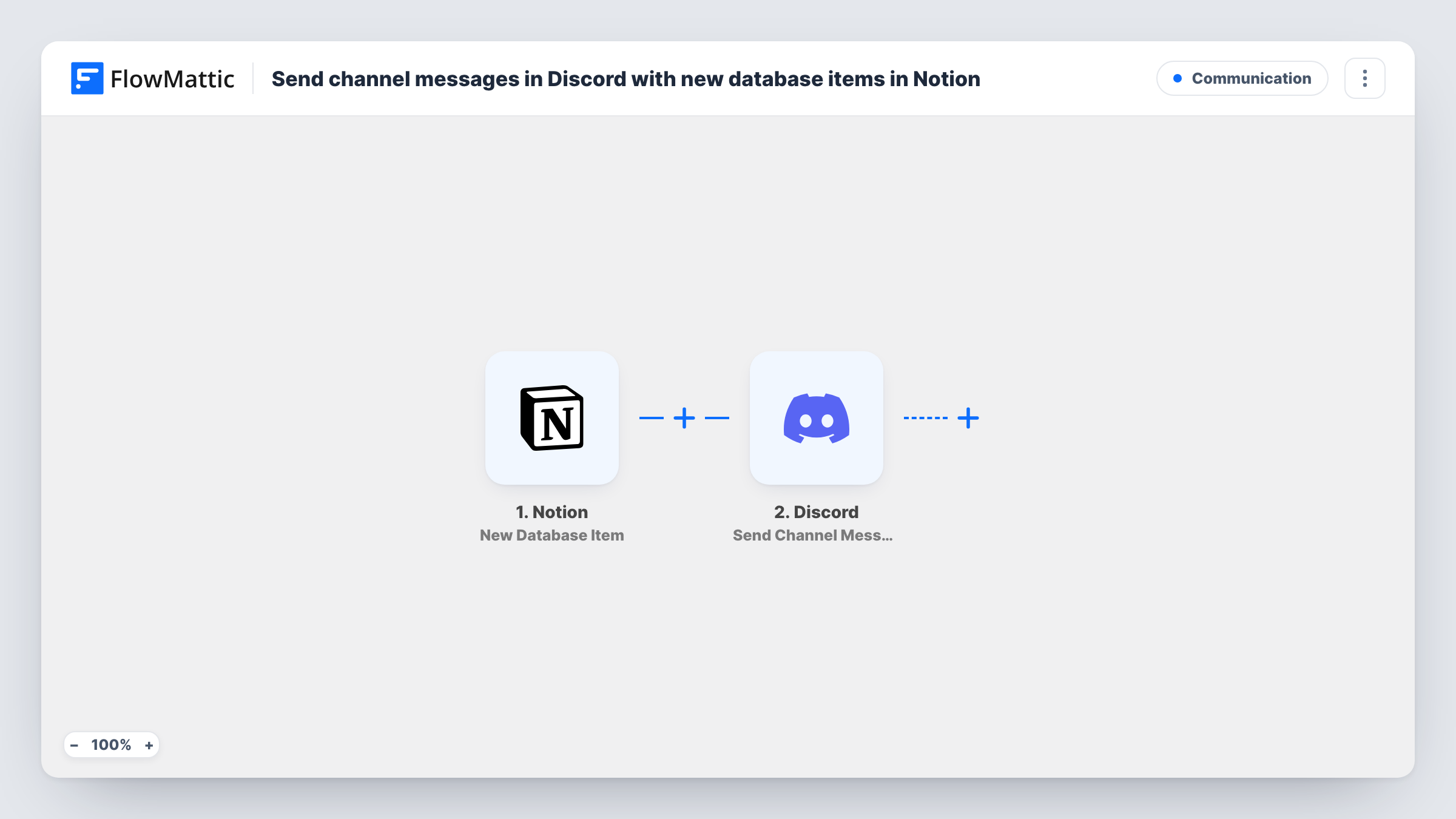
The Notion trigger New Database Item fires when a new item is created in the database you connect. Its properties, such as the title, status or owner, are passed on to FlowMattic. The Discord step posts a new message to the channel you pick, and you build that message from the Notion properties.
The workflow reacts to new items only. Editing an existing item, or changing its status, does not post again. Make sure the Notion connection has access to the database you want to watch, then add a test item and check Task History to see what reached Discord.
Content calendar announcements
Writers add article ideas to a Notion content database. Each new idea is posted in the editorial Discord channel so editors can claim it.
Open-source issue tracking in Notion
Maintainers log bugs in a Notion database, and contributors in the project's Discord see every new one with its title and priority.
Job board for a community
Moderators add job listings to Notion, and each new listing appears in a jobs channel for members without anyone copying it across.
How this workflow runs
What happens at each step once the workflow is on, and what you need before you import it.
 Notion New Database Item
Runs each time someone adds an item to the Notion database linked in this trigger. The item's properties are passed to the Discord step so you can include them in the message.
- Discord Send Channel Message
Sends the announcement to a Discord channel of your choice. Write the text and insert Notion properties, such as the item's title and a link to it, where they fit.
What you need
- FlowMatticCore
- Notion AccountAccount
- Discord AccountAccount
After importing, map your own data. To keep the template universal, not every step is pre-filled. Open each step in the builder and connect your accounts and fields (channels, lists, sheets, recipients) before you switch the workflow on.
Make it yours
Changes worth making after you import it.
- Add a Filter after the Notion trigger that continues only when a property, such as a Tag or Type, has a certain value, so the channel gets just one kind of item.
- Need the same items in two channels? Add a second Discord step after the first, pointed at the other channel with its own wording.
- Create one test item in Notion after import with every property filled in, so all of them appear for mapping in the Discord message.
Questions about this workflow
Does editing a Notion item post another Discord message?
No. The trigger fires when an item is created. Changes to an existing item, including its status, do not run the workflow again.
Can this announce items from two Notion databases in Discord?
Each trigger watches one database. Import the workflow again, or duplicate it, for each extra database you want announced.
Why doesn't my Notion database show up when I set up the trigger?
The Notion connection only sees pages and databases it has been given access to. Share the database with the connection in Notion, then reload the trigger.
Can the Discord message link back to the Notion item?
If the trigger data includes the item's URL, map it into the message so readers can open the item. Check the data from a test item to confirm.
More Communication workflows
Other ready-to-import templates from the same category.






Import this workflow into your WordPress site
Download the JSON, import it from the Workflows screen and connect your accounts. Every run stays on your server, with no per-task fees.
30-day money-back guarantee Unlimited workflows and runs Self-hosted