

Create a Zoho Writer document from new Gravity Forms entries
Each new Gravity Forms entry becomes a document in your Zoho Writer account, built from HTML content you write with the entry’s answers mapped in, so every submission gets its own editable document.
 Gravity Forms
 Zoho Writer
2 steps Setup ~5 min Used on 304 sites Free to import
What this workflow does
Some form entries need to become documents: an intake sheet, a request summary, a draft agreement. Copying answers from the Gravity Forms entry screen into a word processor is slow and easy to get wrong. This workflow writes the document for you each time a form is sent.
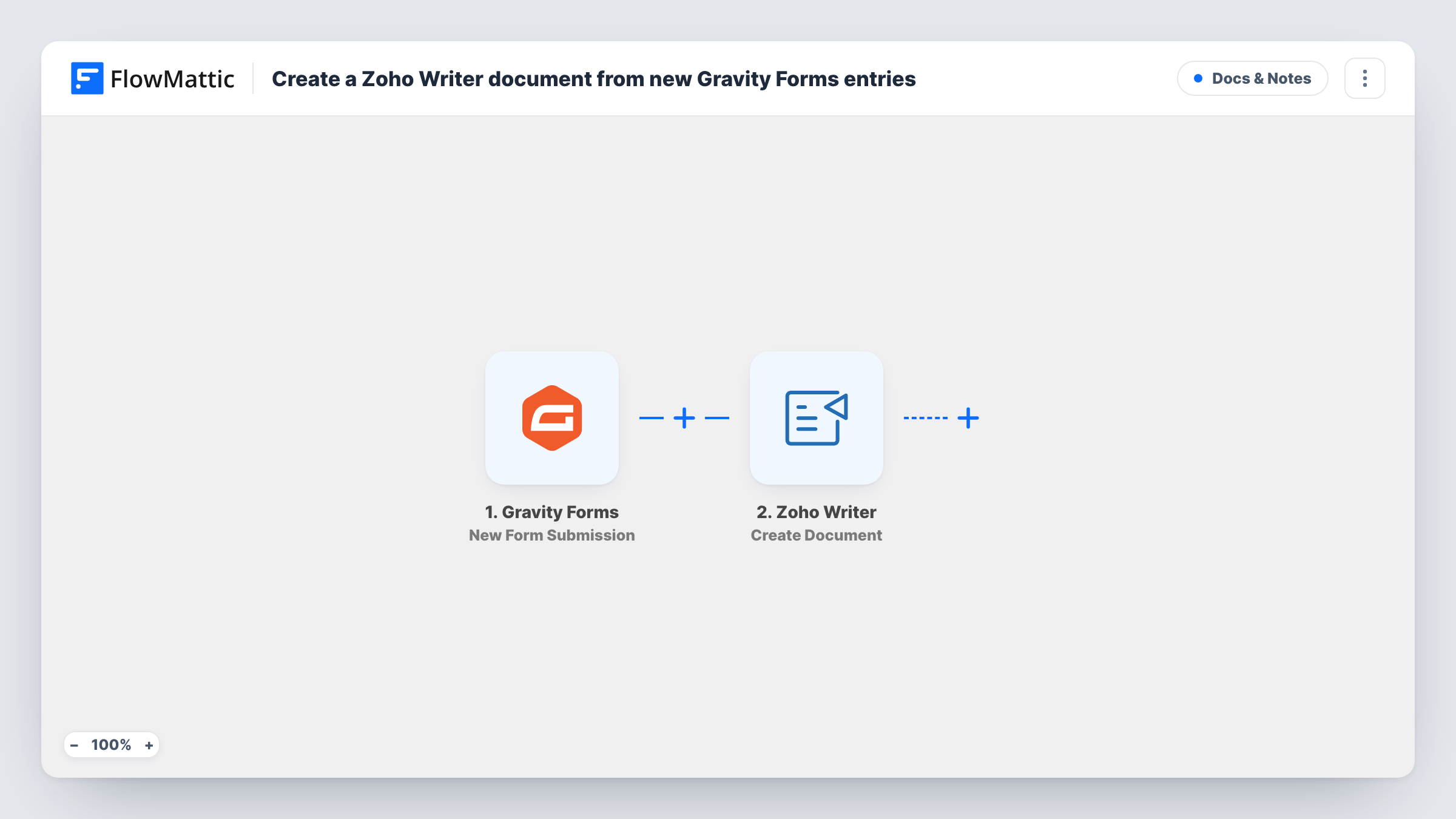
The Gravity Forms trigger fires on each new form submission and passes every answer into FlowMattic. The Zoho Writer step then runs Create Document, which builds a new document from HTML content. You write that HTML once, with headings and paragraphs as you like them, and drop the submitted fields into it where each answer belongs.
The result is a fresh document in Zoho Writer for every entry, ready to read, edit or share from there. Gravity Forms keeps its own copy of the entry as usual. Task History shows each run, including what Zoho Writer returned after creating the document.
Client intake summaries
A consultant's Gravity Forms intake form produces a Zoho Writer document per new client, laid out with their answers under clear headings for the first call.
Service request write-ups
Each maintenance or repair request submitted on your site becomes a document your team can open in Zoho Writer and add notes to.
Draft proposals from a brief form
Prospects fill in a project brief, and the workflow places their answers into an HTML outline so you start the proposal from a populated draft.
How this workflow runs
What happens at each step once the workflow is on, and what you need before you import it.
 Gravity Forms New Form Submission
Fires when a visitor submits a Gravity Forms form on your site. Every field in the entry becomes available to map into the document.
- Zoho Writer Create Document
Creates a new Zoho Writer document from HTML content. Write the HTML in this step, insert the Gravity Forms answers where they belong, and connect your Zoho account on import.
What you need
- FlowMatticCore
- Gravity Forms PluginPlugin
- Zoho Writer AccountAccount
After importing, map your own data. To keep the template universal, not every step is pre-filled. Open each step in the builder and connect your accounts and fields (channels, lists, sheets, recipients) before you switch the workflow on.
Make it yours
Changes worth making after you import it.
- Add a Filter after the trigger when only one form or one type of request should produce a document, for example continue only when a form field equals a chosen value.
- Follow this step with Zoho Writer's Publish Document action if you want a shareable link to each new document, and map the document from the Create Document result.
- Submit a test entry with every field filled in before you build the HTML, so all the Gravity Forms answers show up as data you can drop into the document.
Questions about this workflow
Does the Zoho Writer document use a template?
No. Create Document builds the document from HTML content you write in the step. If you want to fill a saved Zoho Writer template instead, Zoho Writer also has a Merge Document action you can switch to.
Can each Gravity Forms entry also produce a PDF?
Not as imported; the workflow only creates the Zoho Writer document. Zoho Writer's Download Document action exports a document as a file such as a PDF and saves it to your WordPress Media Library, so you can add it after the Create Document step.
Will Gravity Forms still store the entry?
Yes. FlowMattic picks up the submitted answers without changing the form, so Gravity Forms saves the entry and sends its notifications the same way it did before.
What do I need to connect Zoho Writer?
A Zoho account with access to Zoho Writer, which you connect in the Zoho Writer step when you import the workflow.
More Docs & Notes workflows
Other ready-to-import templates from the same category.





Import this workflow into your WordPress site
Download the JSON, import it from the Workflows screen and connect your accounts. Every run stays on your server, with no per-task fees.
30-day money-back guarantee Unlimited workflows and runs Self-hosted