

Send a Slack message when a new deal is created in Bigin
Each time a new pipeline deal is created in Bigin by Zoho, FlowMattic posts a message about it to the Slack channel you pick, so your sales team hears about new opportunities where they already work.
 Bigin by Zoho
 Slack
2 steps Setup ~5 min Used on 3.1k sites Free to import
What this workflow does
Small sales teams that use Bigin often live in Slack the rest of the day. A new deal that only shows up in the CRM can wait hours before anyone opens it. This workflow posts each new deal to a Slack channel, so the team sees it, can talk about it in a thread and decide who takes it.
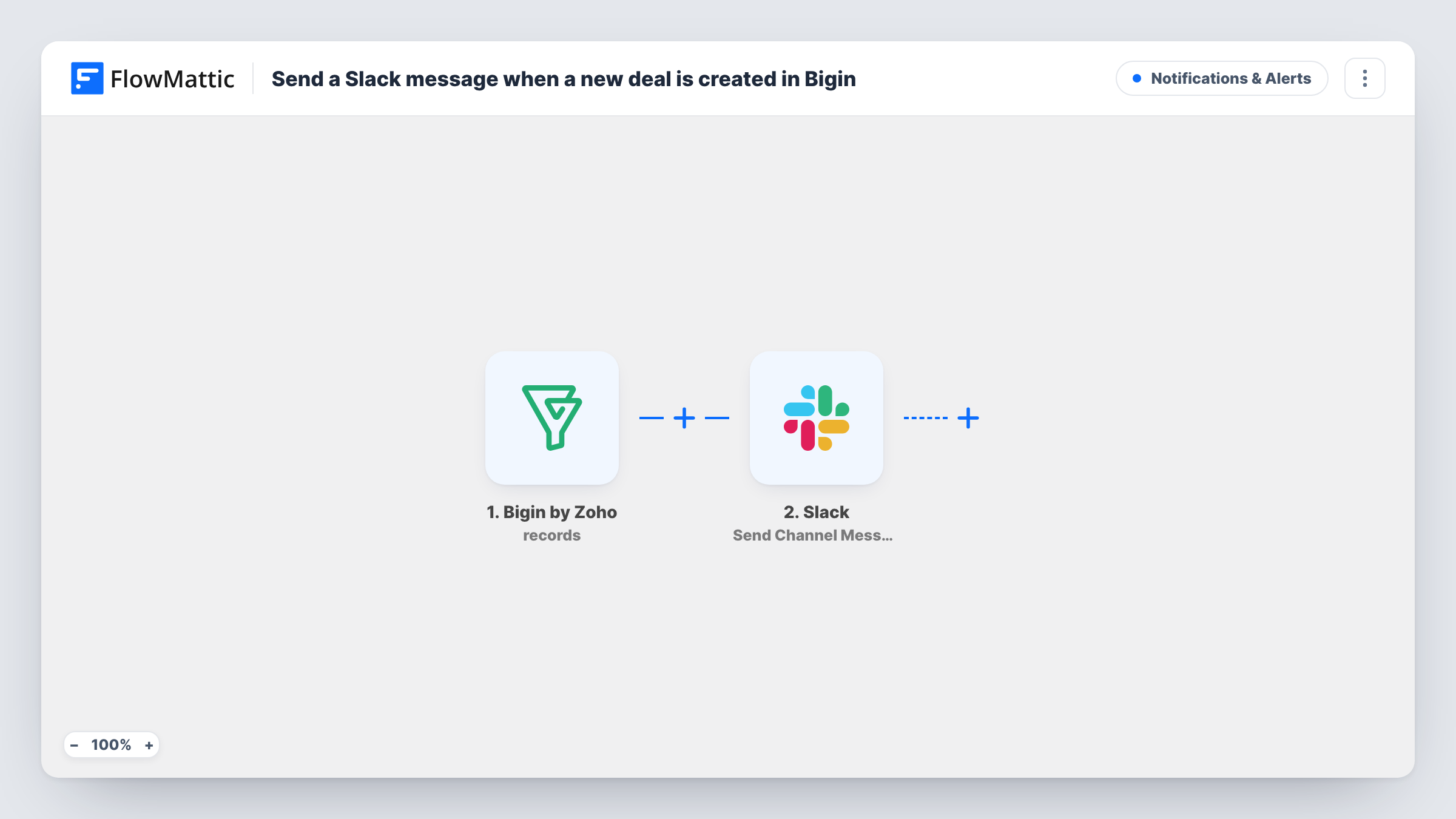
The Bigin by Zoho New Deal trigger fires when a new pipeline deal is created, and passes the deal's details on for mapping. Edits to existing deals, such as a stage change, are a separate Updated Deal event and don't start this workflow.
The Slack step follows and announces the deal in a single channel of your workspace. It ships unmapped: after import you pick the channel and write the text, mapping deal details from the trigger, such as the deal name, amount, stage and owner, as a test run shows them.
Each new deal produces one Slack post. Create a test deal and check Task History to see the values Bigin sent and the message Slack received.
Deal alerts for a small sales team
A three-person agency posts each new Bigin deal in #new-business, and whoever is free replies in the thread to claim it.
Visibility for the founder
A startup founder follows a Slack channel of new deals to see what the sales pipeline is picking up without logging in to Bigin every day.
Hand-off to delivery
A services firm lets project leads watch new deals in Slack, so they can flag capacity issues before a proposal goes out.
How this workflow runs
What happens at each step once the workflow is on, and what you need before you import it.
 Bigin by Zoho New Deal
Fires when a new pipeline deal is created in Bigin by Zoho. The deal's details are passed on so you can put them in the Slack message.
- Slack Send Channel Message
Posts a new-deal message to the Slack channel you pick. The step ships unmapped: after import, choose the channel and write the text with the Bigin deal details you want to show.
What you need
- FlowMatticCore
- Bigin by Zoho AccountAccount
- Slack AccountAccount
After importing, map your own data. To keep the template universal, not every step is pre-filled. Open each step in the builder and connect your accounts and fields (channels, lists, sheets, recipients) before you switch the workflow on.
Make it yours
Changes worth making after you import it.
- Put a Filter between the Bigin trigger and the Slack step on the deal amount if only larger deals should post. Amounts compare as whole numbers, and a blank amount counts as 0.
- For stage changes, build a second workflow on Bigin's Updated Deal trigger, with a Filter on the stage between that trigger and its Slack step, since that event fires on every edit.
- Switch to Slack's Send Private Channel Message action if deal values shouldn't be visible in a public channel.
Questions about this workflow
Does a Bigin deal moving to a new stage post to Slack?
No. This workflow uses the New Deal trigger, which fires once when the deal is created. Bigin's Updated Deal trigger covers edits such as stage changes.
Which Bigin deal details can appear in the Slack message?
Any values the New Deal trigger sends. Create a test deal after import, look at the trigger data in Task History, and map the ones you want into the message.
Can each Bigin pipeline post to a different Slack channel?
Yes. Replace the Slack step with a Router after the trigger, with one route per pipeline and its own Slack step. Use pipeline conditions that can't both match.
More Notifications & Alerts workflows
Other ready-to-import templates from the same category.




Import this workflow into your WordPress site
Download the JSON, import it from the Workflows screen and connect your accounts. Every run stays on your server, with no per-task fees.
30-day money-back guarantee Unlimited workflows and runs Self-hosted