

Create an Airtable record for each Sage Intacct employee change
Every time an employee is created or updated in Sage Intacct, this workflow adds a new record to an Airtable table, building a running log of employee changes you can sort, filter and share.
 Sage Intacct
 Airtable
2 steps Setup ~5 min Used on 2.4k sites Free to import
What this workflow does
Sage Intacct keeps the current state of each employee, but it is not always the easiest place to see what changed and when, or to share that with people outside finance. This workflow writes each change into Airtable as its own record, so you end up with a history table instead of a single current value.
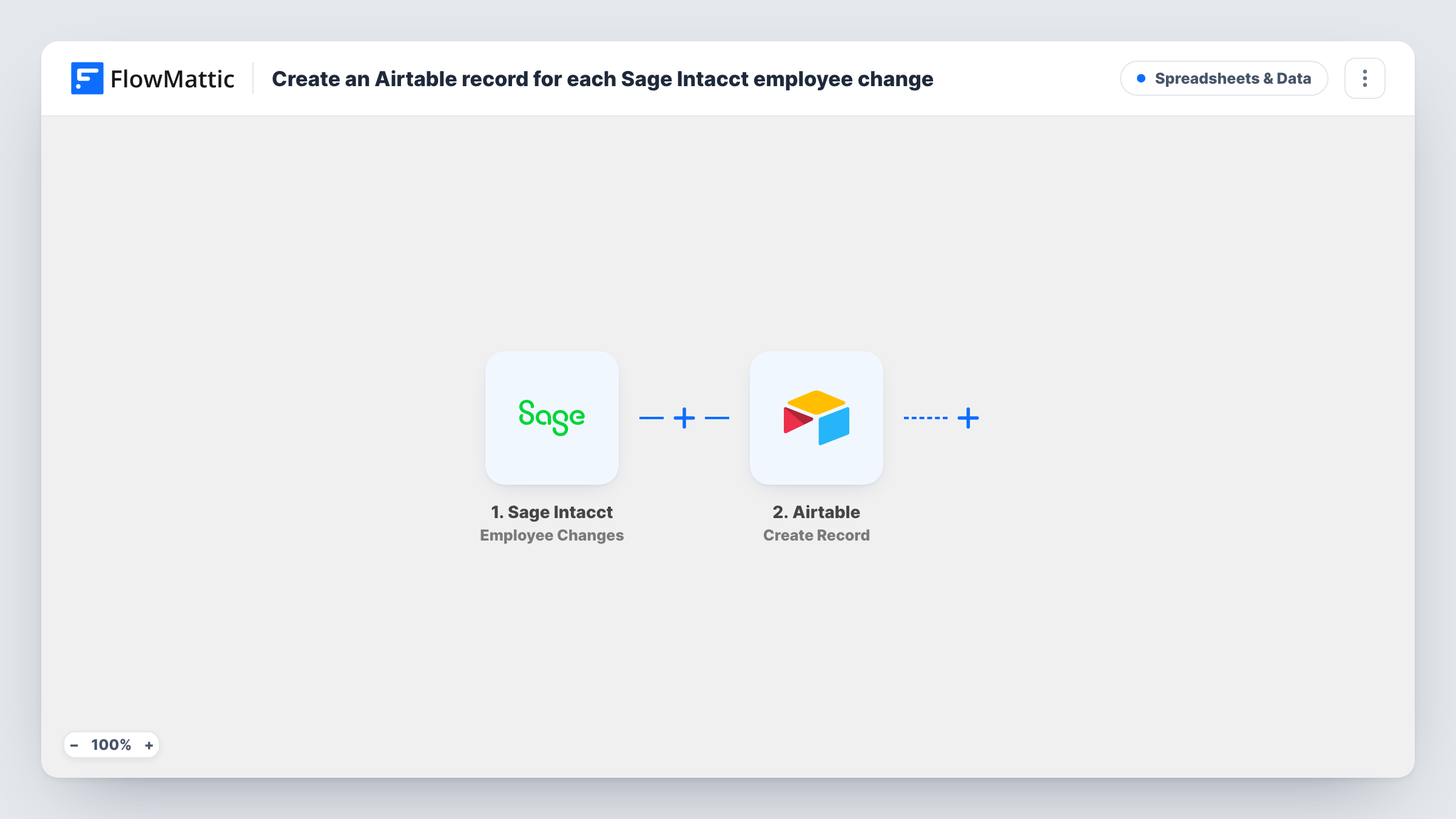
The Sage Intacct trigger starts a run whenever someone adds or edits an employee. FlowMattic receives the employee data from that event and passes it to Airtable, where the Create Record step adds a new row to the base and table you pick. You decide which Sage Intacct values go into which Airtable fields.
Because the step always creates, an employee who is updated five times gets five records. That is the point: each record is a snapshot of one change. If you want one record per employee that stays current instead, this is not the right shape, and the FAQ below explains the alternative. Task History shows each run and the data it carried.
Change log for HR reviews
HR wants to see when an employee's details were last edited. The Airtable table lists every create and update as a dated record they can filter by employee.
New-hire list for IT
IT works from Airtable. Each employee created in Sage Intacct shows up as a record they can pick up for laptop and account setup.
Sharing changes without Intacct access
A manager who has no Sage Intacct login can view a shared Airtable view of recent employee changes for their team.
How this workflow runs
What happens at each step once the workflow is on, and what you need before you import it.
 Sage Intacct Employee Changes
Starts each run when a Sage Intacct employee is added or edited. The employee data from the event is passed on so you can map it into Airtable.
- Airtable Create Record
Adds a new record to the Airtable base and table you choose, holding the mapped Sage Intacct values. It never edits an earlier record, so each change becomes its own row.
What you need
- FlowMatticCore
- Sage Intacct AccountAccount
- Airtable AccountAccount
After importing, map your own data. To keep the template universal, not every step is pre-filled. Open each step in the builder and connect your accounts and fields (channels, lists, sheets, recipients) before you switch the workflow on.
Make it yours
Changes worth making after you import it.
- Add a Created time field to your Airtable table so each record shows when the change arrived. Airtable fills it on its own.
- Add a Filter after the trigger if only some changes matter, for example events where a particular field is not empty.
- Make one test change to an employee after import so FlowMattic captures the event data, then map it into your Airtable fields.
Questions about this workflow
Does it tell new Sage Intacct employees apart from updated ones?
The trigger fires for both, and the template treats them the same way. If the event data includes something that separates them, you can add a Filter on it. Check a test run to see what Sage Intacct sends.
Can I keep one Airtable record per employee instead of a log?
Not with this template as is, since Create Record always adds a new row. You would need to look up the existing record first and update it, which takes extra steps.
Are past Sage Intacct employee changes copied to Airtable?
No. Only changes made after the workflow is turned on reach Airtable.
Which Airtable fields can I fill?
The fields in the table you pick in the Create Record step. Create the columns you want in Airtable first, then map Sage Intacct data into each one.
More Spreadsheets & Data workflows
Other ready-to-import templates from the same category.





Import this workflow into your WordPress site
Download the JSON, import it from the Workflows screen and connect your accounts. Every run stays on your server, with no per-task fees.
30-day money-back guarantee Unlimited workflows and runs Self-hosted