

When a Task is Due in Taskade, Send Template Message in WhatsApp Cloud API
When a Taskade task reaches its due date, this workflow sends a WhatsApp template message through the WhatsApp Cloud API, putting the deadline on someone’s phone instead of only inside the project.
 Taskade
 WhatsApp Cloud API
2 steps Setup ~5 min Used on 2.0k sites Free to import
What this workflow does
Due dates in Taskade only help if someone notices them. People who are not in the app every day, such as clients, freelancers or a manager who checks in weekly, can miss a deadline entirely. This workflow sends a WhatsApp message when a task falls due.
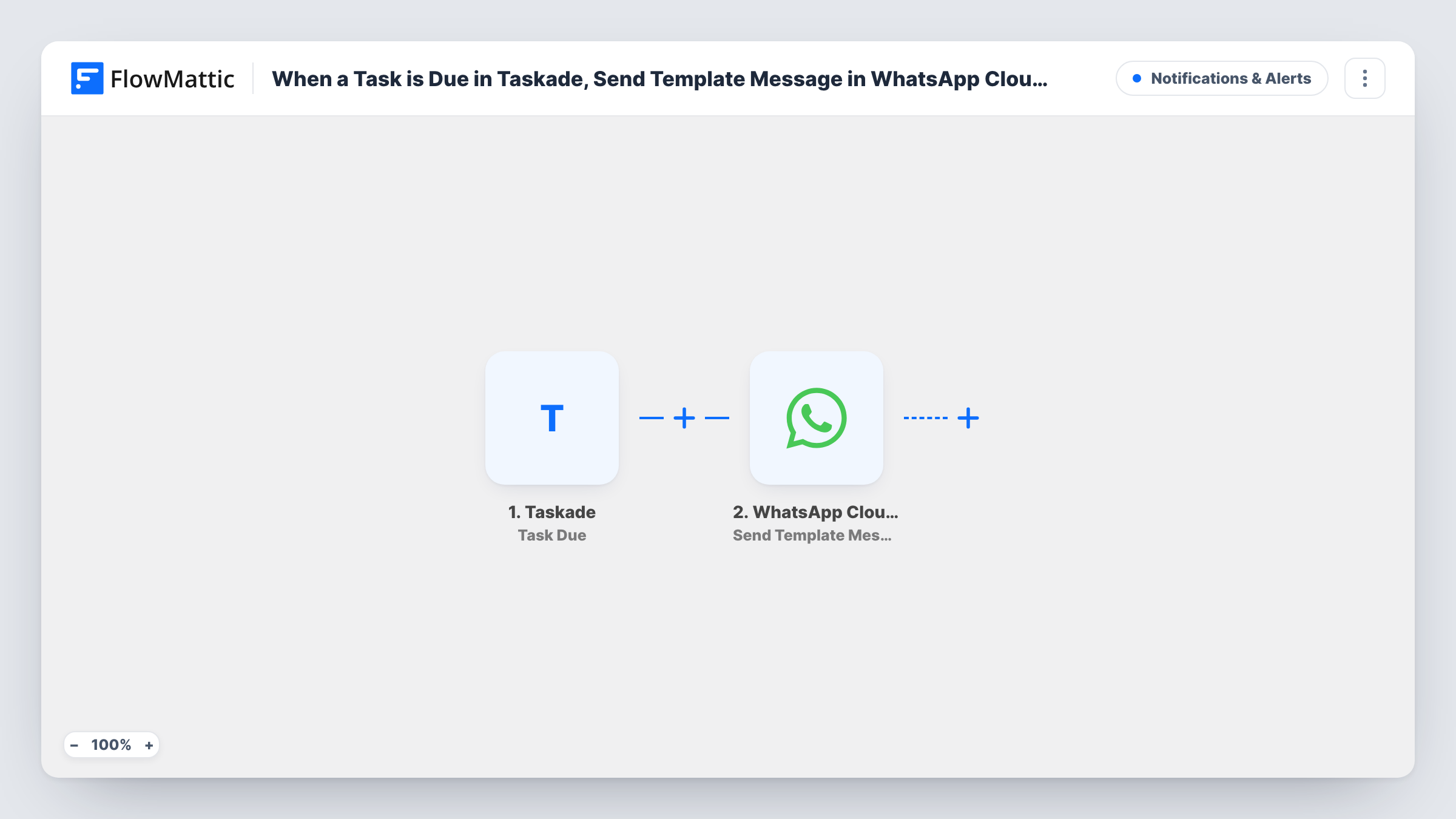
The Taskade Task Due trigger fires when a task is due. FlowMattic passes the task data to the WhatsApp Cloud API Send Template Message action, which sends one of your approved templates from your business number. You choose the recipient and place task details into the template.
A template message is what makes this work for reminders. WhatsApp lets a business send approved templates to people who have not messaged it recently, while plain text is limited to a 24-hour window. Get the template approved by Meta before you switch the workflow on. Every due task sends one message to the recipient you set, so think about whether one person or several should hear about each deadline. Task History logs each reminder and WhatsApp's response.
Reminders for a freelancer who rarely opens Taskade
A contractor gets a WhatsApp message on the day each task they handle is due, without needing to keep the Taskade app open.
Personal deadline nudges
You send reminders to your own phone for tasks in a personal Taskade project, so bills or renewals with due dates are not missed.
Manager overview
A team lead gets a WhatsApp message for each task in a shared project that reaches its due date, as a cue to check progress.
How this workflow runs
What happens at each step once the workflow is on, and what you need before you import it.
 Taskade Task Due
Fires when a Taskade task becomes due. Whatever data Taskade sends about that task is passed to the WhatsApp step for mapping.
- WhatsApp Cloud API Send Template Message
Delivers one of your Meta-approved WhatsApp templates from your business number. Set who receives it and map Taskade task details into the template. Make one test task due to check the result.
What you need
- FlowMatticCore
- Taskade AccountAccount
- WhatsApp Cloud API AccountAccount
After importing, map your own data. To keep the template universal, not every step is pre-filled. Open each step in the builder and connect your accounts and fields (channels, lists, sheets, recipients) before you switch the workflow on.
Make it yours
Changes worth making after you import it.
- Add a Filter after the trigger so reminders go out only for tasks that match a rule you choose, using a value from the task data you see after a test run.
- Want a heads-up when a deadline is first set too? Build a second workflow on Taskade's New Due Date trigger with its own template message.
- Keep the template wording general, with one placeholder for the task details, so a single approved template covers every reminder.
Questions about this workflow
Why does this Taskade reminder use a WhatsApp template?
WhatsApp only delivers free-form text if the recipient messaged your business number in the past 24 hours. Templates approved by Meta are not bound by that window, which suits a reminder.
Can each Taskade task remind the person it's assigned to?
Only if you can map a phone number for that person into the WhatsApp step. As imported, you set the recipient yourself, so check what the Task Due data contains with a test run.
Does the workflow mark the Taskade task as done or change it?
No. It reads the due task and sends a WhatsApp message. Nothing in Taskade is changed.
More Notifications & Alerts workflows
Other ready-to-import templates from the same category.





Import this workflow into your WordPress site
Download the JSON, import it from the Workflows screen and connect your accounts. Every run stays on your server, with no per-task fees.
30-day money-back guarantee Unlimited workflows and runs Self-hosted