

Generate an enhanced image in Nano Banana for each new Facebook Page post and email it to the team
For each new post in your Facebook Page feed, Nano Banana generates an enhanced image from your prompt and an input image, and FlowMattic emails your team a link to the result.
 Facebook Pages
 Nano Banana
 Email
Email3 steps Setup ~5 min Used on 2.5k sites Free to import
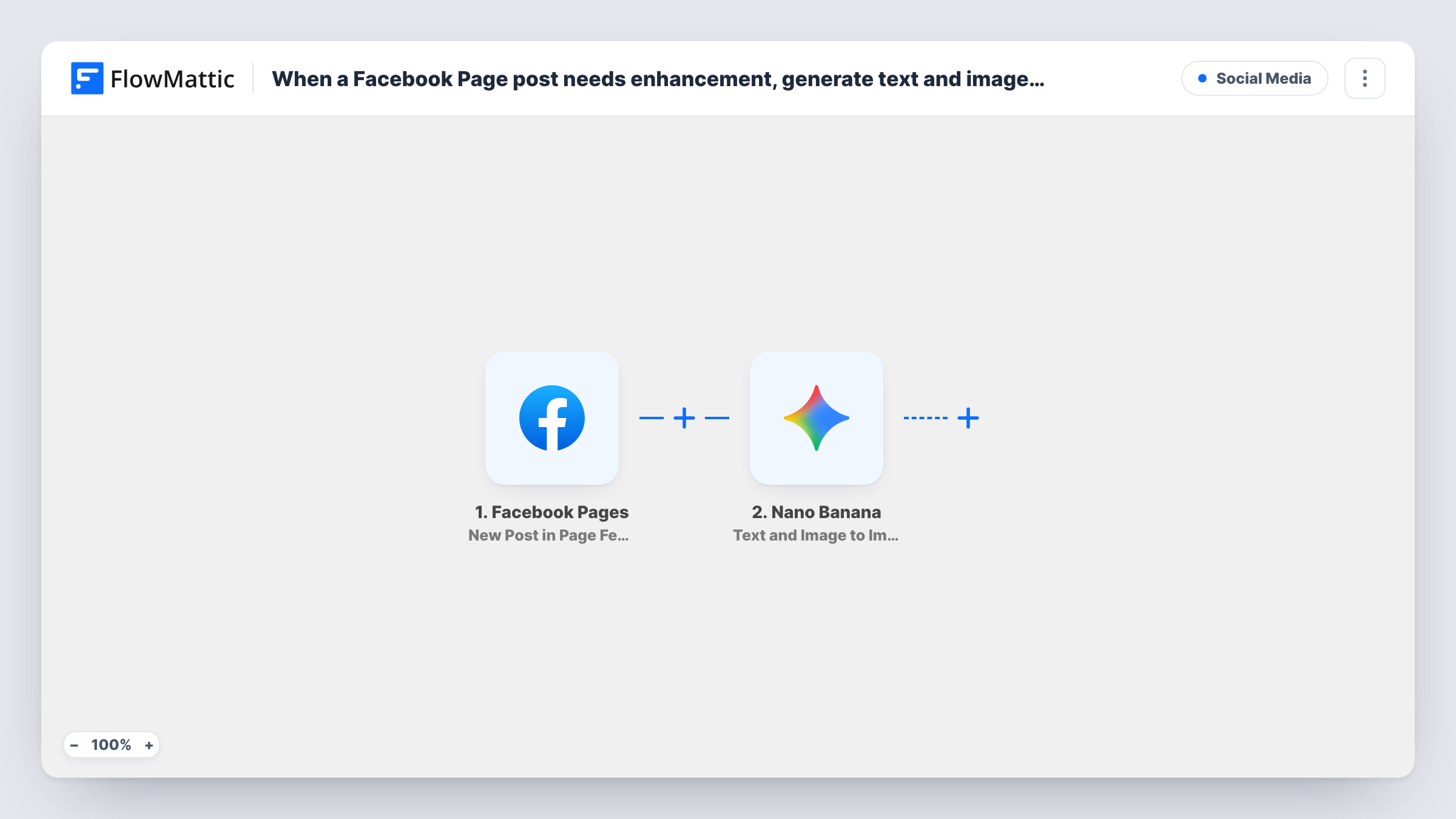
What this workflow does
Social teams often want a polished version of a post's visual for other channels: a cleaner product shot, a branded variant, or a version styled for a newsletter. Making one by hand for every post takes time. This workflow asks Nano Banana for a new image each time your Facebook Page publishes a post and sends it to your team for review.
The Facebook Pages trigger fires when a new post is created in the Page feed and passes on the post's details, such as its text and any image. A test post shows exactly which fields arrive.
The Nano Banana step then generates an image from a text prompt and an input image using Gemini AI. It ships unmapped: after import you write the prompt, for example "brighten and add our brand colours", and map the post's image as the input. Posts without an image give the step no input image, so check a text-only post in a test run.
The final step is FlowMattic's Email module. Its subject and body are already set: the body links to the generated image in your WordPress media library. You add the team's email addresses as recipients. Task History shows the prompt sent, Nano Banana's result and the email that went out.
Newsletter visuals from social posts
A café's marketing lead receives an enhanced version of each Facebook Page photo by email and drops it into the weekly newsletter.
Brand-styled variants for review
A retailer's designer gets a Nano Banana image in the house style for every new Page post and decides which ones to reuse on Instagram or the website.
Quick upgrades for phone photos
A real estate agent posts listing photos from a phone, and the team gets a cleaner AI-enhanced version by email to use in property flyers.
How this workflow runs
What happens at each step once the workflow is on, and what you need before you import it.
 Facebook Pages New Post in Page Feed
Fires when a new post is created in your Facebook Page feed. The post's text, image and other details become available to Nano Banana; check a test post for the exact fields.
- Nano Banana Text and Image to Image
Generates an image from a text prompt and an input image with Gemini AI. The step ships unmapped: write your enhancement prompt and map the Facebook post's image as the input image.
 Email Send Email
Emails the result with the subject "Enhanced image for your new Facebook Page post" and a body linking to the generated image in your media library. Add your team's addresses as recipients.
What you need
- FlowMatticCore
- Facebook Pages AccountAccount
- Nano Banana AccountAccount
After importing, map your own data. To keep the template universal, not every step is pre-filled. Open each step in the builder and connect your accounts and fields (channels, lists, sheets, recipients) before you switch the workflow on.
Make it yours
Changes worth making after you import it.
- Put a Filter between the Facebook Pages trigger and the Nano Banana step that continues only when the post's image field from a test run is not empty, so text-only posts stop before image generation and the email.
- Include the original post text in the email body by mapping it from the trigger, so the team knows which post each image belongs to.
- Keep the Nano Banana prompt specific about what to keep, such as the product and any text, so the result stays close to the original post.
Questions about this workflow
Does Nano Banana run for every new Facebook Page post?
Yes, as imported. Each new post in the Page feed starts a run. Add a Filter between the trigger and Nano Banana if you only want images for posts that include a photo.
Who receives the enhanced image email?
The addresses you add in the Send Email step. The template sets the subject and body but leaves the recipients for you, so enter your team's addresses after import.
Is the enhanced image posted back to Facebook?
No. The workflow only generates the image and emails a link to it. Your team decides whether and where to use it.
Where is the Nano Banana image stored?
The email links to it through the media URL that the Nano Banana step returns for your WordPress site. Check a test run to confirm the link opens the image.
More Social Media workflows
Other ready-to-import templates from the same category.






Import this workflow into your WordPress site
Download the JSON, import it from the Workflows screen and connect your accounts. Every run stays on your server, with no per-task fees.
30-day money-back guarantee Unlimited workflows and runs Self-hosted