

Send a Gmail email for each new Kommunicate message
Every new message in a Kommunicate conversation sends an email from your Gmail account, built from the message details you map, so someone who isn’t watching the Kommunicate dashboard still sees what is being said.
 Kommunicate
 Gmail
Gmail2 steps Setup ~5 min Used on 3.5k sites Free to import
What this workflow does
Kommunicate handles chat with your customers, but not everyone who needs to follow those chats sits in its dashboard. A manager, an account owner or an on-call person may live in their inbox. This workflow sends each new chat message there through Gmail.
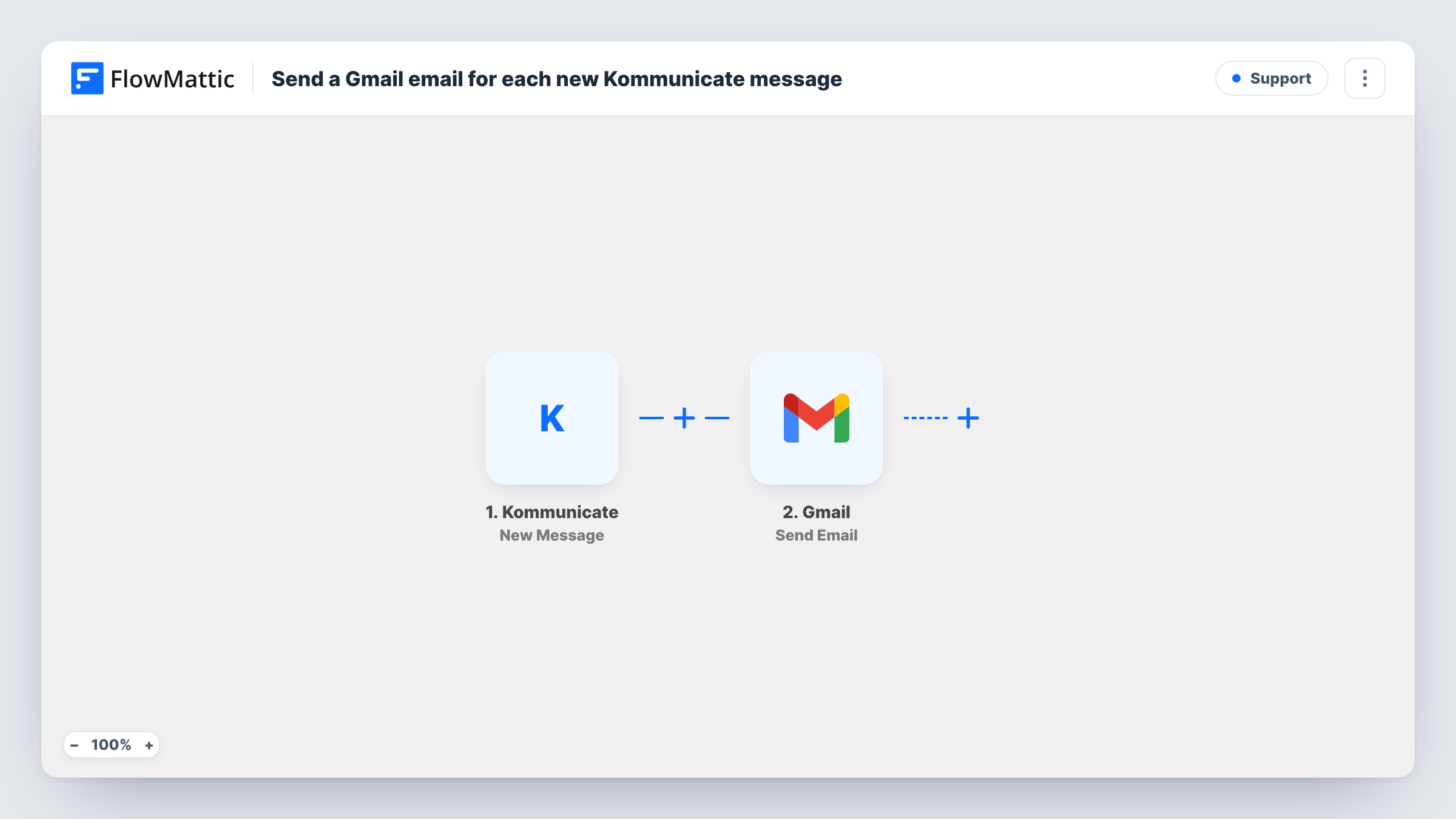
The Kommunicate New Message trigger fires when a new message is sent in a conversation. FlowMattic receives the message data and passes it to Gmail, where the Send Email action sends an email from the account you connect to the recipient you set. You build the subject and body from Kommunicate details, such as the message text.
Because the trigger reacts to any new message in a conversation, a busy chat can produce many emails, one per message. Check in a test whether replies from your own team or bot also fire it, and add a Filter if you only want some messages. Task History records each run with the data Kommunicate sent.
Manager oversight of support chats
A support lead who works mostly from email gets a Gmail copy of each Kommunicate message, so they can follow conversations without logging in.
Archive of chat messages in Gmail
Each message lands in a dedicated Gmail label through a filter you set in Gmail, giving you a searchable mail archive of your Kommunicate chats.
Low-volume sales chat
A small business gets only a handful of chats a day on its site. Emailing every message to the owner is enough for them to keep up.
How this workflow runs
What happens at each step once the workflow is on, and what you need before you import it.
 Kommunicate New Message
Fires when a new message is sent in a Kommunicate conversation. The message data is captured and can be mapped into the email.
- Gmail Send Email
Emails each Kommunicate message through Gmail. Set the recipient, then map the Kommunicate message details into the subject and body, and run a test to check the result.
What you need
- FlowMatticCore
- Kommunicate AccountAccount
- Gmail AccountAccount
After importing, map your own data. To keep the template universal, not every step is pre-filled. Open each step in the builder and connect your accounts and fields (channels, lists, sheets, recipients) before you switch the workflow on.
Make it yours
Changes worth making after you import it.
- If the inbox gets too busy, add a Filter after the trigger that continues only for messages that meet a condition you choose from the Kommunicate data, such as who sent it, if the data shows that.
- For alerts only when a chat is being missed, Kommunicate also has an Unread Message trigger in FlowMattic, which fires when an incoming message stays unread for a set time.
- Put the conversation or customer name in the email subject so Gmail threads and searches are easier to follow.
Questions about this workflow
Does every Kommunicate message send a Gmail email?
Yes, as imported. Each New Message event sends one email. Add a Filter after the trigger if you only want some messages.
Can I reply to the customer from the Gmail email?
No. The email is a notification. Replying to it doesn't post anything back into the Kommunicate conversation.
Which Gmail account sends the Kommunicate emails?
The Gmail account you connect in FlowMattic when you set up the Send Email step.
Are past Kommunicate conversations emailed?
No. Only messages sent after you switch the workflow on start a run.
More Support workflows
Other ready-to-import templates from the same category.







Import this workflow into your WordPress site
Download the JSON, import it from the Workflows screen and connect your accounts. Every run stays on your server, with no per-task fees.
30-day money-back guarantee Unlimited workflows and runs Self-hosted