

Create a ClickUp task for each new Hiver external reply from contact
When a contact sends an external reply into Hiver, this workflow creates a ClickUp task from it, so customer replies that need action sit in the same task list as the rest of your work.
 Hiver
Hiver
 ClickUp
2 steps Setup ~5 min Used on 2.2k sites Free to import
What this workflow does
Hiver keeps customer email inside Gmail, which works well for answering. Replies that need real work, such as a change request or a document to prepare, can still slip past once the thread is read. If your team plans its work in ClickUp, a task is easier to assign and track than a starred email.
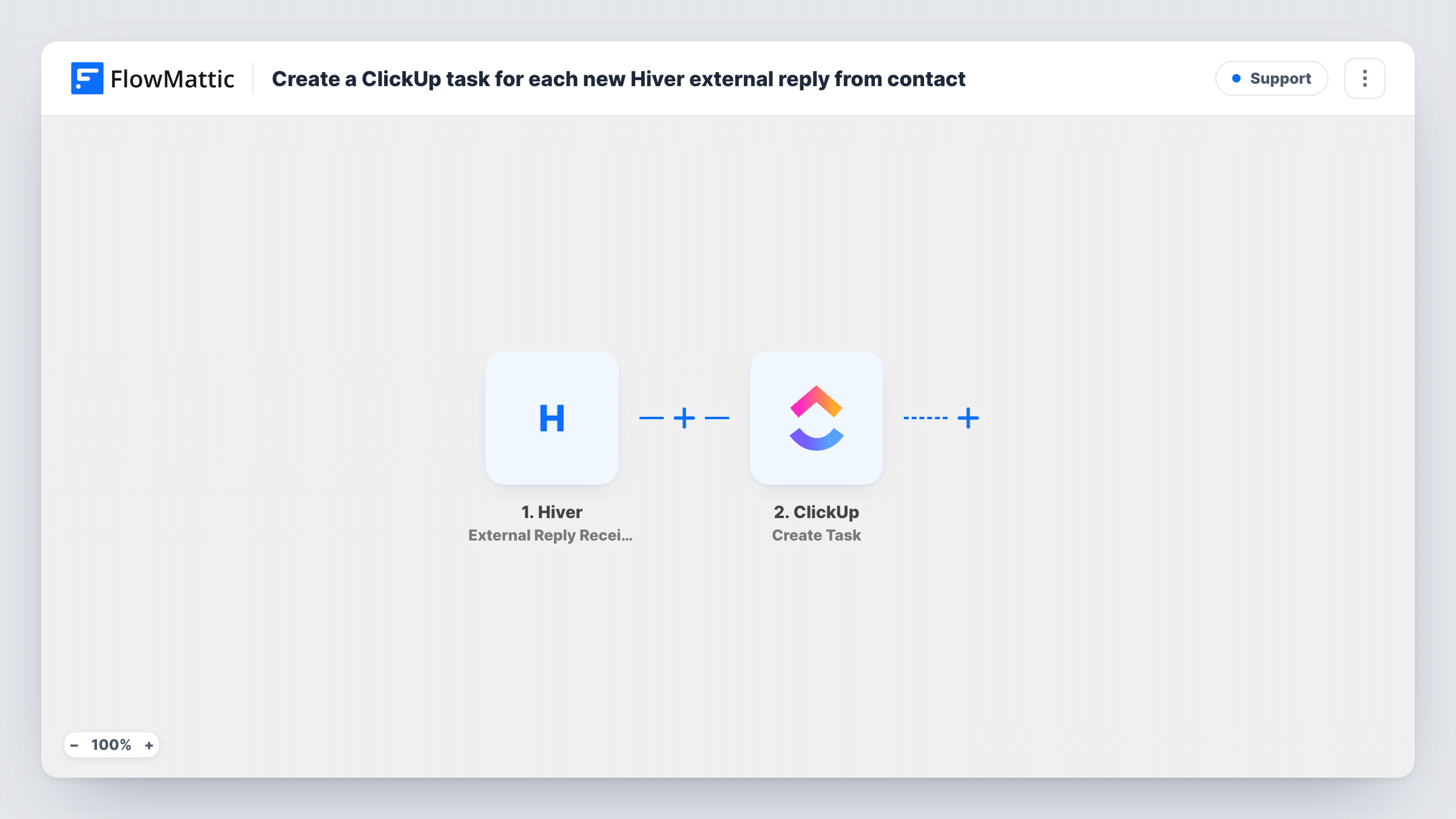
The Hiver trigger is External Reply Received from Contact. It fires when an external reply arrives from a specific contact. FlowMattic passes the reply data to ClickUp, where the Create Task action adds a new task. You choose where the task goes and map values from the reply, such as the subject or sender, into the task name and description.
Every matching reply makes its own task. A long thread with several replies from the same contact gives you several tasks. Task History records each run, so you can check what was sent to ClickUp for a given reply.
Key client change requests
Your largest client replies to an update with new requirements. The reply becomes a ClickUp task that the account manager can assign and give a due date.
Supplier confirmations to follow up
A supplier answers a purchase thread in your shared inbox. A task in ClickUp reminds the buyer to record the confirmed delivery date.
Agency client feedback
Feedback emails from a client contact turn into ClickUp tasks in the project's list, so designers work from tasks instead of searching the inbox.
How this workflow runs
What happens at each step once the workflow is on, and what you need before you import it.
 Hiver External Reply Received from Contact
Runs when an external reply is received in Hiver from the contact the trigger watches. The reply's details are passed on for mapping into the task.
- ClickUp Create Task
ClickUp gets one fresh task per reply. Choose the location for the task and map reply values into the name and description. Run a test to see which Hiver fields you can use.
What you need
- FlowMatticCore
- Hiver AccountAccount
- ClickUp AccountAccount
After importing, map your own data. To keep the template universal, not every step is pre-filled. Open each step in the builder and connect your accounts and fields (channels, lists, sheets, recipients) before you switch the workflow on.
Make it yours
Changes worth making after you import it.
- Put the reply's subject in the task name and the sender's address in the description, so whoever picks up the task knows which thread to open in Hiver.
- Add a Filter after the trigger that continues only when the subject contains a word such as request or change, if you want tasks for some replies and not for thank-you notes.
- Want a task for replies from more contacts? Duplicate the workflow and set each copy's trigger to a different contact.
Questions about this workflow
Does every Hiver reply from the contact create a new ClickUp task?
Yes. The workflow has no check for an existing task, so each external reply from that contact creates its own task. Add a Filter if you only want some replies to become tasks.
Does this mark the Hiver conversation as done?
No. The workflow only reads the reply and creates a ClickUp task. Your Hiver conversation stays as it is.
Do internal Hiver notes create ClickUp tasks?
No. The trigger is for external replies received from a contact, so notes your team adds inside Hiver do not run it.
Which ClickUp account do I need?
Any ClickUp account with access to the place you want tasks created. You connect it in the Create Task step after import.
More Support workflows
Other ready-to-import templates from the same category.





Import this workflow into your WordPress site
Download the JSON, import it from the Workflows screen and connect your accounts. Every run stays on your server, with no per-task fees.
30-day money-back guarantee Unlimited workflows and runs Self-hosted