

Log every new Konstantly course in a Google Sheets spreadsheet
When a course is published in Konstantly and made available to users, this workflow adds a row to Google Sheets, so you build up a running list of your training courses to share and review.
 Konstantly
 Google Sheets
2 steps Setup ~5 min Used on 2.9k sites Free to import
What this workflow does
Training teams often need a list of what courses exist and when each went live. Managers ask for it, auditors ask for it, and keeping it by hand drifts out of date. This workflow writes each newly published Konstantly course into a spreadsheet.
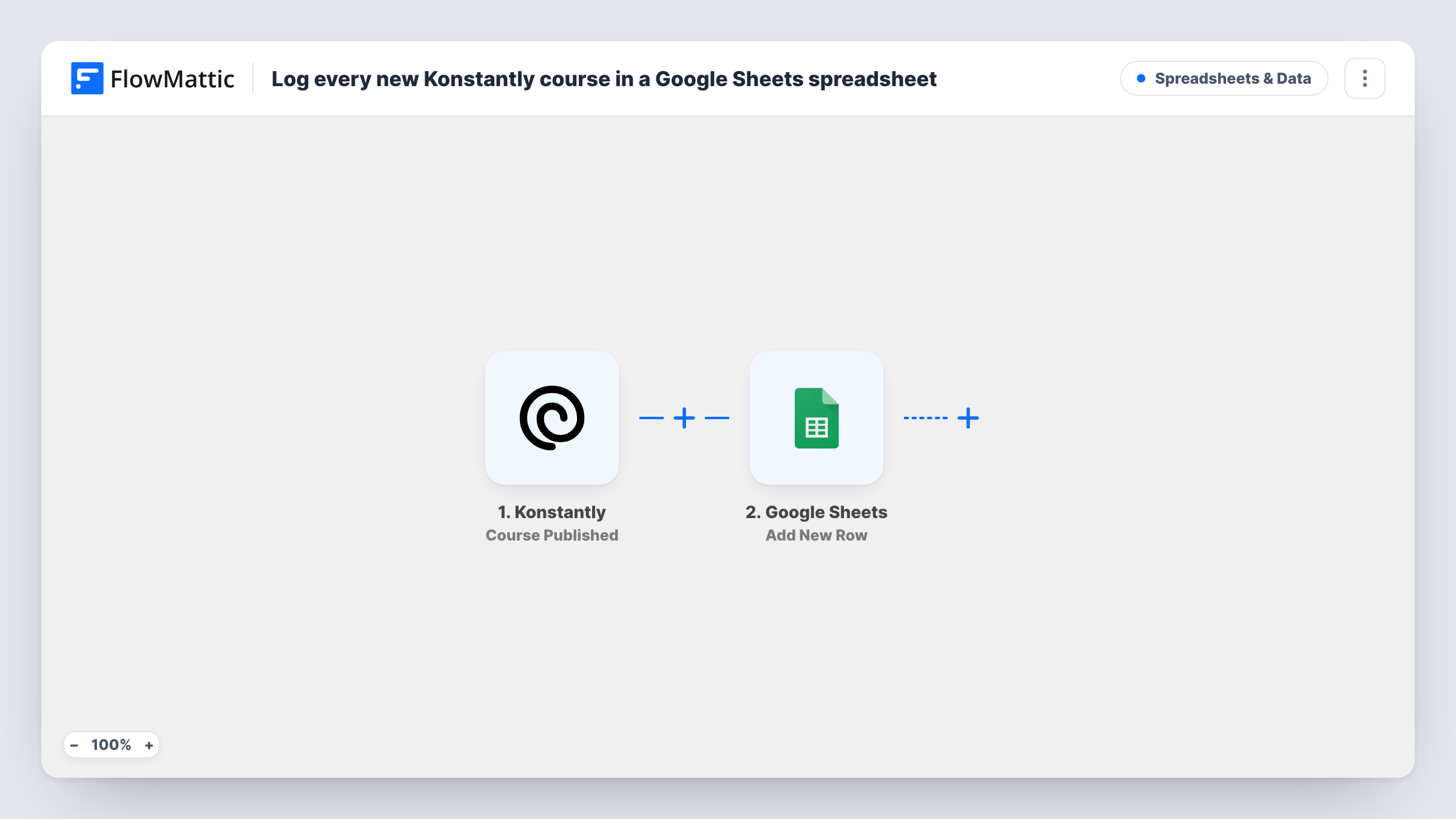
The Konstantly trigger fires when a course is published and made available to users. FlowMattic passes the course data to Google Sheets, where the Add New Row action writes it to the spreadsheet you pick. You choose which course details go in which columns.
Each publish adds a row, so a course that is unpublished and published again may appear twice. Unpublishing does not remove or change the row. Task History records each run and what was written to the sheet.
Course catalogue for managers
Department heads open a shared Google Sheet to see every course that has gone live in Konstantly, without needing an admin login.
Compliance training records
A compliance team keeps a dated list of published courses as part of its record of what training was available and when.
Content planning reviews
Instructional designers review the sheet each quarter to see how many courses they released and which topics are covered.
How this workflow runs
What happens at each step once the workflow is on, and what you need before you import it.
 Konstantly Course Published
Fires when a Konstantly course is published and made available to users. The course data is passed to Google Sheets.
- Google Sheets Add New Row
Writes the published Konstantly course into a new row of your Google Sheets spreadsheet. Connect Google and map the course details to your columns.
What you need
- FlowMatticCore
- Konstantly AccountAccount
- Google Sheets AccountAccount
After importing, map your own data. To keep the template universal, not every step is pre-filled. Open each step in the builder and connect your accounts and fields (channels, lists, sheets, recipients) before you switch the workflow on.
Make it yours
Changes worth making after you import it.
- Share the sheet as view-only with managers, so they can read the course list without editing the rows the workflow writes.
- Build a second workflow on Konstantly's Course Unpublished trigger that writes to another tab, so you can see which courses were taken down.
- Publish a test course in Konstantly after import so FlowMattic captures the course data, then map it to the sheet's columns.
Questions about this workflow
Are courses already published in Konstantly added to the sheet?
No. Only courses published after the workflow is turned on create rows. Add older courses to the sheet by hand.
What happens to the Google Sheets row when a Konstantly course is unpublished?
Nothing. The workflow only adds rows on publish. Use the Course Unpublished trigger in a separate workflow to record removals.
Does this track learner progress in Konstantly?
No. It logs published courses only. Konstantly has other triggers in FlowMattic, such as Course Finished, for learner activity.
More Spreadsheets & Data workflows
Other ready-to-import templates from the same category.



Import this workflow into your WordPress site
Download the JSON, import it from the Workflows screen and connect your accounts. Every run stays on your server, with no per-task fees.
30-day money-back guarantee Unlimited workflows and runs Self-hosted