

Save each new Konstantly user to a Notion database
Each time a user account is created in Konstantly, this workflow adds an item for that person to a Notion database, so your team keeps a learner list in the workspace it already uses.
 Konstantly
 Notion
2 steps Setup ~5 min Used on 3.0k sites Free to import
What this workflow does
Konstantly holds your learners, but the people who plan onboarding, chase managers or report on training often work in Notion. Copying each new account across by hand is slow, and the Notion list falls behind as soon as someone forgets. This workflow adds the person to Notion as their account is created.
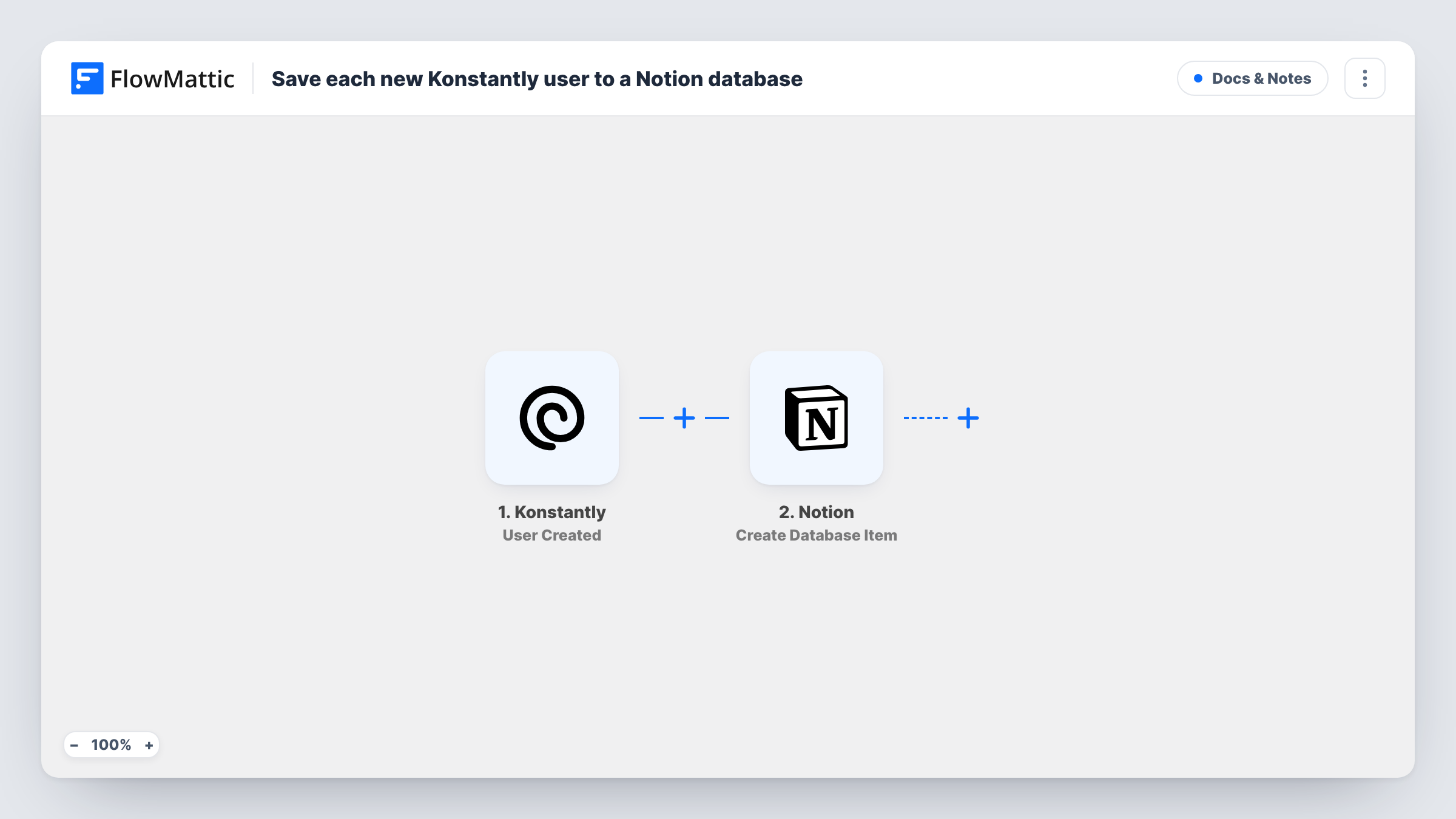
The Konstantly trigger is User Created. It fires when a new user account is created there. FlowMattic passes the user's details to Notion, where Create Database Item adds a new item to the database you pick. You map Konstantly values, such as the name and email, into that database's properties.
Only new accounts run the workflow. Later changes to a user in Konstantly do not update the Notion item, and removing a user there leaves the item in place. Task History keeps a record of each run with the data sent to Notion.
Onboarding tracker for HR
HR keeps a Notion board of new starters. Each Konstantly account appears there as an item, ready for HR to add the start date and the manager.
Training partner's client roster
A training company creates Konstantly accounts for each client's staff. The Notion database gives the account team a list they can group by client.
Licence count check
Operations reviews the Notion database at the end of the month to see how many learner accounts were opened and by whom.
How this workflow runs
What happens at each step once the workflow is on, and what you need before you import it.
 Konstantly User Created
Runs when a new user account is created in Konstantly. The user's details are passed on for mapping into Notion.
- Notion Create Database Item
Adds an item to the Notion database you select. Share the database with your Notion connection, then map Konstantly user values into its properties.
What you need
- FlowMatticCore
- Konstantly AccountAccount
- Notion AccountAccount
After importing, map your own data. To keep the template universal, not every step is pre-filled. Open each step in the builder and connect your accounts and fields (channels, lists, sheets, recipients) before you switch the workflow on.
Make it yours
Changes worth making after you import it.
- Create the Notion database with properties for the values you want before you map the step, such as a title for the name and an email property.
- Add a status property in Notion with a default value, so HR can move each learner along as onboarding progresses.
- Want course progress too? Build a second workflow from Konstantly's Course Finished trigger to record completions somewhere your team reads.
Questions about this workflow
Does a change to the Konstantly user update the Notion item?
No. The workflow only runs on User Created, so it adds one item per new account. Edits made later in Konstantly are not copied over.
Why can't the Notion step see my database?
Notion only shows databases that are shared with the connection. Open the database in Notion, share it with the integration you connected, then reload the step.
Will Konstantly users created before import be added to Notion?
No. Only accounts created after the workflow is switched on reach the database.
Which Konstantly fields reach the Notion database?
Those Konstantly includes with the new user. Create a test user after import and check the captured values before mapping them to properties.
More Docs & Notes workflows
Other ready-to-import templates from the same category.







Import this workflow into your WordPress site
Download the JSON, import it from the Workflows screen and connect your accounts. Every run stays on your server, with no per-task fees.
30-day money-back guarantee Unlimited workflows and runs Self-hosted