

Create a Google Docs file from every new Nolt post tags
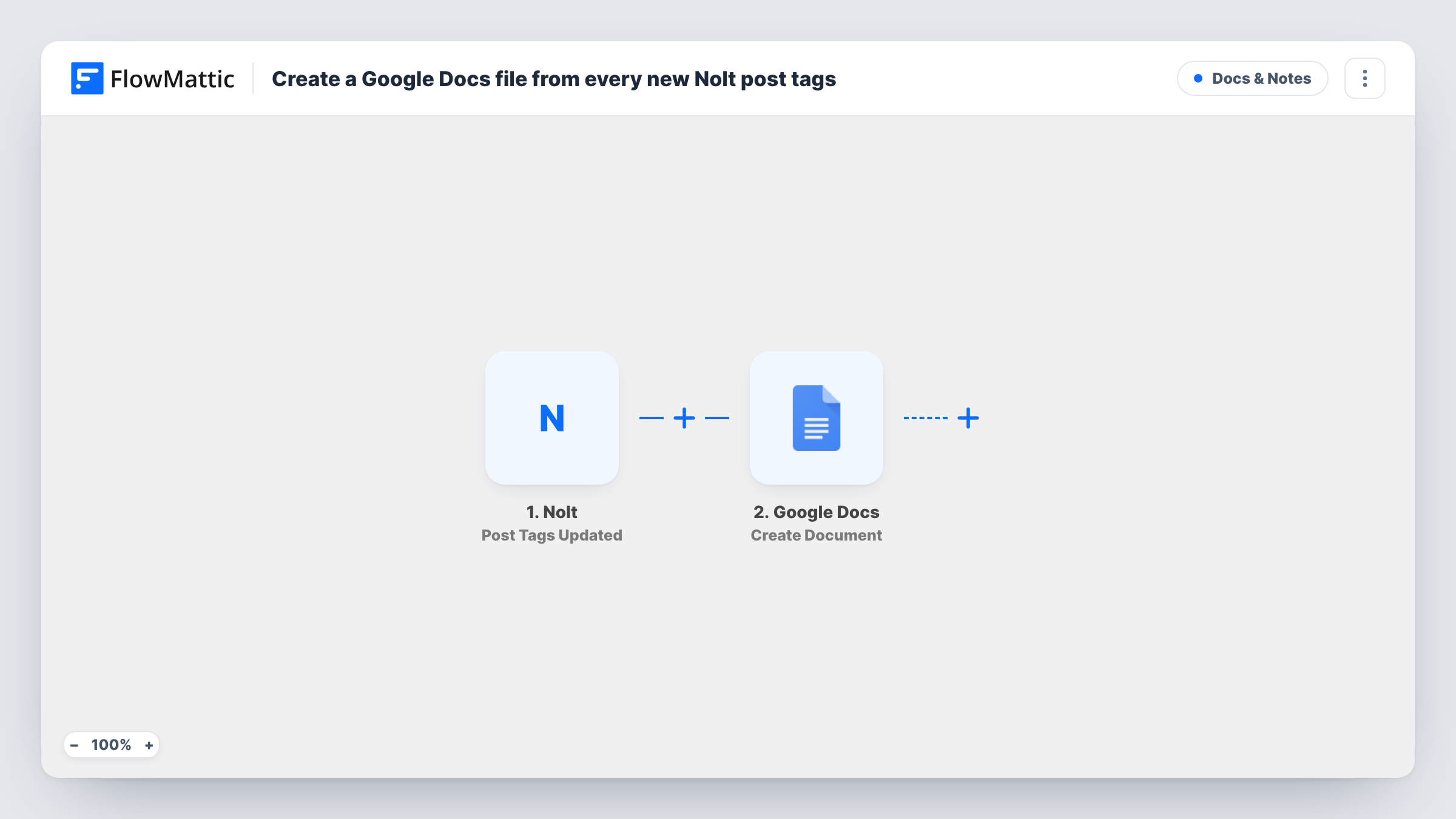
Each time the tags on a Nolt feedback post are updated, FlowMattic creates a new Google Docs file with the post details you map, leaving a written record of how feedback was labelled.
 Nolt
Nolt
 Google Docs
2 steps Setup ~5 min Used on 3.5k sites Free to import
What this workflow does
Tags on Nolt posts are how many product teams sort feedback into themes, areas or priorities. When a tag changes, the decision behind it lives only in the board. This workflow writes each change into its own Google Doc, so you have a record outside Nolt that you can read, share or file.
The Nolt trigger fires when the tags on a post are updated. FlowMattic passes the post data to Google Docs, where Create Document makes a new document. After import, you set its title and content, mapping in post details such as the title, the description and the tags, as your test run shows them.
Every tag update creates a separate document, even when the same post is retagged several times. That makes this flow suited to boards where tags change now and then, not constantly. Task History shows each run and the data Nolt sent.
Roadmap planning notes
When a post is tagged for the next quarter, a doc with its details is created, and the product manager adds planning notes under the mapped content.
Sharing feedback with stakeholders
Docs created from tagged posts can be shared with people who don't use Nolt, such as executives or clients.
Audit trail for triage
A support lead keeps a folder of docs showing each time a post's tags changed, useful when reviewing how feedback was categorised.
How this workflow runs
What happens at each step once the workflow is on, and what you need before you import it.
 Nolt Post Tags Updated
Runs when the tags on a Nolt post are updated, whether a tag was added or removed. The post's data is passed on for the document.
- Google Docs Create Document
Creates a new Google Doc for the tag change. Connect your Google account, give the doc a title such as the post title, and map Nolt details into its content.
What you need
- FlowMatticCore
- Nolt AccountAccount
- Google Docs AccountAccount
After importing, map your own data. To keep the template universal, not every step is pre-filled. Open each step in the builder and connect your accounts and fields (channels, lists, sheets, recipients) before you switch the workflow on.
Make it yours
Changes worth making after you import it.
- Include the post title and the date in the document name, so retagging the same post twice gives docs you can tell apart.
- Add a Filter after the trigger so a doc is only created when the tags contain a particular value, for example a roadmap tag.
- If you would rather keep one running record, swap Create Document for Google Docs Append Text to Document and add each change to the end of a single doc.
Questions about this workflow
Does retagging the same Nolt post create another Google Doc?
Yes. Each tag update is its own event, so each one creates a new document.
Is a document created when a Nolt post is first published?
Not by this trigger. It fires on tag updates. Nolt also has a Post Created trigger in FlowMattic if you want a doc for every new post.
Can I keep every tag change in one Google Doc instead?
Yes. Replace Create Document with Append Text to Document and point it at one doc you made beforehand.
More Docs & Notes workflows
Other ready-to-import templates from the same category.






Import this workflow into your WordPress site
Download the JSON, import it from the Workflows screen and connect your accounts. Every run stays on your server, with no per-task fees.
30-day money-back guarantee Unlimited workflows and runs Self-hosted