

Send Albacross Workflow data to a row in SmartSheets
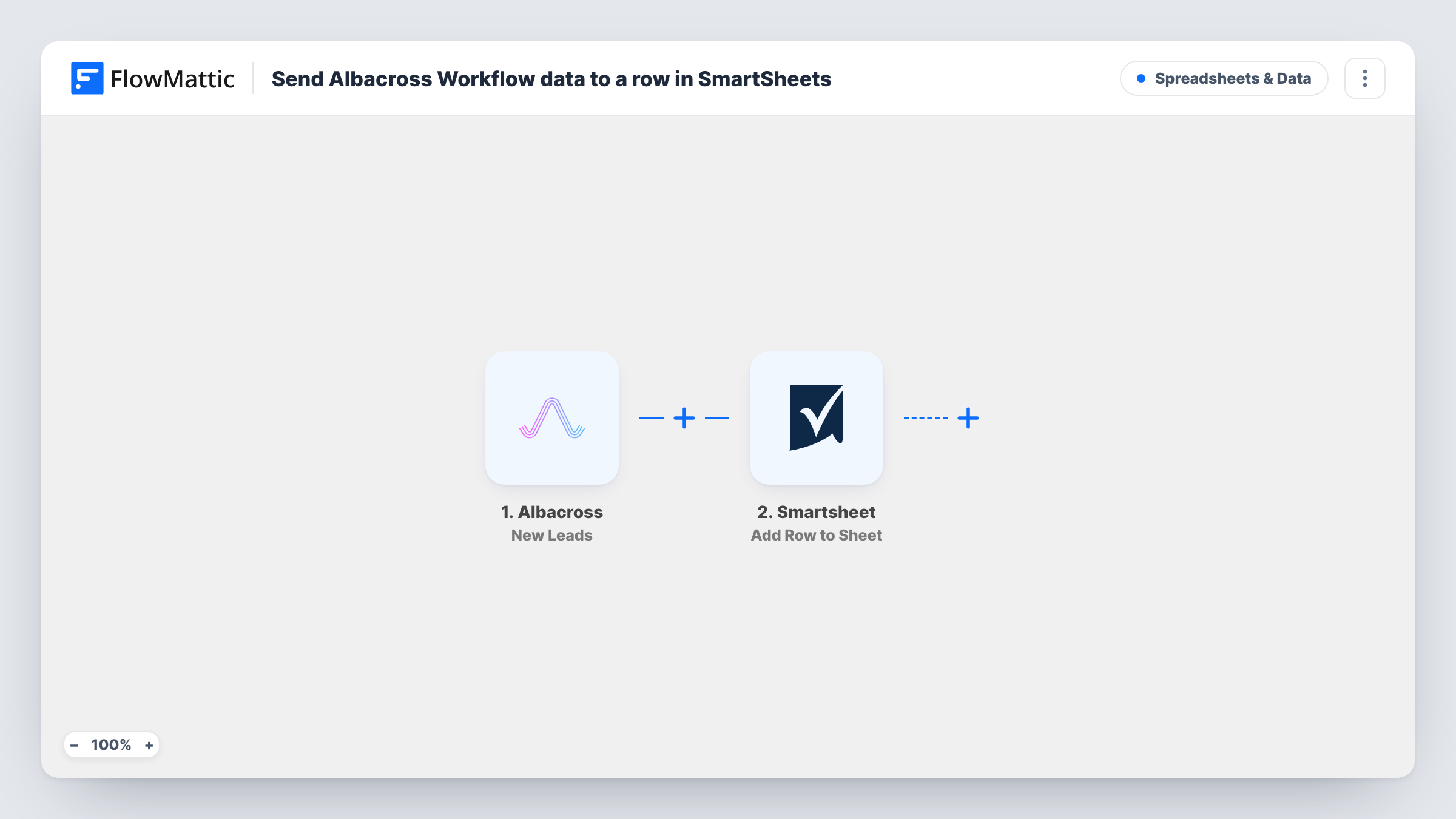
When Albacross receives a new lead, this workflow adds a row with the lead’s data to a Smartsheet sheet, so your team can track and work Albacross leads in the sheet they already plan from.
 Albacross
 Smartsheet
2 steps Setup ~5 min Used on 692 sites Free to import
What this workflow does
Albacross identifies companies that visit your website and turns them into leads. The data is only useful if your sales or marketing team looks at it, and many teams run their outreach plans in Smartsheet rather than in another dashboard. This workflow puts each new Albacross lead where they already work.
The Albacross trigger, New Leads, fires when a lead is received. FlowMattic takes the lead data Albacross sends and passes it to Smartsheet, where Add Row to Sheet writes it into the sheet you choose. You decide which piece of lead data fills each column when you map the step.
Every new lead adds a row, because nothing filters them as imported. Send a test lead, or wait for the first real one, so you can see which fields Albacross provides before you map the Smartsheet columns.
Weekly outreach planning
Your sales team reviews new Albacross leads in Smartsheet each week, assigns an owner in an extra column and tracks contact status there.
Sharing leads with a partner agency
An outside agency that runs your outbound campaigns works from a shared Smartsheet sheet instead of needing an Albacross login.
Reporting on website-sourced leads
Marketing builds Smartsheet reports from the rows to show how many companies Albacross picked up each month.
How this workflow runs
What happens at each step once the workflow is on, and what you need before you import it.
 Albacross New Leads
Fires when Albacross receives a new lead. The lead's data, whatever Albacross includes for it, is passed on for mapping into Smartsheet.
- Smartsheet Add Row to Sheet
Writes the Albacross lead into the Smartsheet sheet you select as a new row. Connect Smartsheet, choose the sheet and map lead data to its columns.
What you need
- FlowMatticCore
- Albacross AccountAccount
- Smartsheet AccountAccount
After importing, map your own data. To keep the template universal, not every step is pre-filled. Open each step in the builder and connect your accounts and fields (channels, lists, sheets, recipients) before you switch the workflow on.
Make it yours
Changes worth making after you import it.
- Add columns in Smartsheet for owner and status before you map the step, so your team can work each lead in the same row.
- Add a Filter after the trigger if only some leads belong in this sheet, using a value you can see in Albacross's captured test data.
- Keep this sheet just for Albacross rows, separate from leads entered by hand, so your team can tell where each one came from.
Questions about this workflow
Does the Smartsheet sheet need its columns set up before I import the Albacross workflow?
Yes. Add Row to Sheet writes into an existing Smartsheet sheet, so create the columns you want to fill first and then map Albacross data to them.
Which Albacross data can I put in Smartsheet?
Whatever Albacross sends with the lead. After the first lead arrives, look at the captured data in the trigger step and map the fields you want.
Will leads Albacross found before I import this go into Smartsheet?
No. Only leads received after the workflow is turned on start a run and add a row.
More Spreadsheets & Data workflows
Other ready-to-import templates from the same category.






Import this workflow into your WordPress site
Download the JSON, import it from the Workflows screen and connect your accounts. Every run stays on your server, with no per-task fees.
30-day money-back guarantee Unlimited workflows and runs Self-hosted